9
EN
Green LED is ON
Incoming door call or internal call > active voice connection.
Green LED blinks 3 x
Busy speech channel, door release is still possible.
Red LED is ON
The ring tone mute is activated, incoming door or internal calls are not signalled acoustically.
Green and red LED are ON
Ringtone selsection is activated.
Green and red LED are flashing
Error indication > An error tone sounds once. The device is not ready for operation. For trouble shooting
contact your qualified electrician.
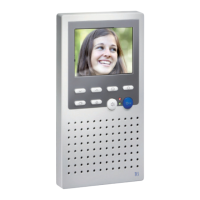
OPERATING ELEMENTS
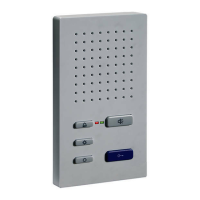
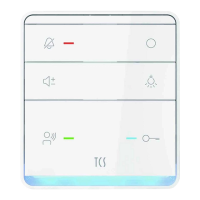
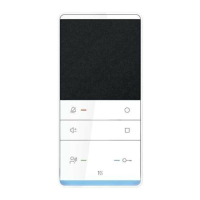
Call OFF button
› activate ring tone mute
› press for 8 seconds: start/quit the ring tone selection
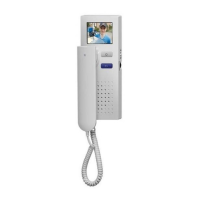
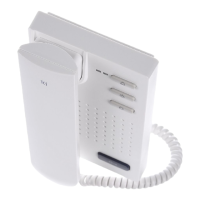
Speech button | Handset
› Accept and quit a call
› press for 2 seconds to de-/activate the half-duplex communication*
› ring tone selection for door call 2
* half-duplex communication only for ISW3030 and ISW3130 (de-) activate
If background noise interferes with the conversation, press the speech button for more
than 1 second after accepting a call to enter the „Intercom“ mode. In this mode, speaking
is controlled with the speech button:
› Keep the speech button pressed: You speak.
› Release the speech button: You hear
Function key
› Choose from the following functions, which you can trigger with the function key:*
– Control function (e.g. Open gate) trigger
– Activate automatic door opener
– Call forwarding to a second indoor station
– Internal call, calling a second indoor station
› Ring tone selection for internal call
* not valid for ISH3030 and ISW3030 (pressing the key only triggers control function 8)
LEDINDICATION


 To Next Page