14
1
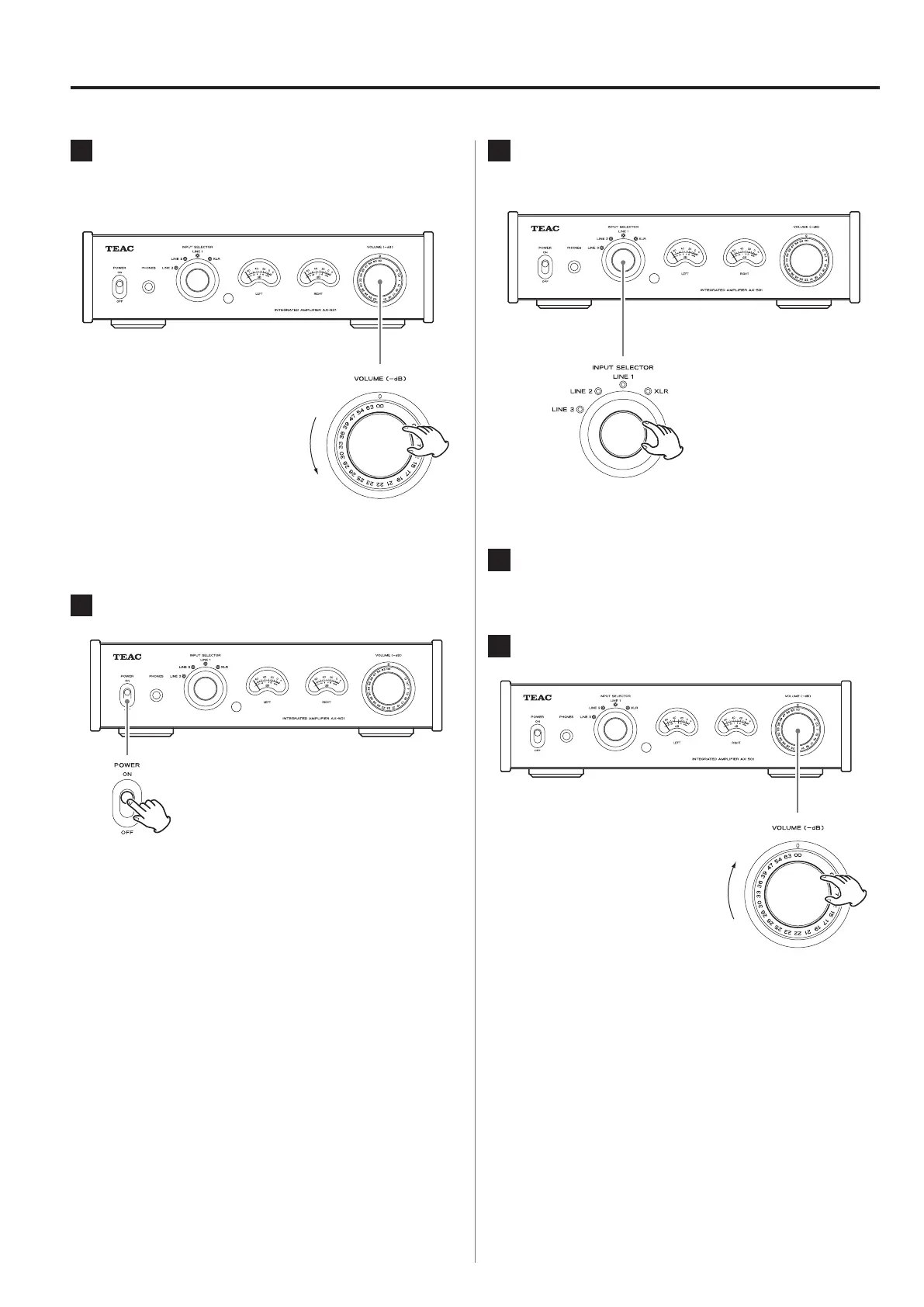
Minimize the volume.
Use the VOLUME knob or the remote control VOLUME
buttons to minimize the volume.
−∞ dB: Minimum volume
0 dB: Maximum volume
2
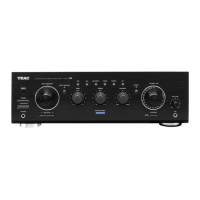
Set the POWER switch to ON.
Basic operation
3
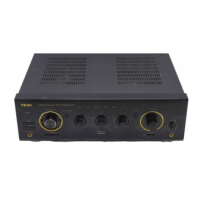
Turn the INPUT SELECTOR knob to select
the input source.
The indicator for the selected source lights.
4
Operate the playback device.
Refer to the operation manual of that device.
5
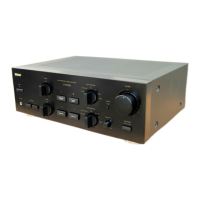
Adjust the volume.
−∞ dB: Minimum volume
0 dB: Maximum volume
Start playback on the source and use the VOLUME
knob or remote control VOLUME buttons to adjust the
volume to its optimal level.


 To Next Page