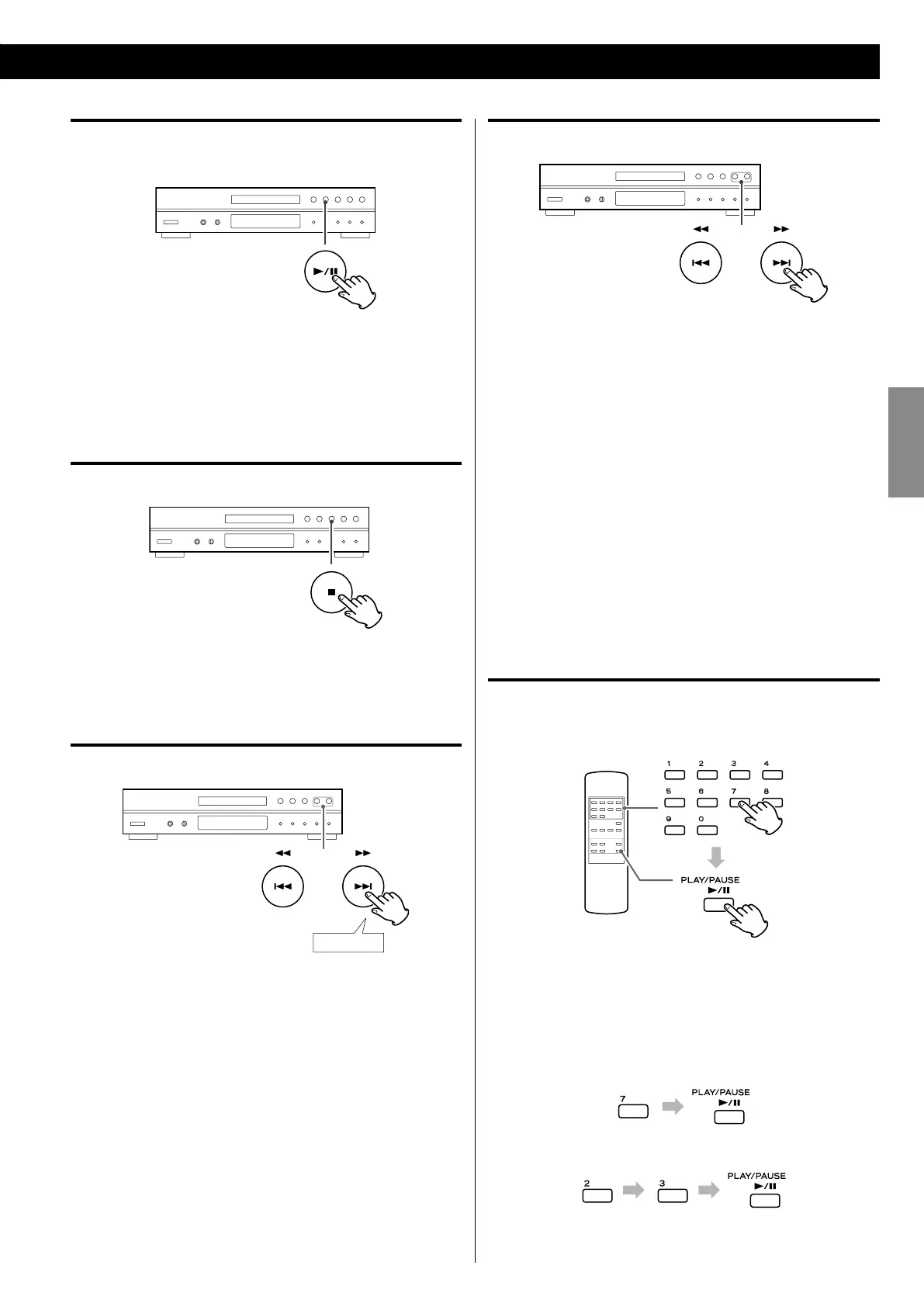
Suspending playback temporarily
(Pause mode)
Press the Play/Pause button (G/J) during playback to stop
playback at the current position. To resume playback, press the
Play/Pause button (G/J) again.
Stopping playback
Press the Stop button (H) to stop playback.
Search for a part of a track/file
During playback, hold down a Search button (m or ,) to
search a part of a track/file. Release it when you find the beginning
of the part you want to hear.
Skipping to an earlier or later track/file
During playback
Press a Skip button (.//) repeatedly until the desired track/
file is selected. The selected track/file will be played from the
beginning.
When playback is stopped
Press a Skip button (.//) repeatedly to select the track/file
you want to hear. Then, press the Play/Pause button (G/J) to start
playback of the selected track/file.
< If the . button is pressed once during playback, the track/file
being played will be played again from the beginning. To return
to the beginning of the previous track/file, press the . button
twice.
< During program playback, tracks/files in the program are selected
and played.
Direct Playback
When stopped or playing back, you can use the Number buttons on
the remote control to select tracks/files.
Select a track/file using the Number buttons, and press the PLAY/
PAUSE (G/J) button within 10 seconds to start playback of the
selected track/file.
Examples:
To playback track/file 7
To playback track/file 23
< Direct playback is not possible during shuffle playback and
program playback.



 To Next Page