Checking the program order
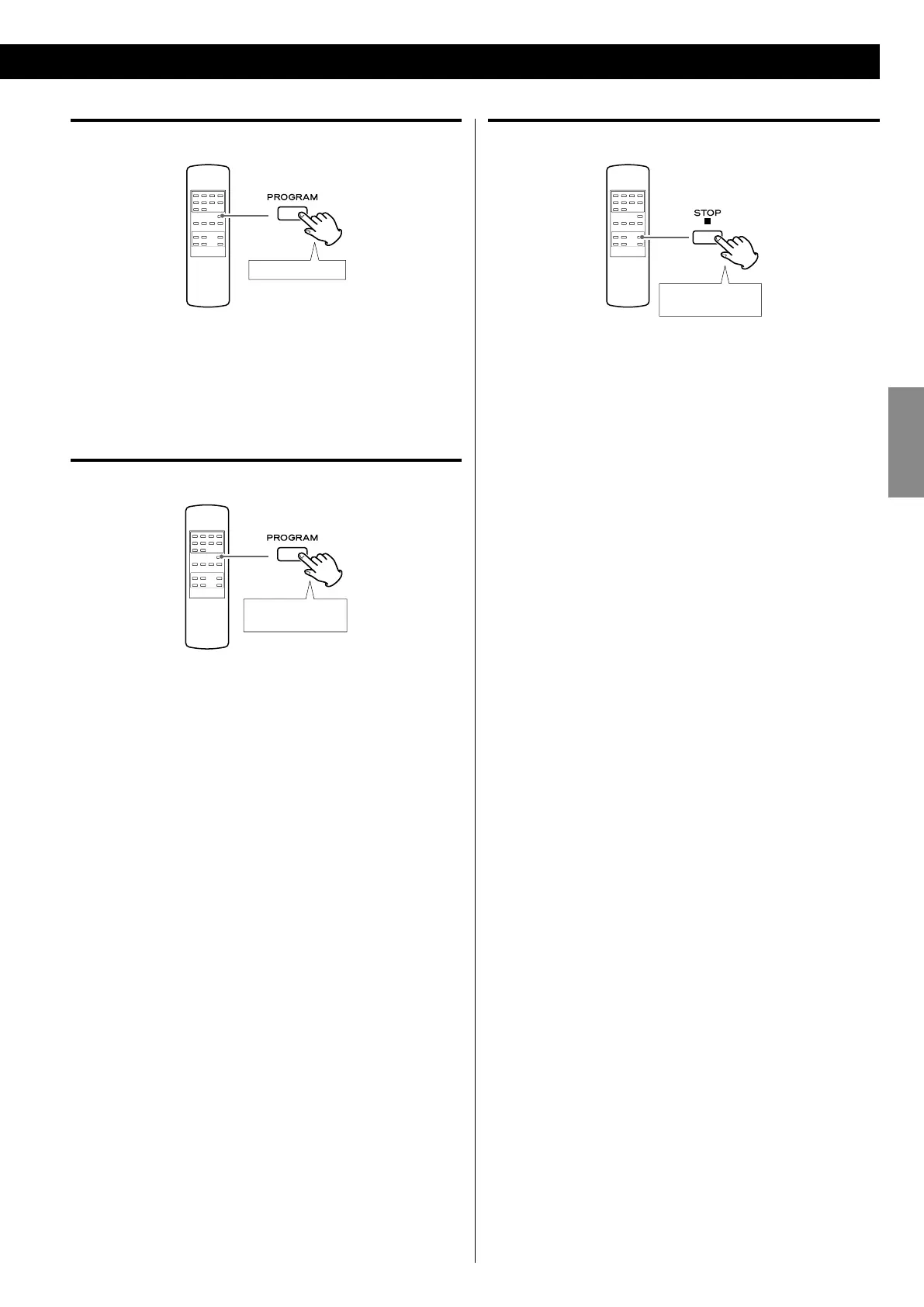
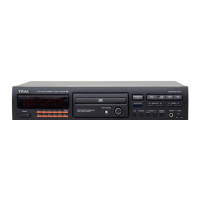
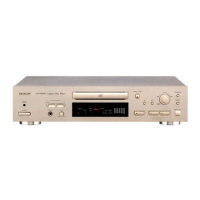
When playback is stopped, press the PROGRAM button repeatedly.
The numbers of the programmed tracks/files and their program
numbers will be shown in order.
Exiting program mode
Hold down
more than 1sec.
When playback is stopped, press and hold the PROGRAM button
more than 1 second. The MEMORY indicator will disappear.
< The contents of the program are not cleared. Press the PROGRAM
button again and then press the Play/Pause button (y/J) to
restart program playback.
Clearing the program
Hold down
more than 1sec.
When playback is stopped, press and hold the STOP button (H)
more than 1 second. The MEMORY indicator will disappear.
< If the MEMORY indicator is not shown, press the PROGRAM button
to activate program mode before clearing the program.
The contents of the program are also cleared if the POWER or
OPEN/CLOSE button (L) is pressed.



 To Next Page