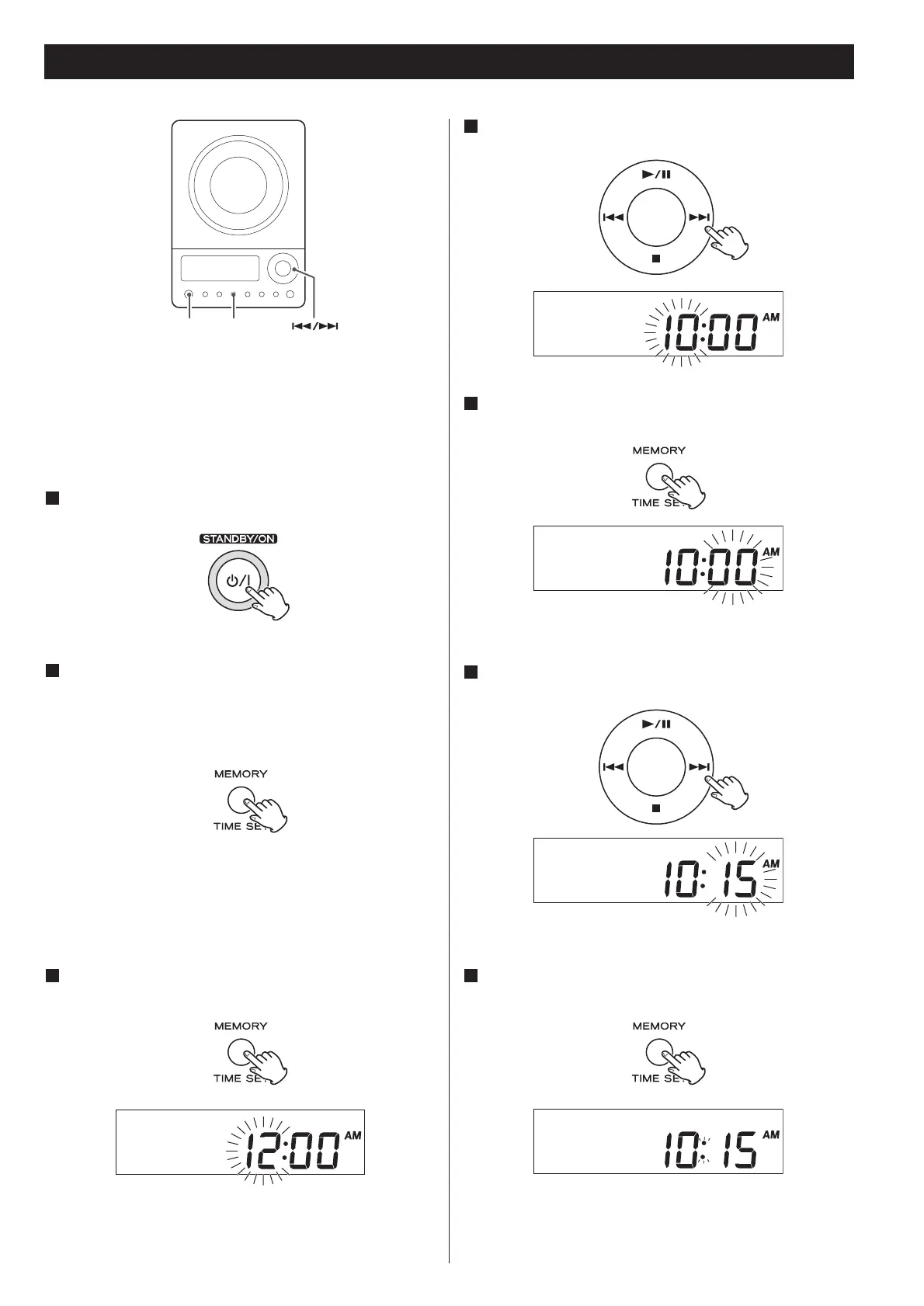
23
Setting the Clock
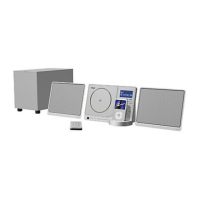
If the power switch of the subwoofer turned off, the
settings kept in memory (clock, preset stations, timer
setting) will be erased.
If the unit is on, press the STANDBY/ON switch to turn
it standby
1
Press the TIME SET button once more.
The “hour” value blinks.
3
Press the SKIP button (.//) to set the current
hour.
4
Press the TIME SET button.
The “minute” value blinks.
5
Press the SKIP button (.//) to set the current
minute.
6
Press the TIME SET button.
The clock starts.
7
Press and hold the TIME SET button for more than 3
seconds and release it when “12H” or “24H” appears on
the display.
“12” or “24” blinks. If you want to change the hour mode,
press the .
or/ button.
2
< If you leave the unit idle for 7 seconds, the time setting mode
will be cancelled.



 To Next Page