22
Setting the Timer 2 Setting the Sleep Timer
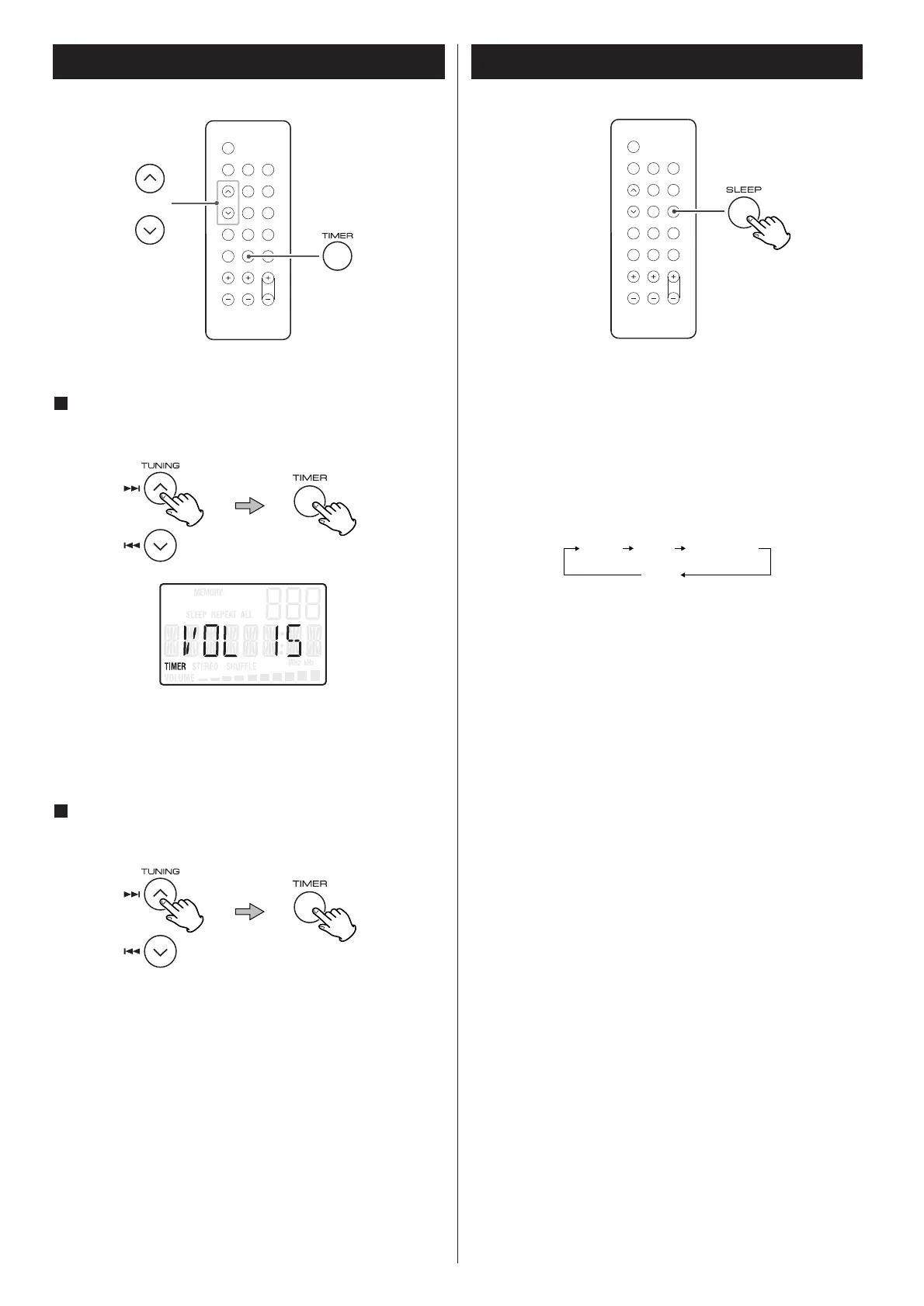
Press the Up or Down button to select a source (CD or
TUNER), and then press the TIMER button.
6
< Prepare the source. When you select “TUNER”, tune in a
station.
Press the Up or Down button to set the volume, and
then press the TIMER button.
7
The unit will turn on and off at the specified time.
< The timer doesn’t work when the unit is turned on manually.
< When you don’t use timer, press the TIMER button to turn it
off.
Repeatedly pressing the SLEEP button permits setting an interval
(from 90 down to 10 minutes) after which you want the unit to
automatically turn off and shift into Standby mode.
Each press of the SLEEP button changes the time indication by
10 minutes.



 To Next Page