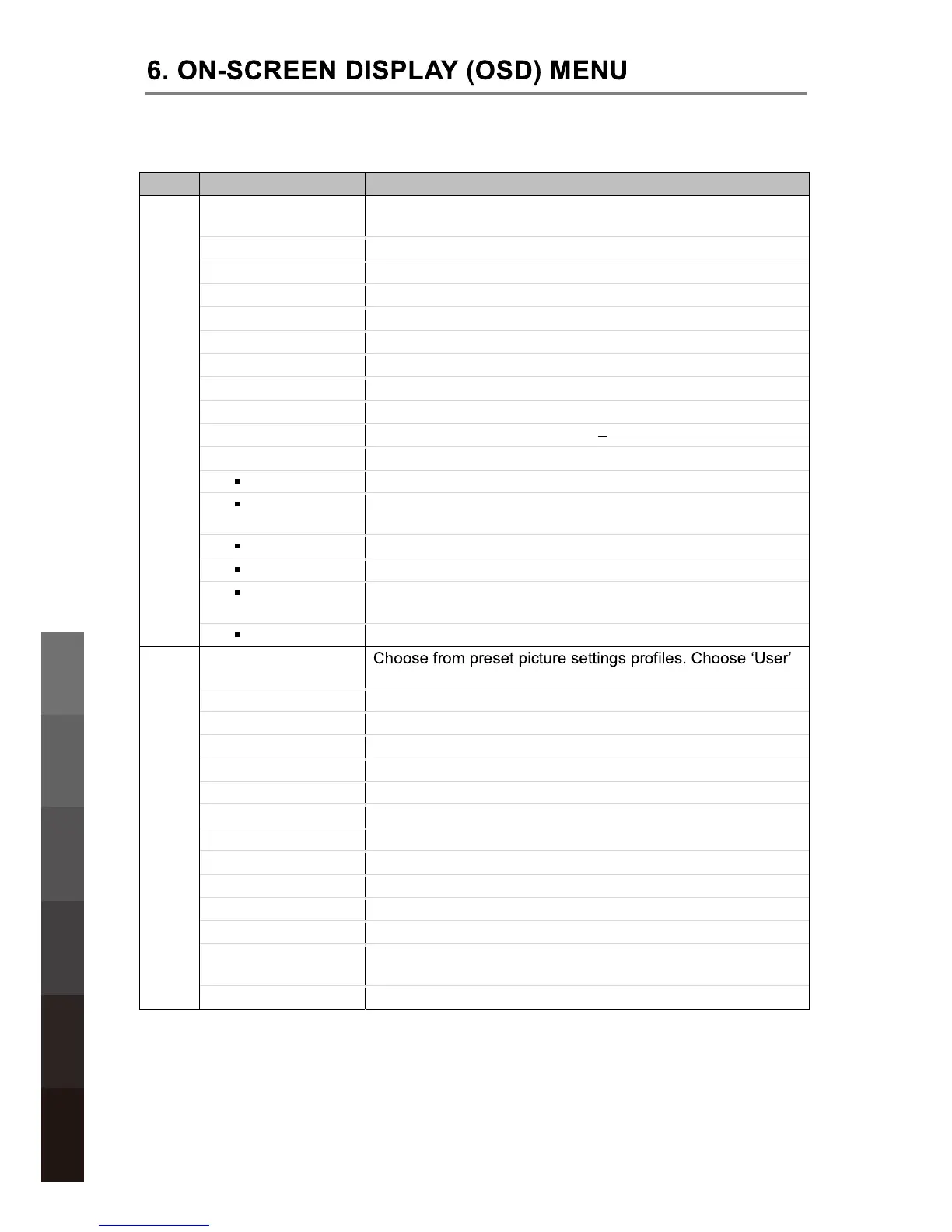
Menu Option Description
CHANNEL
Auto Scan Tune channels automatically. This will overwrite any
previously saved channels and channel settings.
DTV Manual Tuning Tune digital TV channels manually.
ATV Manual Tuning Tune analogue channels manually.
Channel Edit Customize channel list display and channel access.
Signal Information Display detailed channel signal information.
Record Start Start recording the current DTV channel at once.
Recorded List Display the Recorded File List.
Record Mode Schedule a future recording.
Schedule List Display the Schedule List.
Free Record Limit Set a recording limit between 1 6hours.
DVR File System Access the DVR File System Menu.
Select Disk Select a connected USB storage device.
Check DVR
File System
Check if the selected USB storage device is compatible.
USB Disk Show if the selected USB storage device is compatible.
Format Format the selected USB storage device.
Time Shift
Size
Available data storage space for Time Shift recording
USB Speed Shows the speed of the selected USB storage device.
PICTURE
Picture Mode
for manual customisation.
Contrast Adjust picture contrast.
Brightness Adjust picture brightness.
Colour Adjust picture colour.
Sharpness Adjust picture sharpness.
Tint Adjust picture tint. (NTSC format only)
Colour Temperature Adjust colour temperature.
Red Adjust Red colour level.
Green Adjust Green colour level.
Blue Adjust Blue colour level.
Aspect Ratio Adjust picture aspect ratio.
Noise Reduction Adjust noise reduction settings.
SCREEN
PC Mode: Access the submenu to adjust the
Horizontal/Vertical position, Size or Phase of the picture.
Over Scan
HDMI Mode: Choose between Video and PC.
14
USB Multimedia
Playback
On-Screen DisplayTV & Electronic
Programme Guide
Digital Video
Recording (DVR)
(OSD) Menu
Reference
DVD Operation


 To Next Page