ENGLISH FRANÇAIS
18
Basic Playback (3) Lecture de base (3)
B
C
A
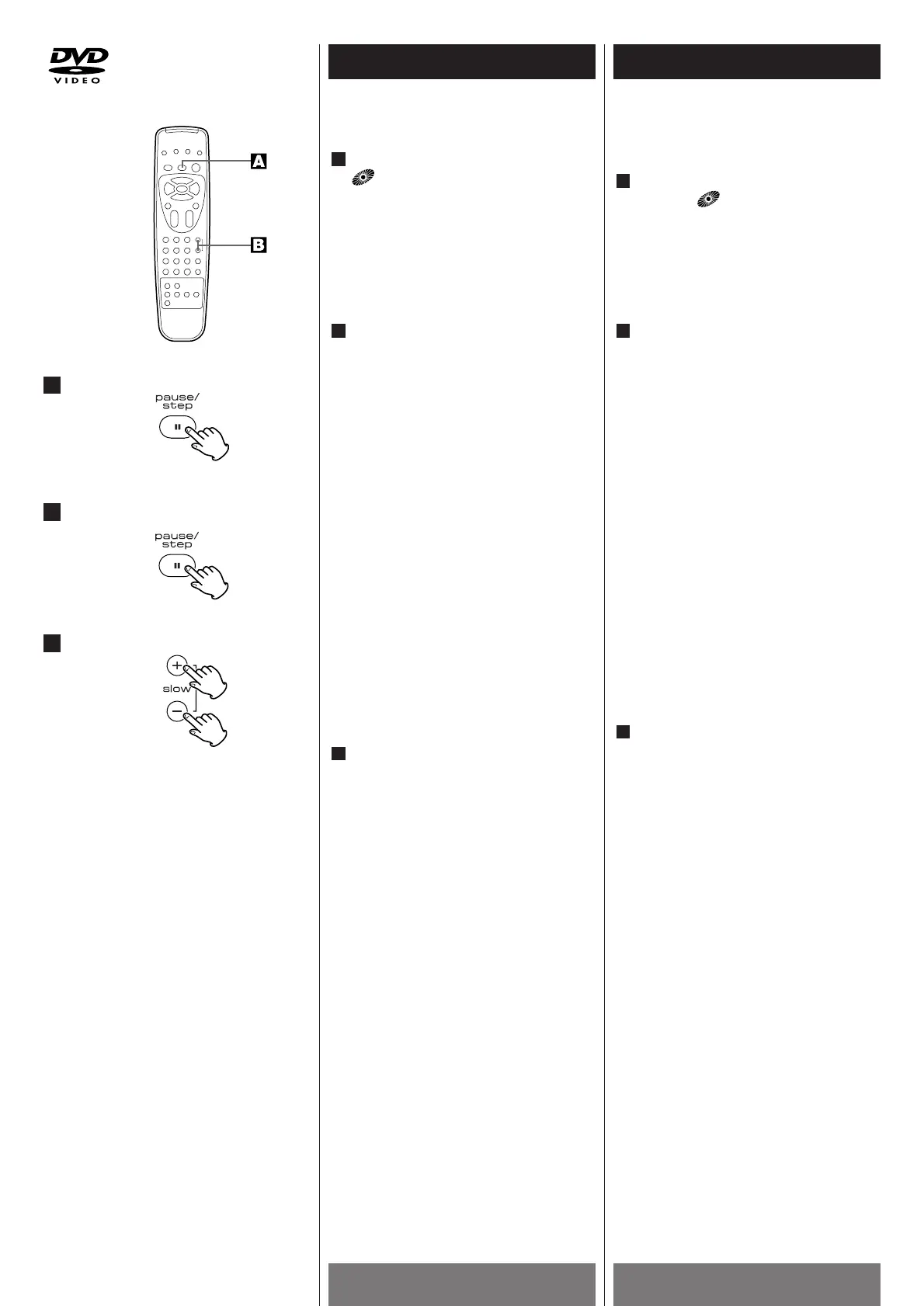
Viewing a Still Frame
Press PAUSE(J) button.
indicator blinks.
<
To return to normal playback, press the
PLAY button (G
).
Playing Frame by Frame
Press the STEP button (J) repeatedly
to play the disc step by step (one
frame every step).
Press the STEP button (J ) again to
resume normal playback. (DVD only)
Notes
< There is no sound when viewing still
frames or slow playback, or when
advancing one frame at a time.
<
Pause, slow playback, or frame advance
playback may not be possible with
certain titles.
<
To return to normal playback, press the
PLAY button (G
).
Slow Playback–Viewing a Slow
Picture
Press the SLOW – or SLOW + button
during playback.
< During slow playback, the playback
speed and direction can be selected with
the SLOW – button or theSLOW + button.
<
To increase the playback speed, press
the one button as the playback direction.
<
To reverse the playback direction, press
the button opposite to the playback
direction.
<
To return to normal playback, press the
PLAY button (G
).
C
B
A
Visionnement avec arrêt sur
l'image
Appuyez sur la touche PAUSE(J).
Le témoin clignote.
<
Pour revenir dans le mode d'écoute
normale, appuyez sur la touche
PLAY(G
).
Ecoute image après image
Presser la touche STEP (J ) d’une
façon répétitive pour lire le disque pas
à pas (un cadre d’image par pas).
Pour reprendre la lecture mormale,
presser la touche STEP (J
) (DVD
uniquement).
Remarques
< Lorsque vous faites un arrêt sur l'image
ou lorsque vous regardez dans le mode
Lent ou effectuez une avance image
après image, il n'y a pas de son.
<
Les options Pause, Ecoute lente ou
Avance image après image ne sont pas
possibles avec certains titres.
<
Pour revenir dans le mode d'écoute
normale, appuyez sur la touche PLAY
(G
).
Visionnement lent
Appuyez sur la touche SLOW – ou
SLOW + pendant la lecture d'un
disque.
< Pendant une écoute lente, vous pouvez
choisir la vitesse et le sens de l'écoute à
l'aide de la touche SLOW - ou SLOW +.
<
Pour augmenter la vitesse de l'écoute,
appuyez sur la touche qui correspond au
sens de l'écoute.
<
Pour changer le sens de l'écoute,
appuyez sur l'autre touche, celle qui
indique le sens opposé de l'écoute.
<
Pour revenir dans le mode d'écoute
normale, appuyez sur la touche PLAY
(G
).
C
B
A



 To Next Page