-15-
PLAYBACK
After all the connections was made correctly. Switch on the unit. Now, itis
ready to service!
Loading and Playing a Disc
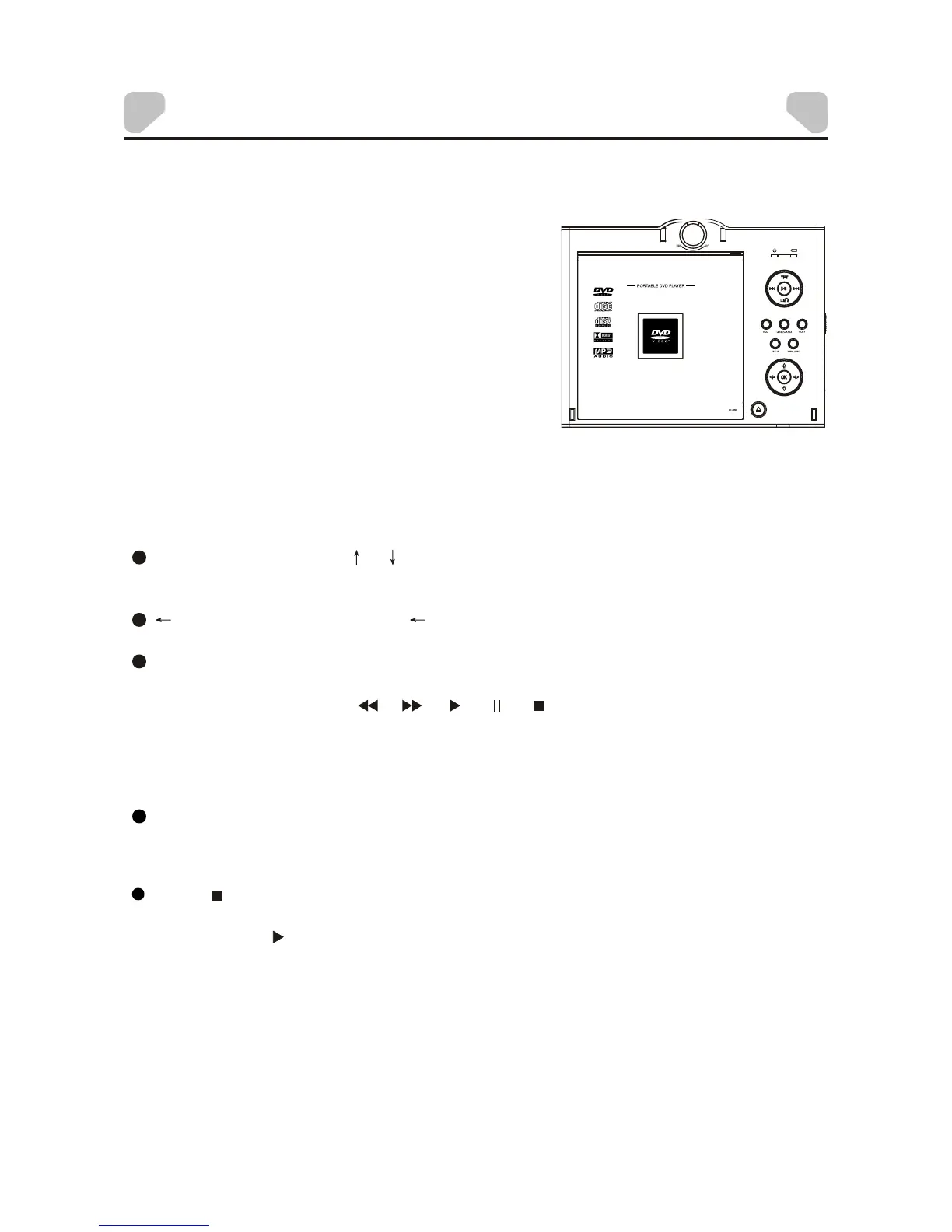
A. After connecting power to the unit, set the
power switch to the ON position .
B. Press [OPEN] to open the discdoor. Placea
disc in it with the label side facing up.
C. Close the disc tray. The unit will load the
disc and start playing.
JPEG PLAYBACK
Place a JPEG disc, USB or Card into the unit, the content menu will
Press [ ] to enter the thumbnailmode to previewthe pictures.
In the thumbnail mode, use the direction keysto select apicture, then press
[ENTER]/[OK]/[ ] to start the playback from the selected picture.
In the thumbnail mode, use the direction keysand [ENTER]/[OK] to make
selection of Slide Show, Menu, Prev or Next at the bottom of the screen.
Slide Show: Start slide show playback.
Menu: Enter the instruction menu for remote key function. In the menu,
press [ENTER]/[OK] to turn over to the next menu page and again to exit the
instruction menu.
display on the screen. Select a JPEG file and press ENTER/OK to view
picture in full screen. For more info on operating the disc content menu,
please refer to MP3/AVI Playback above.
MP3/AVI PLAYBACK
After the unit loads a MP3/AVI disc, USB or Card, the content menu will
display on the screen.
Use the directionkey [ ]/[ ] to select a folderor a file, then press
[ENTER]/[OK] to enter the selected folder or play the selected file. You can
also use the digit keys to make selection of a folder to enter or a file to play.
[ ] : Press the direction key [ ] to return to the previous menu. During a
playback, to returnto the previousmenu, you need to stop theplayback first.
[REPEAT]: Press to selecta repeat mode, SINGLE, REPEAT ONE,
REPEAT FOLDER or FOLDER.
NOTE: During playback,[ ], [ ], [ ], [ ], [ ](press to stop the playback),
[VOLUME+/-], [MUTE], etc. are also active. Please refer to the KEY
FUNCTION chapter for details.


 To Next Page