PANEL AND REMOTE OPERATION
8
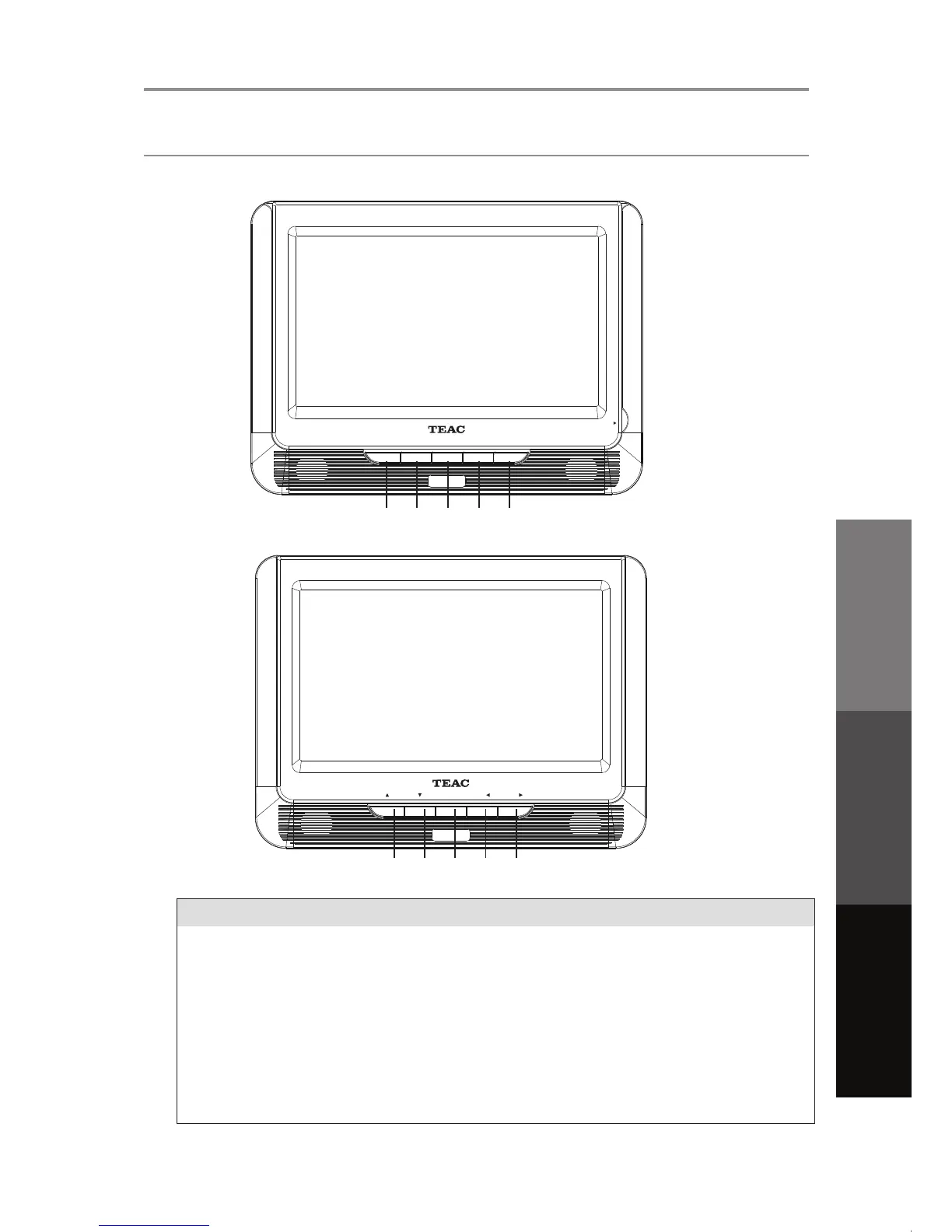
Panel Controls
Button Function
1. DVD/USB/SD
Press to cycle through the following modes: DVD>USB>SD
2. STOP
Press this key to stop playing
4. VOL-
Decrease volume level
SAFETY INFORMATION INTRODUCTION PANEL & REMOTE UNIT OPERATION REFERENCE
1 2 3 4 5
3. PLAY/PAUSE
Press this key to enter into play status and this once again
to pause the play.
5. VOL+
Increase volume level
6 7 8 9 10
DVD/ US B/ SD STO P PLAY/PAUS E VOL- VOL+
OPEN
FUNCTI ON
VOL-
VOL+


 To Next Page