Selecting tracks
Skipping
During playback, press a skip button (
.
/
/
) on the main unit
or the remote control to skip to the previous or next track and start
playback.
Press the o
.
button once to return to the beginning of the track
that is currently playing. Press the
.
button repeatedly to skip
to an earlier track.
If you press the
.
button when still within the first second of a
track, however, you will skip to the previous track.
When stopped or paused, press a skip button ( o
.
/
/
) to pause
at the beginning of the selected track.
Using the number buttons to select and play
tracks
During playback or when stopped, press the number buttons to
select a track and start its playback.
Examples:
Track 7
Track 23
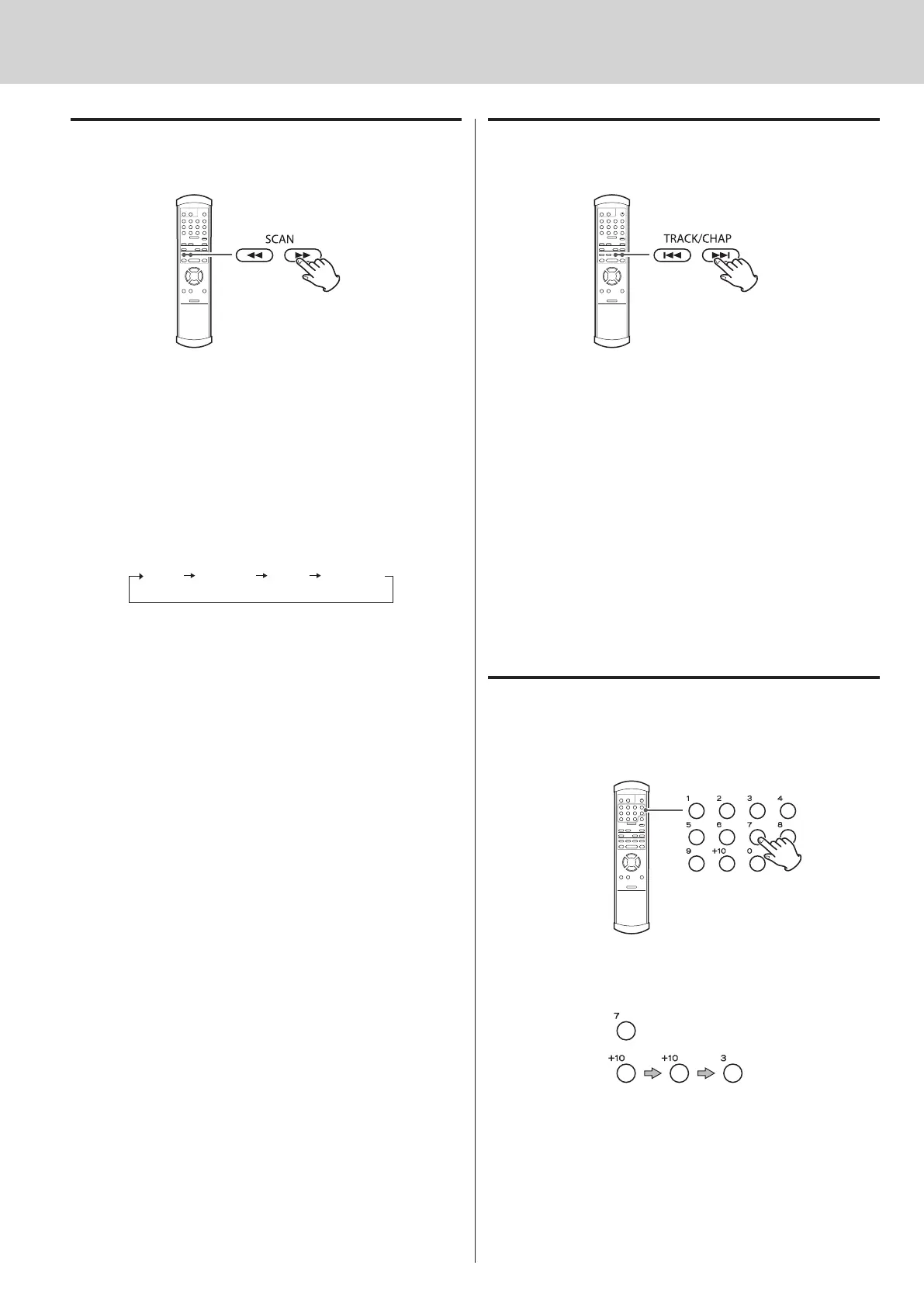
Searching forward/backward (scanning)
During playback, press a remote control SCAN button (
m
/
,
)
to search forward/backward. When you find the point that you
want to listen to, press the PLAY button (
y
).
Press the SCAN button (
m
/
,
) repeatedly to change the search
speed.
When using the main unit, press and hold (for more than 1 second)
a skip button (
.
/
/
) repeatedly.
The speed that the < or > flashes on the display also changes.
Ordinary
playback
Speed
(slow)
Speed
(medium)
Speed
(fast)
To change the search forward/backward speed with a SCAN o
button (
m
/
,
), do not press and hold it. Press it again
briefly to increase the speed.



 To Next Page