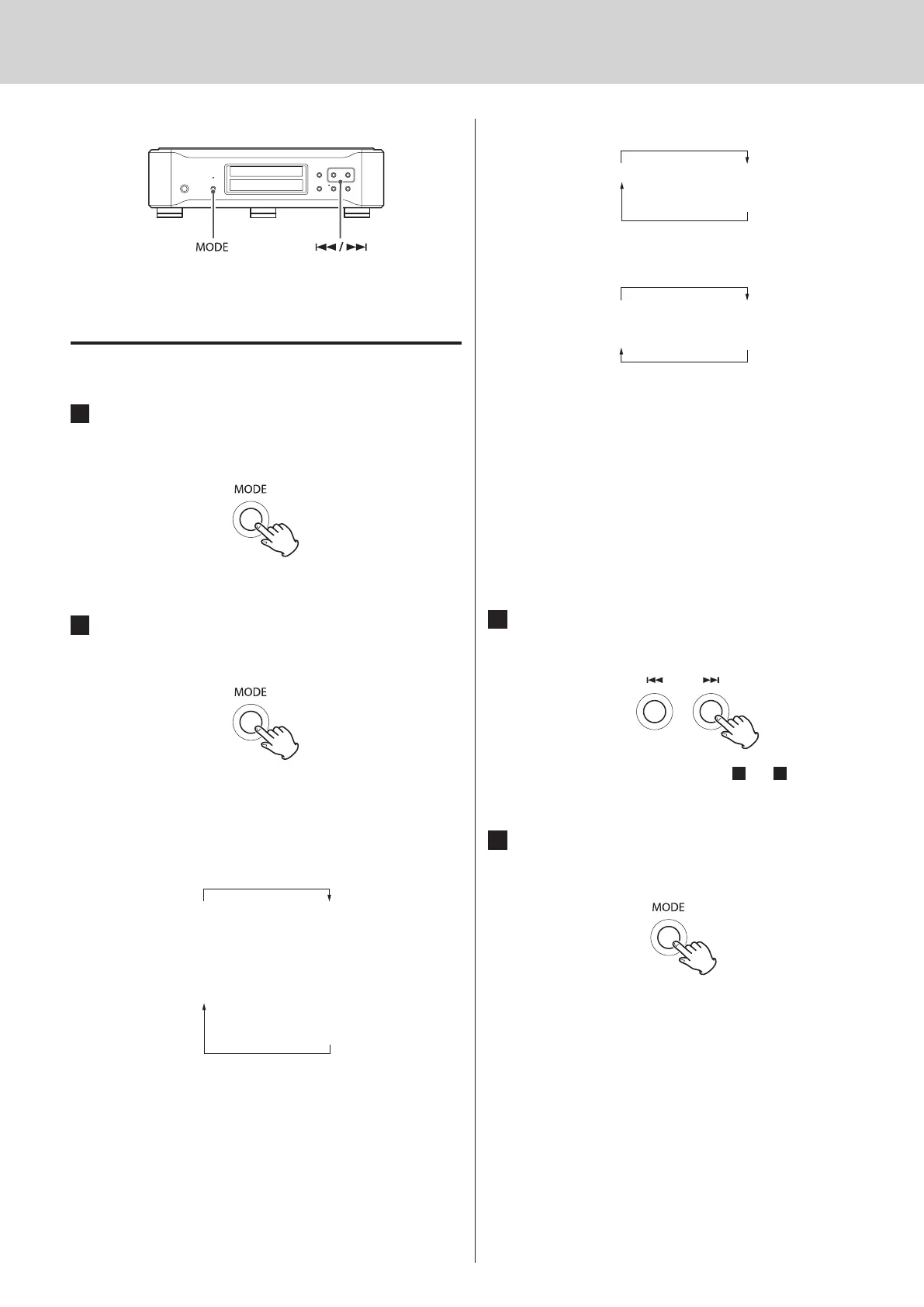
Setting mode (1)
Changing settings
1
When stopped or during playback, press
and hold the MODE button for 2 or more
seconds.
2
Press the MODE button repeatedly to select
different setting items.
Each time you press the MODE button, the display will change.
The items shown will differ according to the source currently o
selected (see p.21).
CD/SACD source
UPCONV>
FLaOFF>
D_OUT>
XLR>
DF>
Z
CLK>
Z
USB>
Z
AT T>
Z
A_OUT>
The XLR item will only appear when the analog output (A_OUT) o
setting is XLR2 or XLR3.
COAX in or OPT in source
USB source
Depending on the operation status, some items might not o
appear.
Setting mode will end automatically if nothing is done for 10 o
seconds, and the CD status message will reappear.
When the menu is open, if you press and hold the MODE button o
for 2 or more seconds, or you press the stop button once, setting
mode will end and the CD status message will reappear.
3
Use the main unit or remote control skip
buttons (
.
/
/
) to change settings.
To change multiple items, repeat steps
2
and
3
.
4
Press and hold the MODE button for 2 or
more seconds to end setting mode.
Setting mode will also end and the CD status message will
reappear if nothing is done for 10 seconds or the stop button is
pressed once.
Setting changes will be retained even if the power plug is o
disconnected for an extended period of time.



 To Next Page