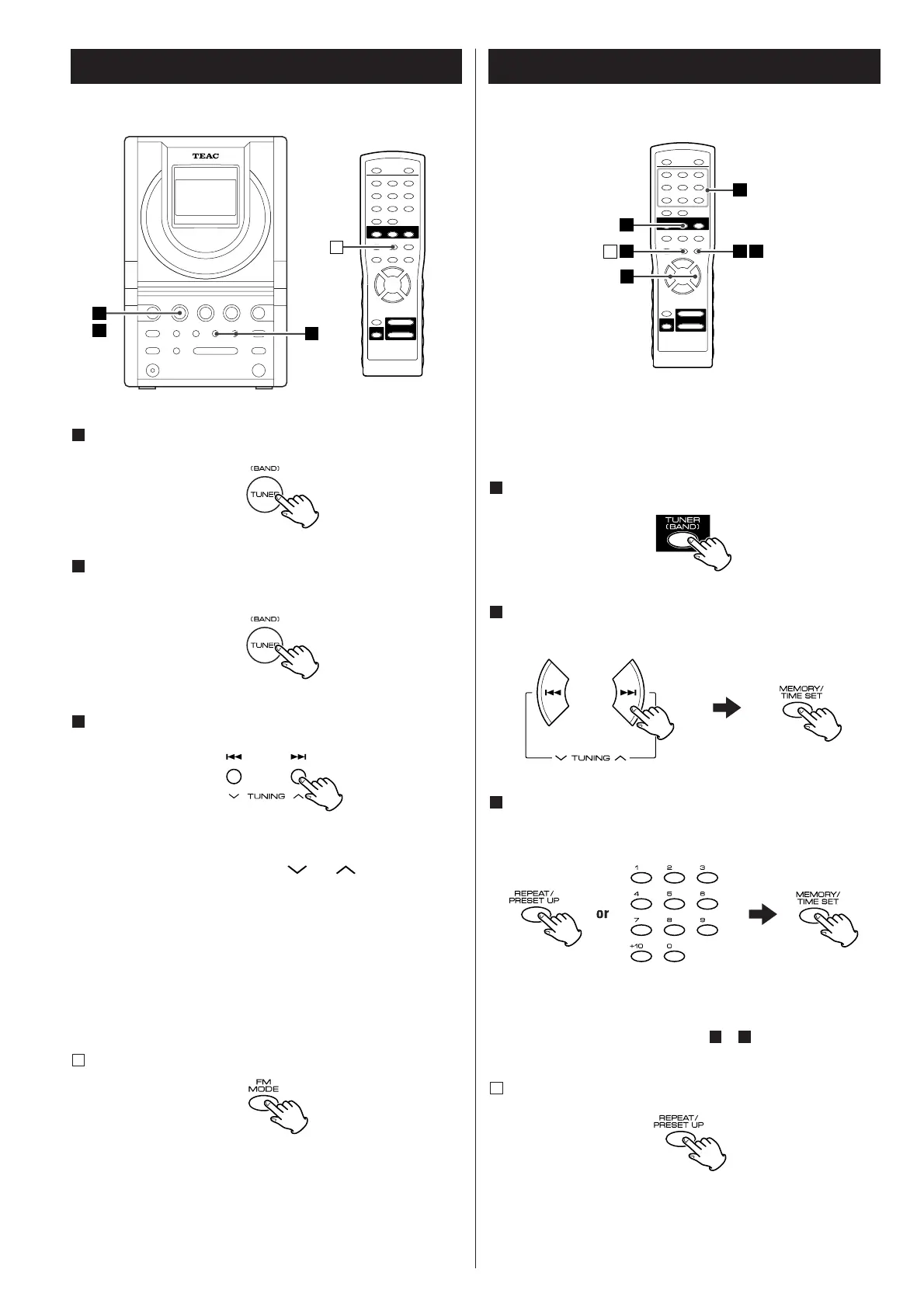
Press the TUNER (BAND) button.
1
To select the band (AM or FM), press the TUNER (BAND)
button again.
2
Select a station.
3
Hold down the TUNING button ( or ) for a while and
release the button. When a station is tuned in, the tuning stops
automatically.
Repeat this step until the desired station is found.
Press the TUNING button to stop the tuning.
<
To select stations which cannot be tuned automatically, press
the TUNING button repeatedly.
<
"STEREO" is displayed when a stereo broadcast is tuned in.
If the reception is poor
A
Press the FM MODE button.
The unit is turned to mono mode, but the reception will
improve.
For a good reception, turn around the antenna so that you can
get the stations clearly.
Up to 20 FM and 12 AM stations can be stored in preset
memories.
Press the TUNER [BAND] button to select FM or AM.
1
Press the TUNING button and tune in a station to be stored as
a preset station and then press the MEMORY/TIME SET button.
2
Select a preset channel to store the station by pressing the
REPEAT/PRESET UP button or a numeric button, and then press
the MEMORY/TIME SET button.
3
Remember not to overwrite a preset channel. It is wise of you
to write down which stations are stored in which channels.
To store more stations, repeat steps to .
How to select preset stations
A
31
Press the PRESET UP button or numeric buttons to select a
preset channel.



 To Next Page