19
Menu System and Advanced Controls
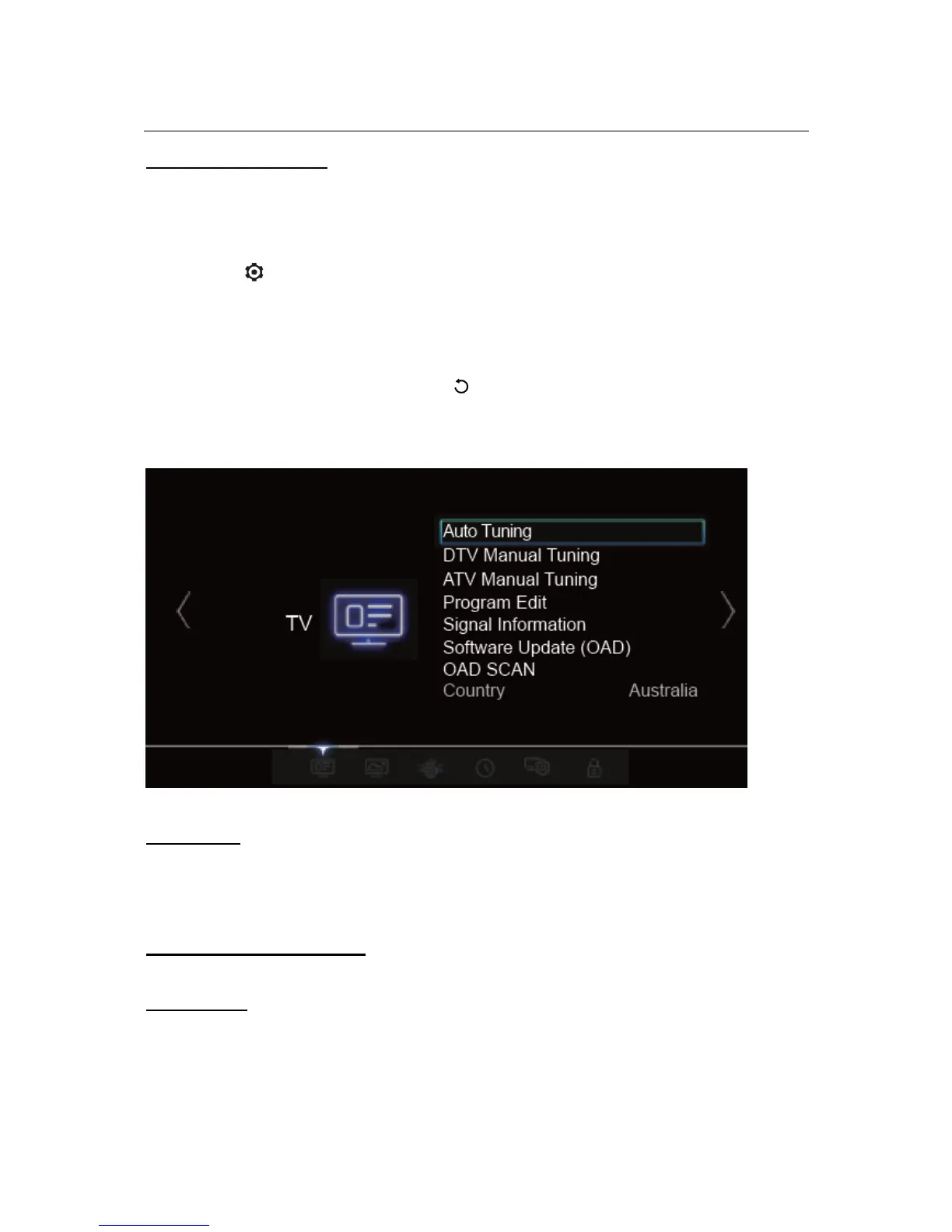
Using the Menu System
This section explains the system settings menu of your TV. Each menu is outlined and
detailed to help you get the most from your TV. Please note that some function might be
unavailable in certain input source.
1. Press on the remote control to display the main menu.
2. Press ◄/► to select TV, PICTURE , SOUND, TIME, SYSTEM, LOCK then press
OK to enter the submenu.
3. In the submenu, press ▲/▼ to select menu options, press ▲/▼/◄/► to set
functions or change values, press OK to open the corresponding submenu or
activate a setting.
4. To return the previous menu, press . To quit the menu, press EXIT.
Note: Figures and illustrations in this User Manual are provided for reference only and may differ from
actual product appearance. And for some models, certain options are not available.
Auto Tuning
When you first use your TV you will have to set up your TV for DTV/ATV channels using the
Initial Setup menu. If you did not complete this or if your setup has changed, you can do
this from this menu.
DTV and ATV Manual Tuning
If you know your specific tuning frequency you can use this function.
Program Edit
Use Program Edit for channel management – SKIP and FAV set up.
• FAVOURITE CHANNELS LIST



 To Next Page