PVR
Menu system instruction
36
PVR File System
Select Disk: Press OK” button to enter submenu and press / choose the disk for PVR.
Record Max Time: Press /
Check PVR File System: Press OK” button to check if the disk is PVR.
USB Disk:
Format: Press OK” button to enter format submenu. The disk must be when first
used for PVR.
Speed: Display the disk writing/reading speed.
than 4500KB/S.
Disk Remain Space: Display the remaning space for PVR.
WARNING:
1. Before connecting your USB device to the TV, please back up your files to prevent them
from damage or loss of data. TEAC is not responsible for any loss of data or data file
damage.
2. A USB disk must be formatted when first used for PVR. Any existing data on the disk will
be lost during the formatting process. Please back up your disk if you do not want to lose
this data. You are recommended to use a dedicated disk for PVR use only. Do not
disconnect disk or power during formatting.
3. Do not modify PVR files on a PC.
USB2 supports Playback/Recording/Software upgrade. USB1 only supports playback.
Please connect your USB device to USB2 port on the back panel before using PVR.
Note: Make sure your USB device is compatible with the TV and able to support
PVR recording.
“ “t u” to
“t u” to set the max time for PVR Record.
“ suitable for
Indicates PASS or FAIL for the status of your USB Disk.
“ formatted
Do not disconnect disk or turn power off during formatting.
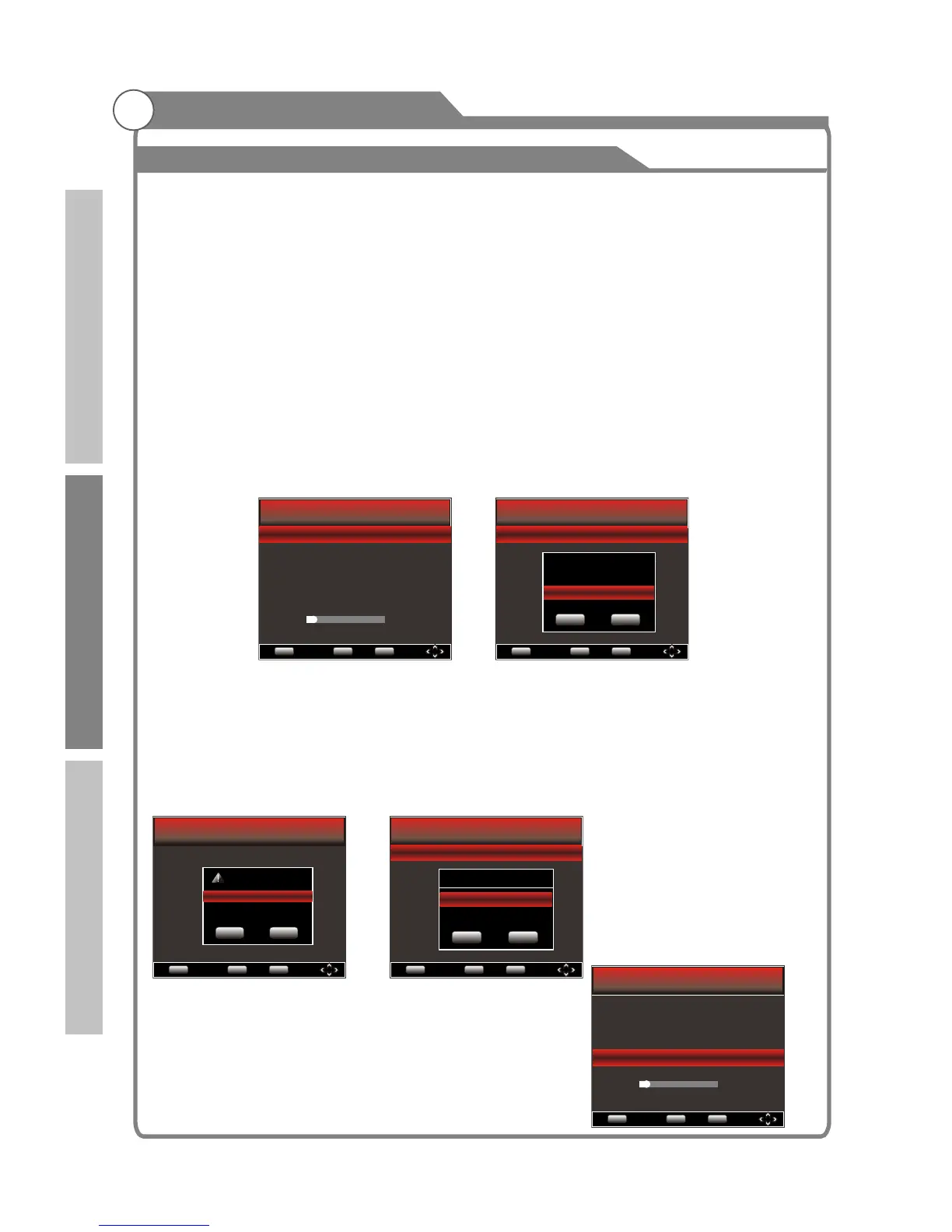
When formatting your disk, a progress bar will appear on the display. NOTE: The larger
your device the longer it will take to format. The device may take many minutes to
format, this is not a malfunction, please wait for the formatting to finish.
Time Shift Size: This setting is available to adjust only
after the disk has been formatted. The maximum Time
Shift Size is 8G.
Please note: It is suggested that you use a disk with
speed that is greater
NOTE: The times listed are not precise, only for reference.
Menu Return
OK
EXIT
OK
Exit
PVR File System
Select Disk C:
Record Max Time 4Hr.
Check PVR File System Start
USB Disk
Format
Time Shift Size
Speed
Disk Remaining Space MB
OK Exit
Time Shift Size
Time Shift Disk Size 512MB
SD 14 Mins HD 4 Miins
Menu Return
OK
EXIT
OK
Exit
PVR File System
Select Disk C:
Record Max Time 4Hr.
Check PVR File System Start
USB Disk
Format
Time Shift Size
Speed
Disk Remaining Space MB
Menu Return
OK
EXIT
OK
Exit
PVR File System
Select Disk C:
Record Max Time 4Hr.
Check PVR File System Start
USB Disk
Format
Time Shift Size
Speed
Disk Remaining Space MB
Select Disk
OK Exit
Disk C:
Menu Return
OK
EXIT
OK
Exit
PVR File System
Select Disk C:
Record Max Time 4Hr.
Check PVR File System Start
USB Disk
Format nat...
Time Shift Size
Speed
Disk Remaining Space MB
OK Exit
File System Size
SD 55 Mins HD 15 MIins
PVR File System Size All
Menu Return
OK
EXIT
OK
Exit
PVR File System
Select Disk C:
Record Max Time 4Hr.
Check PVR File System SUCCESS
USB Disk Pass
Format Pass
Time Shift Size 512MB
Speed 3008KB/s
Disk Remaining Space 384 MB
HD support
Introduction
Basic operation
Reference


 To Next Page
 Loading...









