ISP upgrade
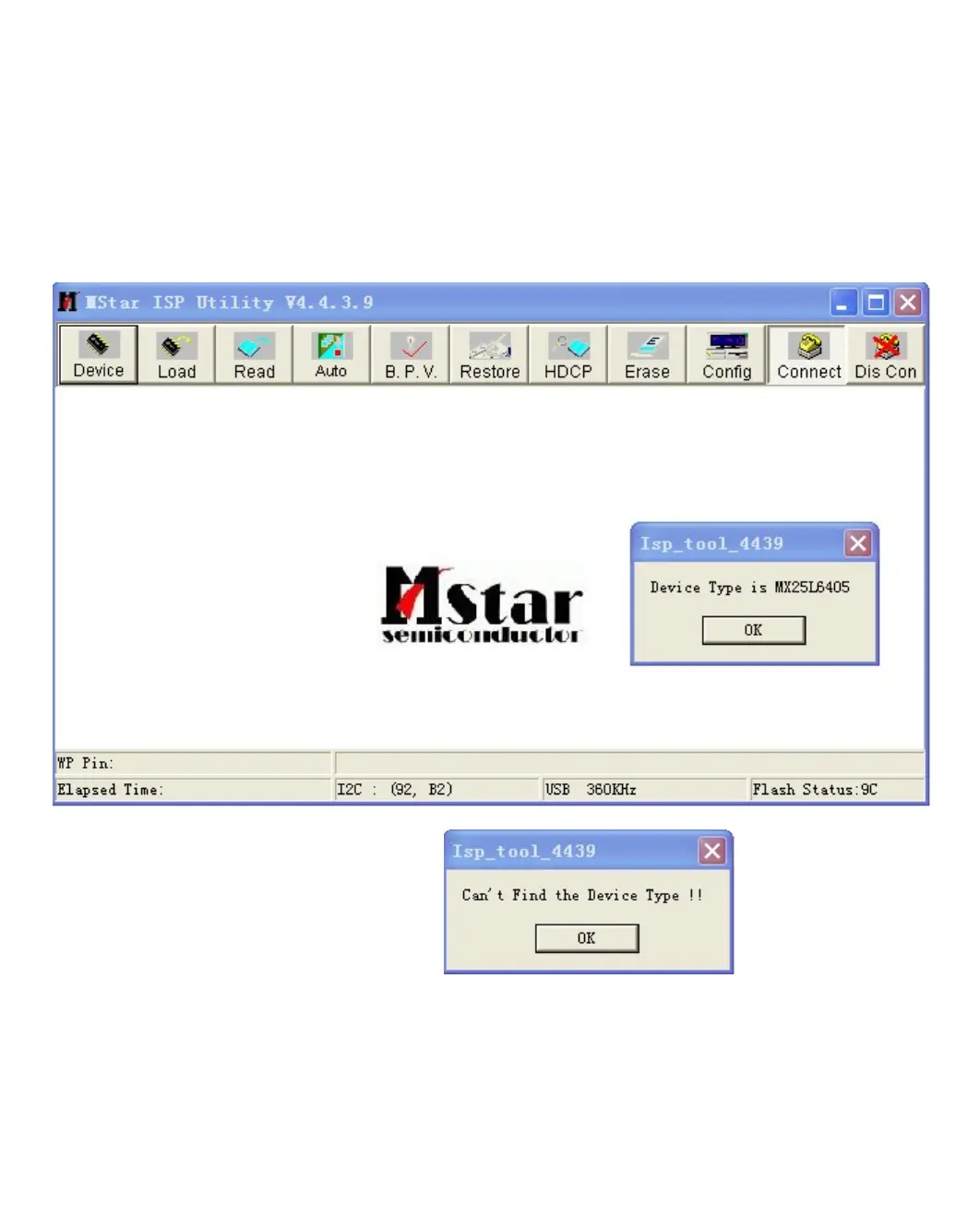
Step 1:open the ISP TOO tool ,choose “Connect”, If connected successfully,there will be the
following dialog:
If the connection is not successful,then will be: ,and now
you need to check the tool connection.
Step 2:Choose “Read”, make the .BIN file will be burning into the tool,the burning files after
compiling has been saved in the \CV306 folder.



 To Next Page