Turning the TV On and Off
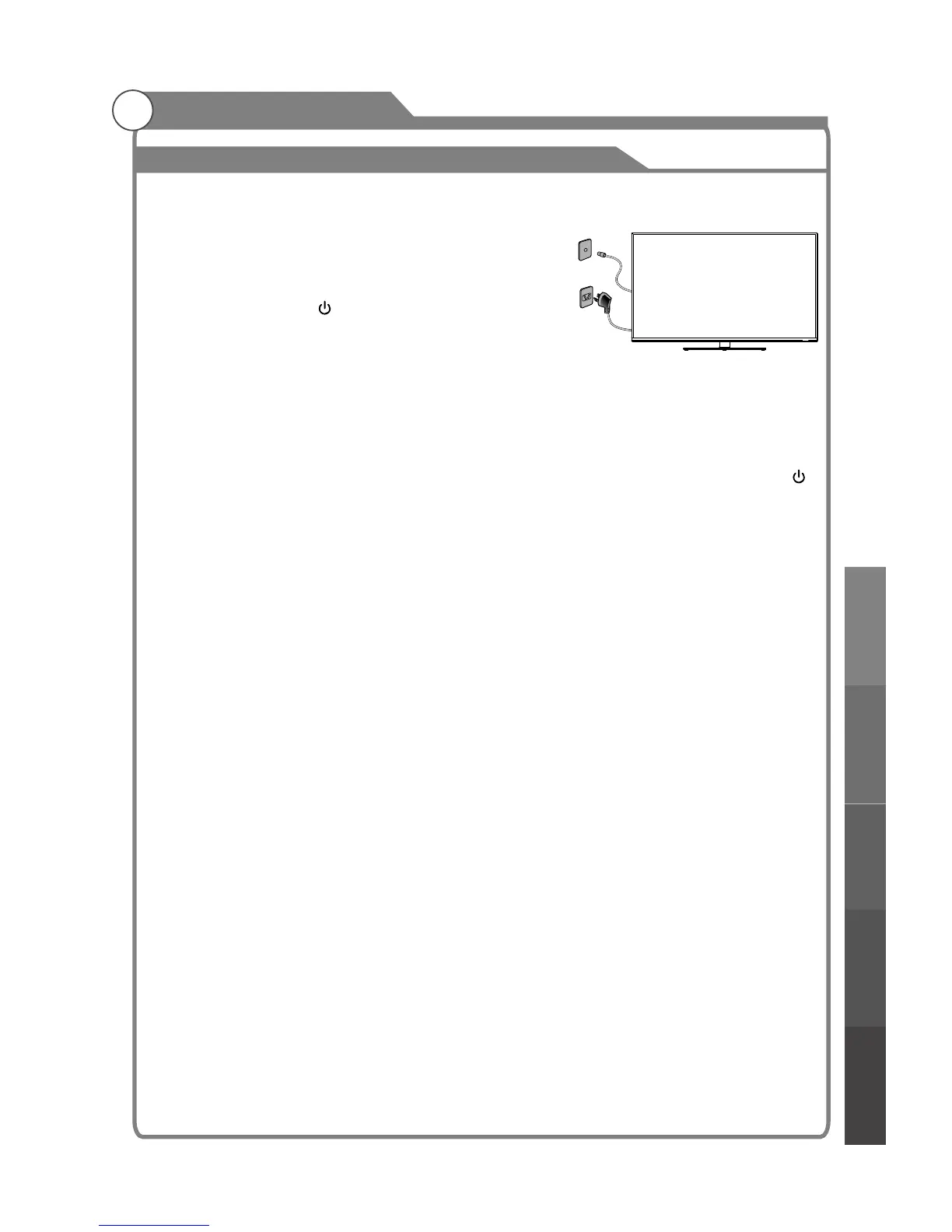
1. Insert the power plug into an AC outlet, then turn on
the AC power.
2. Locate the power switch at the back of the TV and
switch it on. The TV will enter standby mode and the
indicator LED will light up in red.
3. Turn the TV on with the POWER button on the remote control or on theTV control
panel.
4. If temporary POWER off is required, press POWER button on the remote control or
button on the bottom panel.
5. If you want to completely switch off the power for this unit, unplug the power cord plug
for this unit.
6. After switching off the unit, you should
Status indication lamp
Red: In standby mode.
Green: In power on mode.
Auto power-off
1. If there is no signal, the TV will 10 minutes.
2. In VGA mode, if no any operation 15 seconds later, TV will enter standby mode.
Memory before turning TV off
wait at least 5 seconds before switching on
again.
automatically enter standby mode after
The picture and sound settings and preset channels will be memorised at the point when
the TV is turned off. When the TV is started up again it will work accordingly with these
settings.
1
How to turn the TV on or off
Basic Operation
21
Basic operationMenu system
instruction
Digital Media PlayerTroubleshooting
Picture defects and
the reason



 To Next Page