11
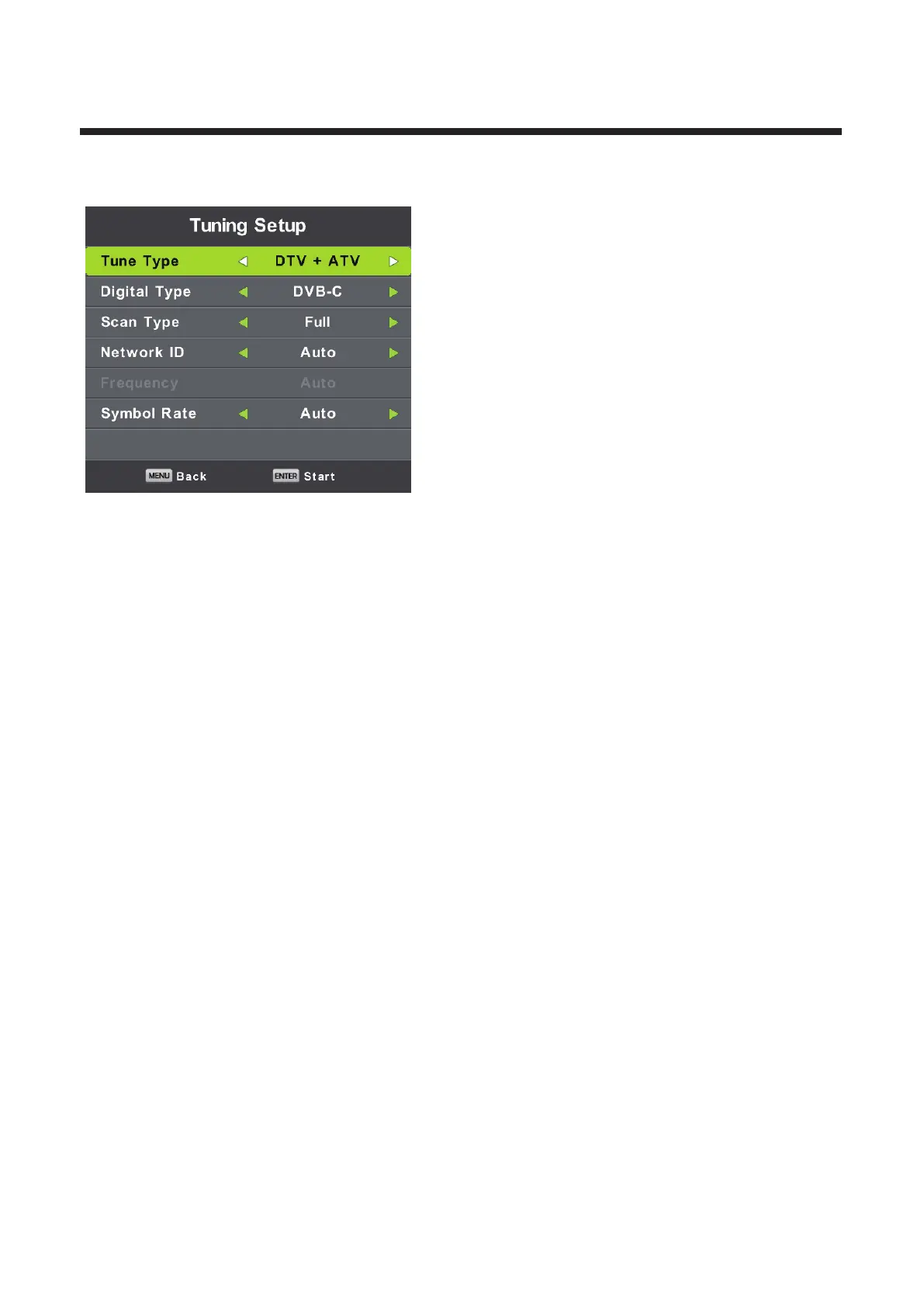
Cable (DVB-C) Auto Tune:
Select DVB-C in “Digital Type”:
There are 2 options for DVB-C “Scan Type”:
1.Full: Select “FULL”in “Scan Type”and choose “OK” to start Auto Search for the channels.
2.Network:Select “Network” in “Scan Type” Input the number of the Network ID of the channel and
choose the frequency and press “OK” button to find specific TV channel. (Please notice you need
to know the Network ID + Frequency+Symboal Rate from your TV provider).



 To Next Page