BATTERY OPERATION
Open the battery compartment at the rear of the unit and insert 6 batteries, observing the
polarity diagram indicated inside the compartment, and close the compartment. To switch from
AC power to battery power, disconnect the AC power cord.
Battery Replacement
Batteries should be replaced when the volume decreases or the sound distorts.
Notes on batteries
• Do not mix batteries of dierent types or new batteries with used batteries.
• The batteries cannot be exposed to excessive heat such as sunshine, re or the like.
• Please respect the environment when disposing of used batteries.
• To prevent leakage, always remove the batteries from the device when it is not used for an
extended period.
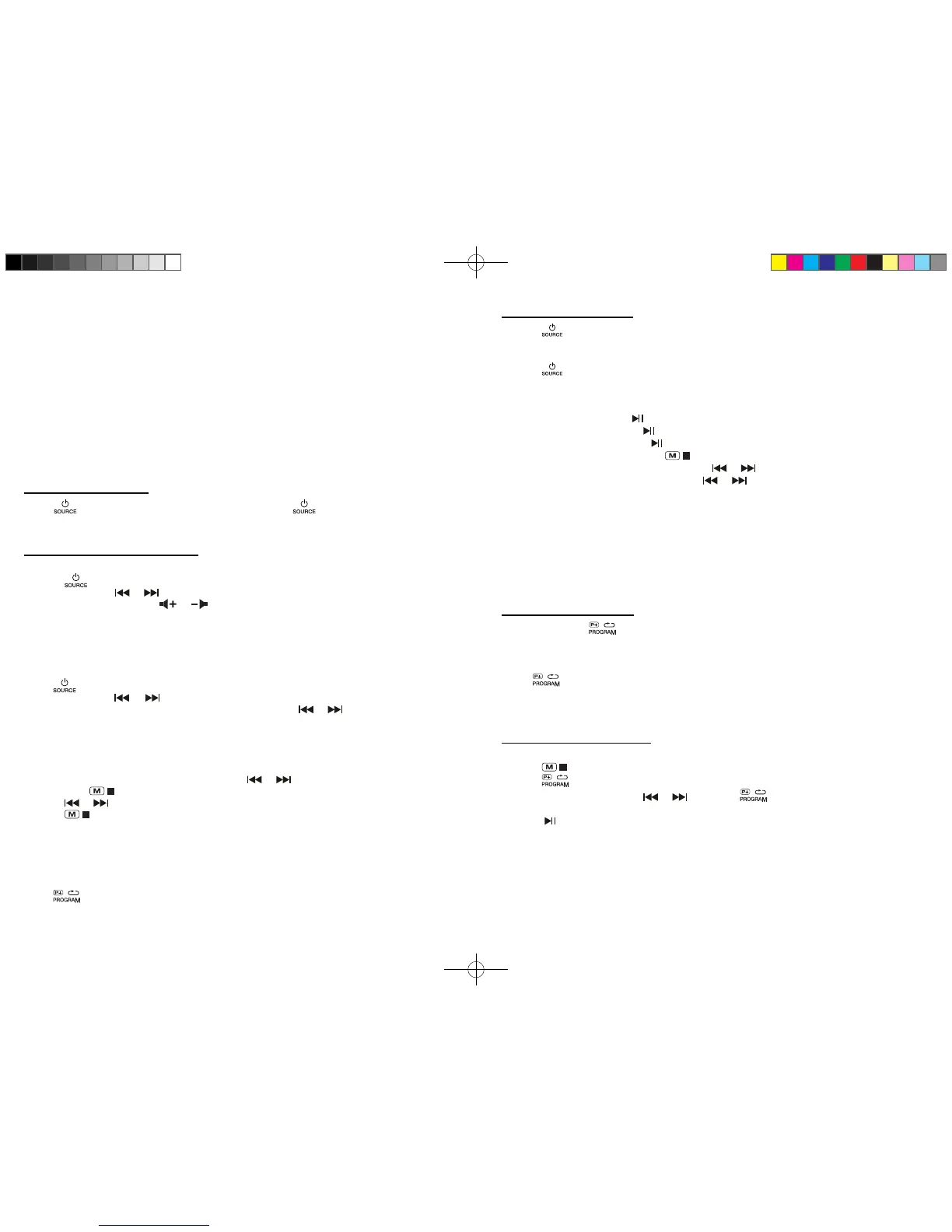
Press to turn the unit on. When the unit is on, press again to select your listening
source:
FM, AM, CD, AUX IN.
1. Press button to turn on the unit.
2. Open the CD door.
3. Place the CD with label side up inside the CD compartment and close the CD door.
4. Press button to select CD function.
5. After a few seconds, the total number of tracks and “CD” icon will appear on the display.
To:
- Read your CD: Press once
- Pause Playback: Press again
- Resume playback: Press again
- Permanently stop playback: Press
- Search forward or backward: Press and hold or
- To skip to the next or previous track: press or
DISK ERROR
Note: If the disc is dirty, damaged or unreadable, or if the disc is placed upside down, “NO” will
appear on the display. If this occurs, clean the disc, insert the disc correctly or try another disc.
If you encounter CD playback problem, either of the following ways may help:
1. Turn o the unit. Disconnect the AC power cord from AC outlet and reconnect it again.
2. Clean your CD disc.
Repeatedly press to select one of the following playback modes. Track Repeat an
Repeat All.
TO DISABLE THE REPEAT PLAYBACK
Press repeatedly until the repeat mode indicator disappears from the display. The
repeat function is automatically canceled at the opening of the door of the CD or the shutdown
of the unit.
1. Insert the disc with the label facing up, into the compartment and close the CD door.
2. Press .
3. Press .
4. Select the desired track with or then press to save the program in memory.
5. Repeat step 4 until the end of your programming.
6. Press to start playback. This PROGRAM function is automatically canceled when
opening the CD door or shutdown of the unit.
Note:
CD
up to 20 programs.
MANUAL SEARCH
1. Press to select FM or AM.
2. Press repeatedly or to nd your station.
3. Adjust the sound level with or .
FOR OPTIMAL RADIO RECEPTION:
FM: Extend and position the telescopic antenna.
AM: Rotate the unit horizontally.
AUTOMATIC SEARCH
Press to select FM or AM.
Press and Hold on or for about 2 seconds to start the search. The automatic search
function locates stations whose signal is strong. Press again or to continue the search.
Note:
Stations with weak signals can be searched manually.
The sound is automatically muted during search.
RADIO PRESET STATIONS
1. Select a station manually or automatically with or .
2. Press once , “P01” blinks on the display for a few seconds.
3. Press or to select a preset number.
4. Press again to store the radio station on the selected memory number.
5. Repeat steps 1-4 to store other stations.
Note:
When you store a station in a memory number already occupied, the existing station is
automatically erased.
LISTENING TO PRESET STATIONS
Press button to select a preset station.
AUDIO CONTROLS
LISTENING TO DISC
REPEAT PLAYBACK
PROGRAM PLAYBACK
LISTENING TO THE RADIO
- 5 - - 5 -
RD-3353NA IB TEAC 001 REV0.indd 4 2017/10/27 16:29:01


 To Next Page