1
2
5
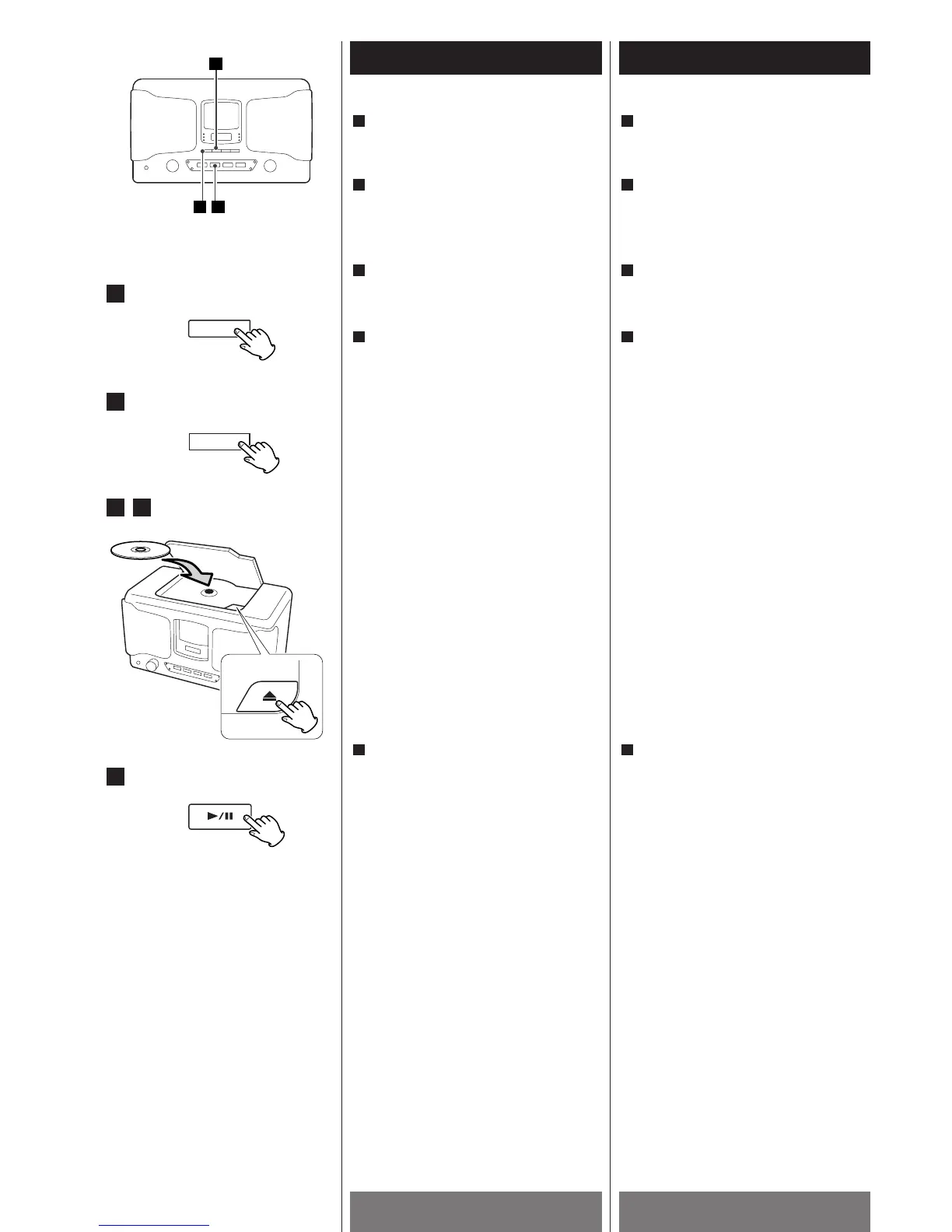
Press the POWER switch to turn the unit
ON.
1
Press the PLAY/PAUSE button (y/J) to
start playback.
Playback starts from the first track.
When the playback of all the tracks has
been finished, the unit stops
automatically.
5
3
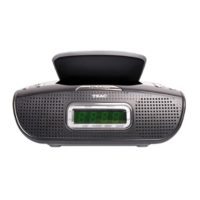
Place a disc with the printed label face
up, and close the cover by hand.
Press the disc down so that the disc is
held secure tightly to the spindle.
<
Never place more than one disc in the CD
player.
<
When closing, push the right side of the
cover.
<
The display shows the total number of the
tracks for 4 seconds, and then returns to
the time display.
<
It takes a few seconds for the unit to read
the contents of the disc. No button will
work during reading. Wait until the total
number of the tracks is displayed.
4
Press the CD button to select "CD".
<
When no disc is set on the unit, "no" will
be displayed for 4 seconds.
2
Press the OPEN button (L) to open the
disc cover.
3
4
Appuyer sur le commutateur
d’alimentation pour allumer l’appareil.
1
Appuyer sur la touche PLAY/PAUSE
(y
/J) pour débuter la lecture
La lecture débute à la première piste.
Quand toute les pistes ont jouées,
l’appareil s’arrête automatiquement.
5
Déposer le disque, face imprimée vers le
haut et fermer le tirroir manuellement.
Pousser le disque vers le bas afin qu’il
soit bien en place.
<
Ne jamais déposer plus d’un disque dans
l’appareil.
<
Pour fermer, pousser sur le coté droit du
couvercle
<
L’afficheur montre le nombre total de
pistes pour 4 secondes et ensuite affiche
l’heure.
<
L’appareil prend quelque secondes pour
lire le contenu du disque. Aucune touche
fonctionne durant cette lecture. Attendre
que le nombre total de pistes est affiché.
4
Appuyer sur la touche CD pour choisir
“CD”
<
Si il n’y a pas de disque dans l’appareil
“no” sera affiché pour 4 secondes.
2
Appuyer sur la touche OPEN (L) pour
ouvrir le couvercle du disque
3


 To Next Page