7
6. Program Card Specifications:
* Dimension: 107mm(L) x 64(W) x 12.8mm(H)
* Weight: ~62g
Program Card Operation:
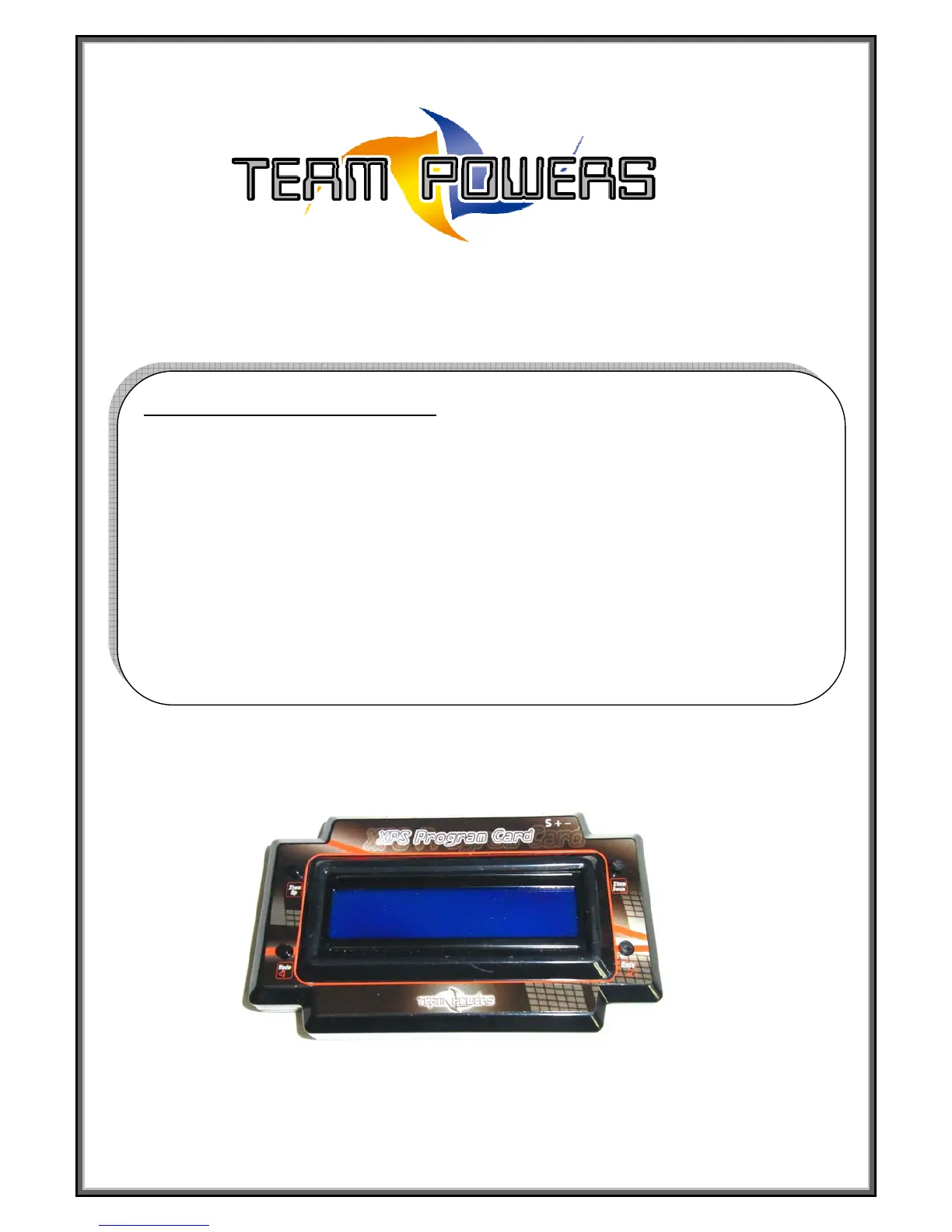
Program Card Picture:
Step 1: Connection with Speed control:
◎Switch off the power of the speed control and take out the speed control BEC wire from the
receiver.
◎Connect the speed control BEC wire to the Program card connector.
Please make sure the speed control wire is connected properly based on the below description.
- Connect BEC white color wire to the program card pin at (‘S’) position.
- Connect BEC red color wire to the program card pin at (‘+’) position.
- Connect BEC black color wire to the program card pin at (‘-’) position.
◎Connect the battery to the speed control and turn on the unit. Then there should be a message
‘XPS Series V1.1 Program Card’. If any key pressed, LCD screen will show ‘Running Mode’
setting of the speed control and it is ready to set the speed control.



 To Next Page