Page 14
TEBO
™
Ultimate Chair Owner’s Manual
User Guide
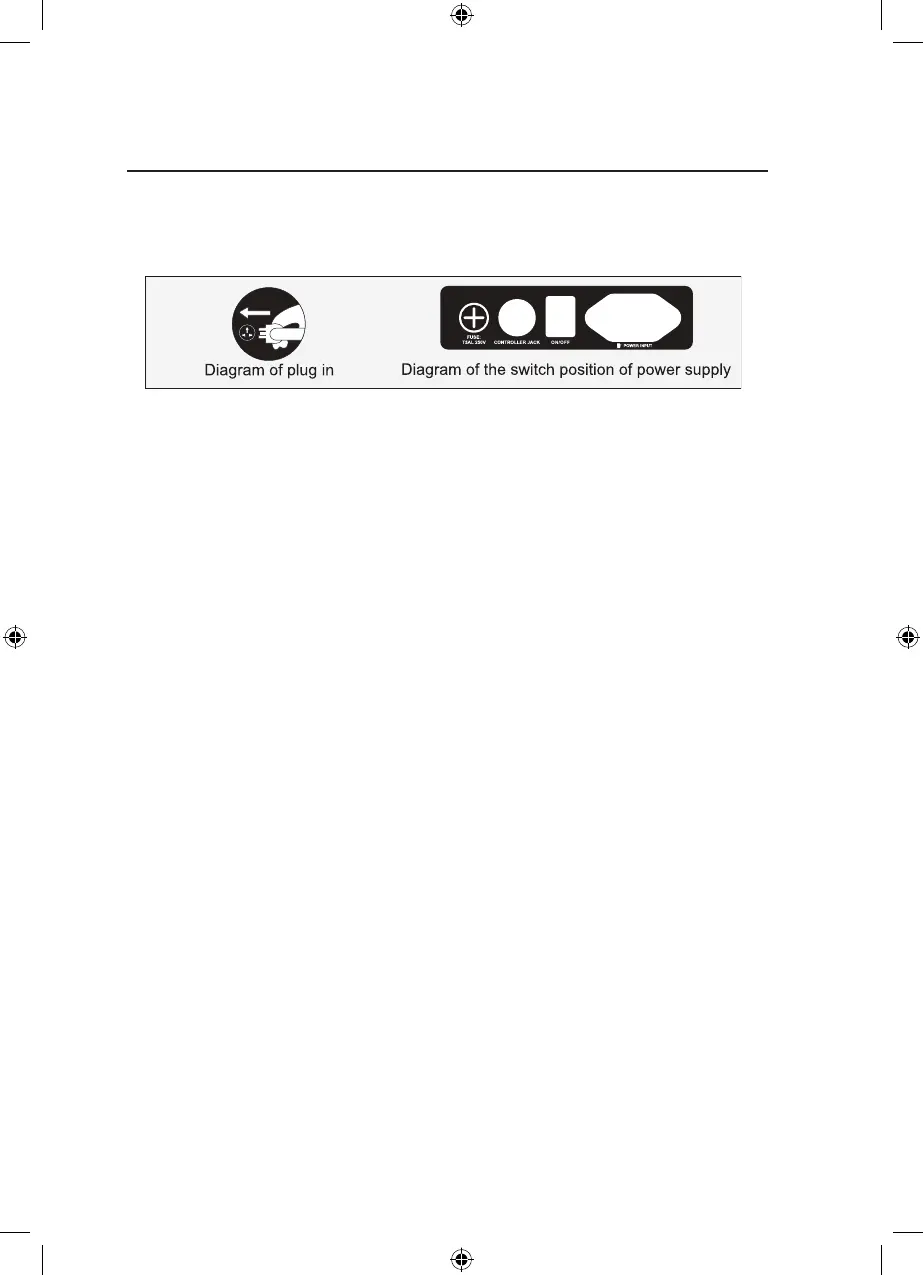
1. Switch power supply on
2. Start to massage
2.1 Press the power button to start the massage.
2.2 The leg frame and back frame will automatically adjust to recline angle,
awaiting the selection of automatic massage function. After more than 3
minutes without operation, the chair goes into automatic shutdown and
returns to the seated position.
There are 12 automatic massage function keys (Comfort massage,
Relax massage, Stretch massage, Shoulder & Neck massage, Back &
Waist massage, Full body massage, Chiropractic vertebral massage,
Fatigue recovery, Meridian microcirculation massage, Buttock shaping
massage, Restful Sleep massage and Whole Body pressure massage).
Use the appropriate key and select the massage function. Use the
“More” button to select massages that don’t have a shortcut key.
2.3 After selection of an Auto massage, the automatic detection of the
shoulder position and massage nger pressure point shall be carried out
rst - wait for the detection to be completed.
TEBO Chair - Ultimate - Owners Manual - BDV1.indd 14TEBO Chair - Ultimate - Owners Manual - BDV1.indd 14 18/08/2020 11:21:12 a.m.18/08/2020 11:21:12 a.m.


 To Next Page