EasyManua.ls Logo

TEC TECDrive TEC-3-120043-101 Series - User Manual

Default Icon
29 pages
Print Icon
To Next Page IconTo Next Page
Loading...
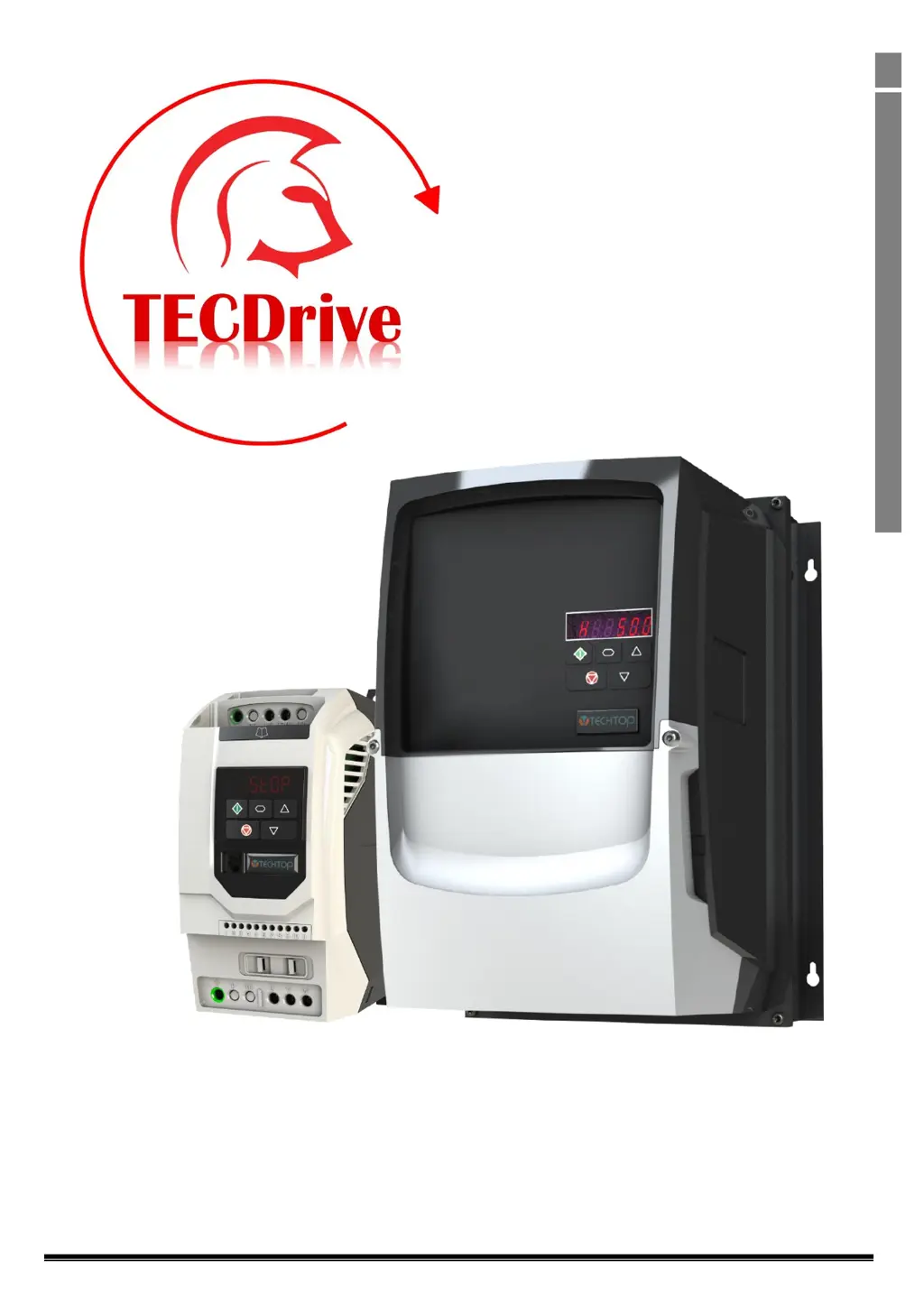
TECDrive TEC-3 User Guide Revision 1.20
www.tecmotors.co.uk/tecdrive
1
1
Quick Start Up
TECDrive
User Guide
IP20 & IP66 (NEMA 4X)
AC Variable Speed Drive
0.37 22kW (0.5 30HP)
110 480V
Distributed by TEC Electric Motors www.tecmotors.co.uk/tecdrive

Table of Contents

Questions and Answers

  • M
    Michael AnthonySep 23, 2025
    What to do if the TEC TECDrive TEC-3-120043-101 Inverter shows Output Over Current?
    • A
      Anthony GarciaSep 23, 2025
      Check for short circuits on the motor and connection cable. Note: Following a trip, the drive cannot be immediately reset. A delay time is inbuilt, which allows the power components of the drive time to recover to avoid damage.
  • A
    Adam FrazierAug 23, 2025
    What does it mean when my TEC Inverter displays 'Over voltage on DC bus' and how can I resolve it?
    • J
      Jeremy PalmerAug 25, 2025
      An 'Over voltage on DC bus' error suggests the supply voltage is outside the allowed tolerance. Verify the supply voltage is within the correct range. If the fault occurs during deceleration or stopping, try increasing the deceleration time or install a suitable brake resistor and activate the dynamic braking function.
  • K
    Kristi SmithAug 25, 2025
    What causes a TEC Inverter to trip due to Motor Thermal Overload (I2t)?
    • W
      Willie RileyAug 25, 2025
      The TEC Inverter tripped to prevent damage to the motor because it delivered more than 100% of the value in P-08 for an extended period.
  • E
    Edward JohnsonAug 26, 2025
    What does it mean when the TEC TECDrive TEC-3-120043-101 displays 'Under voltage on DC bus'?
    • B
      bvargasAug 27, 2025
      An 'Under voltage on DC bus' error indicates that the incoming supply voltage is too low. Check the incoming power supply voltage and all components in the power feed line to the drive.
  • B
    beckerdeborahAug 27, 2025
    What should I do if my TEC Inverter shows a Power stage trip error?
    • D
      David HayesAug 27, 2025
      If your TEC Inverter displays a power stage trip error, check for short circuits on the motor and connection cable.
  • D
    Dr. Stephen SinghSep 16, 2025
    What should I do if my TEC TECDrive TEC-3-120043-101 Inverter displays '4-20mA Signal Lost'?
    • T
      Tina OrtizSep 16, 2025
      If the TEC Inverter displays '4-20mA Signal Lost', check the analog input connection(s).
  • M
    Maria PachecoSep 13, 2025
    What causes a TEC Inverter to display 'Drive internal temperature too high'?
    • K
      Katherine GillespieSep 13, 2025
      A 'Drive internal temperature too high' error occurs when the drive ambient temperature is too high. Check that adequate cooling air is provided.
  • L
    Laura PalmerSep 15, 2025
    What does it mean when TEC TECDrive TEC-3-120043-101 is showing 'Under temperature'?
    • B
      Brianna PhamSep 15, 2025
      When TEC Inverter displays ‘Under temperature’, it means the ambient temperature is less than -10°C. The temperature must be raised over -10°C in order to start the drive.
  • A
    Andrew JonesSep 5, 2025
    What to do if TEC TECDrive TEC-3-120043-101 shows 'DC bus ripple too high'?
    • J
      johnmitchellSep 5, 2025
      If the TEC Inverter displays 'DC bus ripple too high', check that the incoming supply phases are all present and balanced.
  • M
    Melissa MccoySep 3, 2025
    How to troubleshoot a Brake channel over current error on a TEC TECDrive TEC-3-120043-101 Inverter?
    • C
      christopherthompsonSep 3, 2025
      To troubleshoot a brake channel overcurrent error on the TEC Inverter, check the external brake resistor condition and connection wiring.

Summary

Quick Start Up Guide

Important Safety Information

Crucial safety guidelines and warnings for installation and operation of the TECDrive.

Quick Start Process

Step-by-step guide for initial drive setup, including identification, unpacking, installation, and commissioning.

Quick Start Overview

Visual guides for IP20 and IP66 drive initial setup, including wiring and basic operation.

Mechanical Installation Guide

General Mounting Guidelines

Provides general guidelines for mounting the TECDrive unit, including orientation and air gap requirements.

Power and Control Wiring

Connection Diagrams

Illustrates wiring configurations for both IP20/IP66 Non-Switched and IP66 Switched units.

Protective Earth (PE) Connection

Details proper grounding procedures and safety requirements for the TECDrive.

Incoming Power Connection

Covers cable selection, fusing, and connecting the main power supply to the drive.

Motor Connection

Explains how to connect the motor to the drive, including cable type and length considerations.

Control Terminal Wiring

Guides on wiring analog and digital control signals, emphasizing shielding and routing.

Control Terminal Connections

Details the function and connection of each control terminal on the drive.

Control Input;Output Signals

Details analog and digital input/output signal configurations, including relay and analog outputs.

Motor Thermal Overload Protection

Explains the built-in thermal overload protection for the motor and thermistor connections.

Drive Operation

Managing the Keypad

Explains the functions of the keypad buttons for navigation and operation.

Changing Parameters

Details how to modify drive parameters using the keypad interface.

Resetting a Fault

Outlines the steps to clear a fault condition and reset the drive.

Drive Parameters

Standard Parameters

Lists and describes fundamental parameters for basic drive configuration and operation.

Troubleshooting Guide

Fault Code Messages and Remedies

Lists common fault codes, their descriptions, and suggested remedies for troubleshooting.

TEC TECDrive TEC-3-120043-101 Series Specifications

General IconGeneral
BrandTEC
ModelTECDrive TEC-3-120043-101 Series
CategoryInverter
LanguageEnglish

Related product manuals