4
Using your arc 4
Power On and Off:
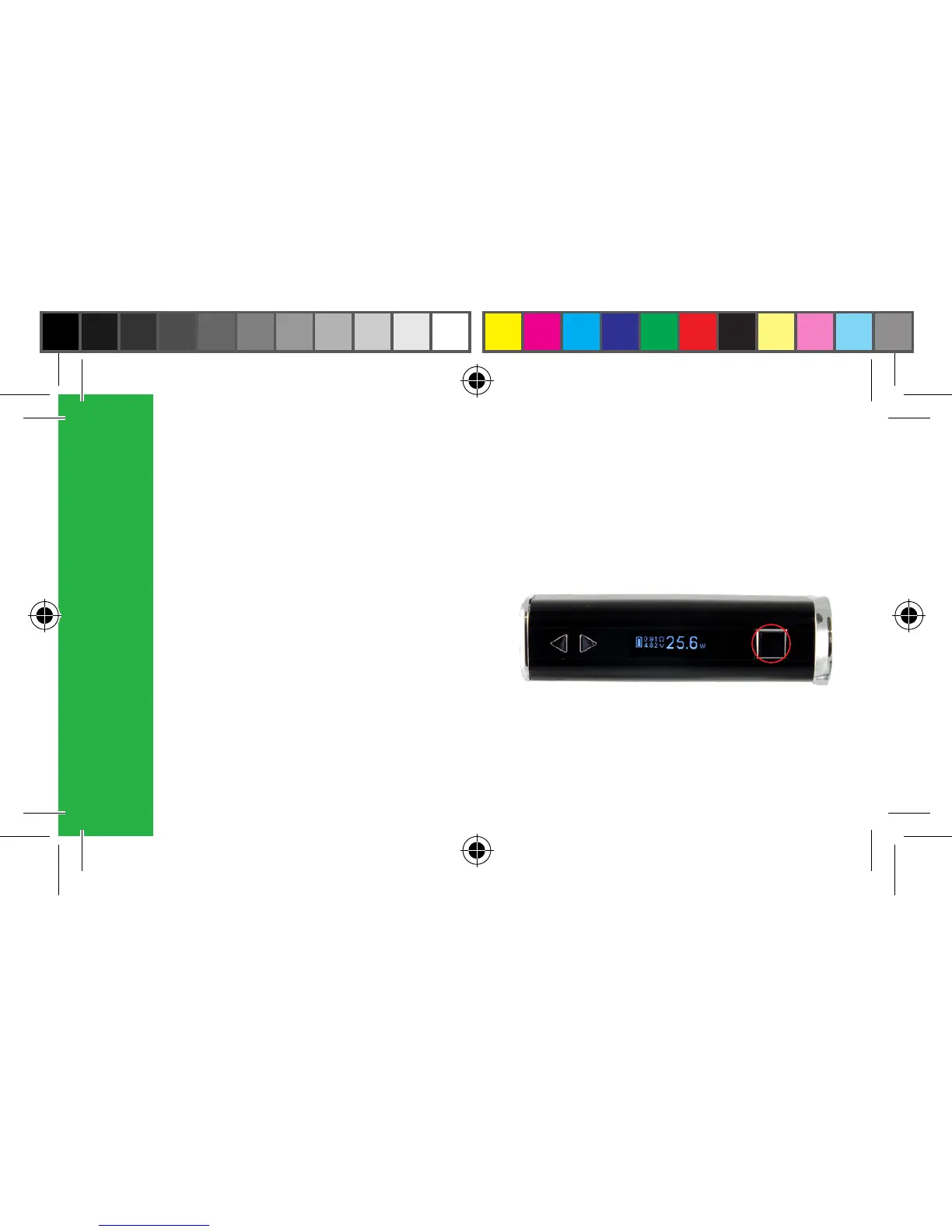
The arc 4 uses a 5-click on/off function.
To switch the device on, quickly press
the power button 5 times. The screen will
illuminate, indicating that the device is
powered on. Once the arc 4 is powered
on the user can press the button 5 times to
switch the device off.



 To Next Page