3) The noise level of SansAmp is exceptionally low. However,
it may amplify noise emanating from the input source. To minimize noise
going into the SansAmp Bass Driver, we recommend active electronic
instruments have the volume set at unity gain/maximum and tone controls
positioned flat. If you need to boost, do so slowly and sparingly.
Also check for pickup interference by moving your guitar or turning the
volume off. Be aware single coil pickups are more likely to generate noise.
4) Preset and Sample Setting levels and tones will vary
depending on the bass, amp and cabinet you use. They were determined
using a “typical” bass and cabinet, and are provided as a starting point. So,
some adjustments may be necessary, particularly to the Level control. For
instance, if you have a high output bass, a clean setting will be louder than a
distorted one. Conversely, a low output bass will require a higher level for
a clean setting. If you have a big cabinet, the Fat Tube setting will be louder.
With a smaller cabinet, the Flip Top setting will be louder.
5) With on-going product development and improvements, specifications
and/or the cosmetic appearance of this unit may change without prior
notice.
6) REMEMBER THIS WARNING: DO NOT run the speaker
output of any amp directly into the SansAmp. Severe dam-
age to the amp and/or SansAmp may result.
GLOBAL RESET
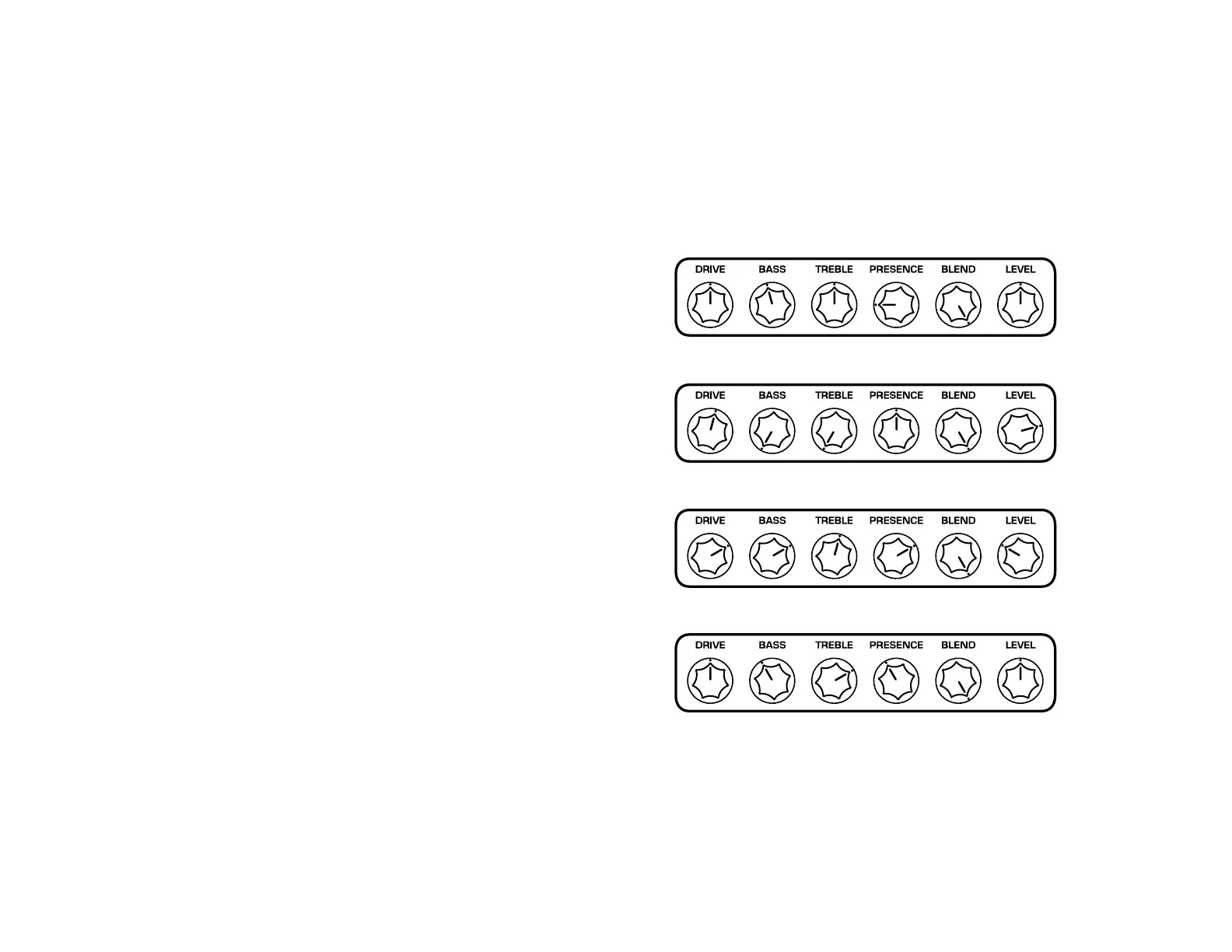
To reset your unit back to factory specifications, you can simply reprogram
each of the Sample Settings on page 11:
(1) Fat Tube (2) Flip Top (3) Distorted Bass
Or you can perform the following procedure: Hold down the footswitches
for Channels 1 and 3 while simultaneously applying power (either plugging in
an adapter or, if a battery is installed, plugging in your guitar cable). Then
release the switches.
10





 To Next Page