10/29/2019 Tech Works CI-Series Systems Planning & Installation Manual Page 27 of 42
Configuration Options:
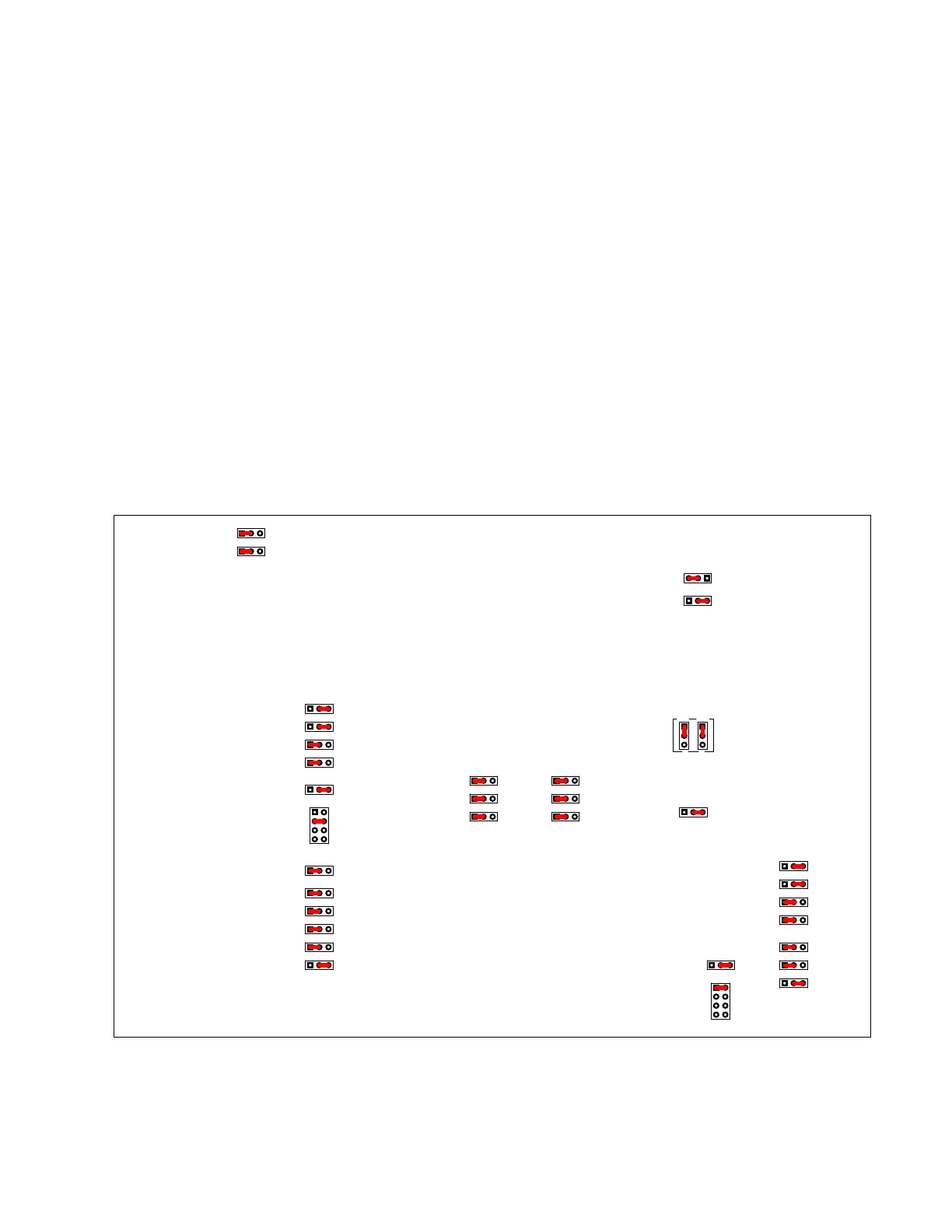
The MSI-22 is designed to accommodate many applications. For most applications the factory default
setting is sufficient. For ‘special’ applications a few jumpers may need to be moved. These Jumpers
determine how the MSI-22 interacts with other Components of the System
Before attempting a Configuration you should review the "BUSS Systems Guide" CI & PA, BUSS
sections
The MSI-22 consists of five Functional Modules:
Two Inputs; Local Microphone/Line Input; PA-BUSS Input
Two Outputs; PA-BUSS Monitor/Communications Output; Speaker Amplifier
CI-BUSS Interface
The Jumper Options determine how these Modules interact and function with each other
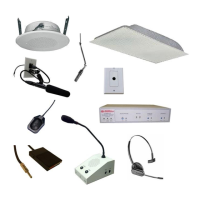
The "Standard Configuration" is a Remote (Single Location) for use with an Operator Console
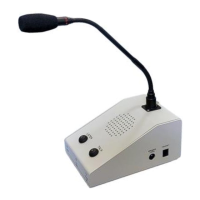
This is a Remote (Single Location) for use with an Operator Console, CI-ODC
The Power Amplifier, is used for a Procedure Room Ceiling Speaker
The PA-OUT, is used as Procedure Room Communications
The PA-IN, may or may not be used for another Microphone
The CI-BUSS may be used with other Interfaces, such as a CI-HSI-41



 To Next Page