EN © 2019 techBite. All rights reserved. ARC 11.6
46
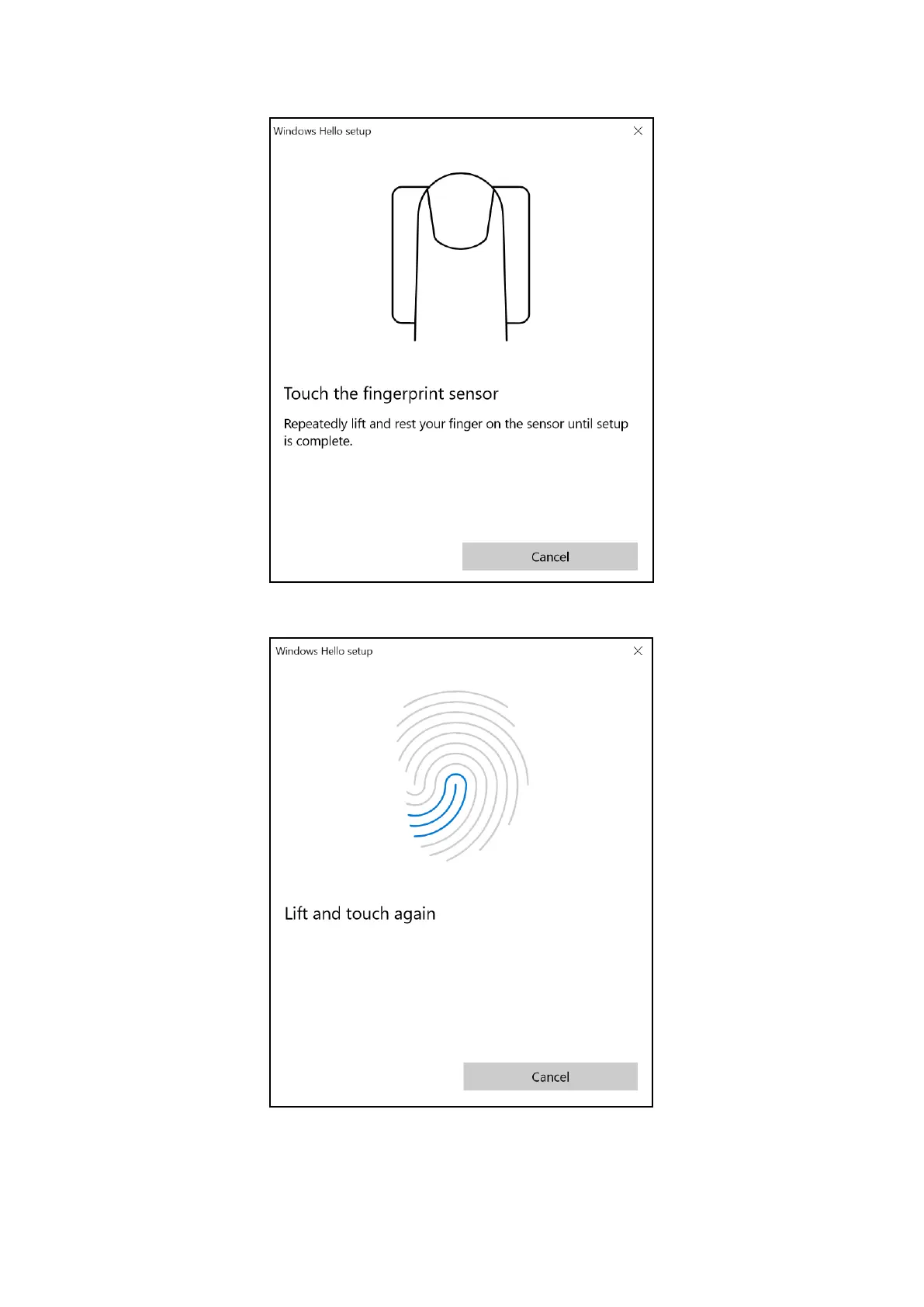
The screen as shown below will appear.
Touch the reader with your finger which you will use to unlock the operating
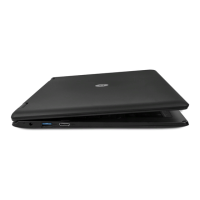
system. The screen as shown below will appear.
Follow the instructions and suggestions in the wizard. Move your finger slightly
within the sensor, rotate it sideways so that the sensor collects as much data as
possible. You can also add other fingerprints. You can also delete stored
fingerprints to refresh them in the system database.


 To Next Page