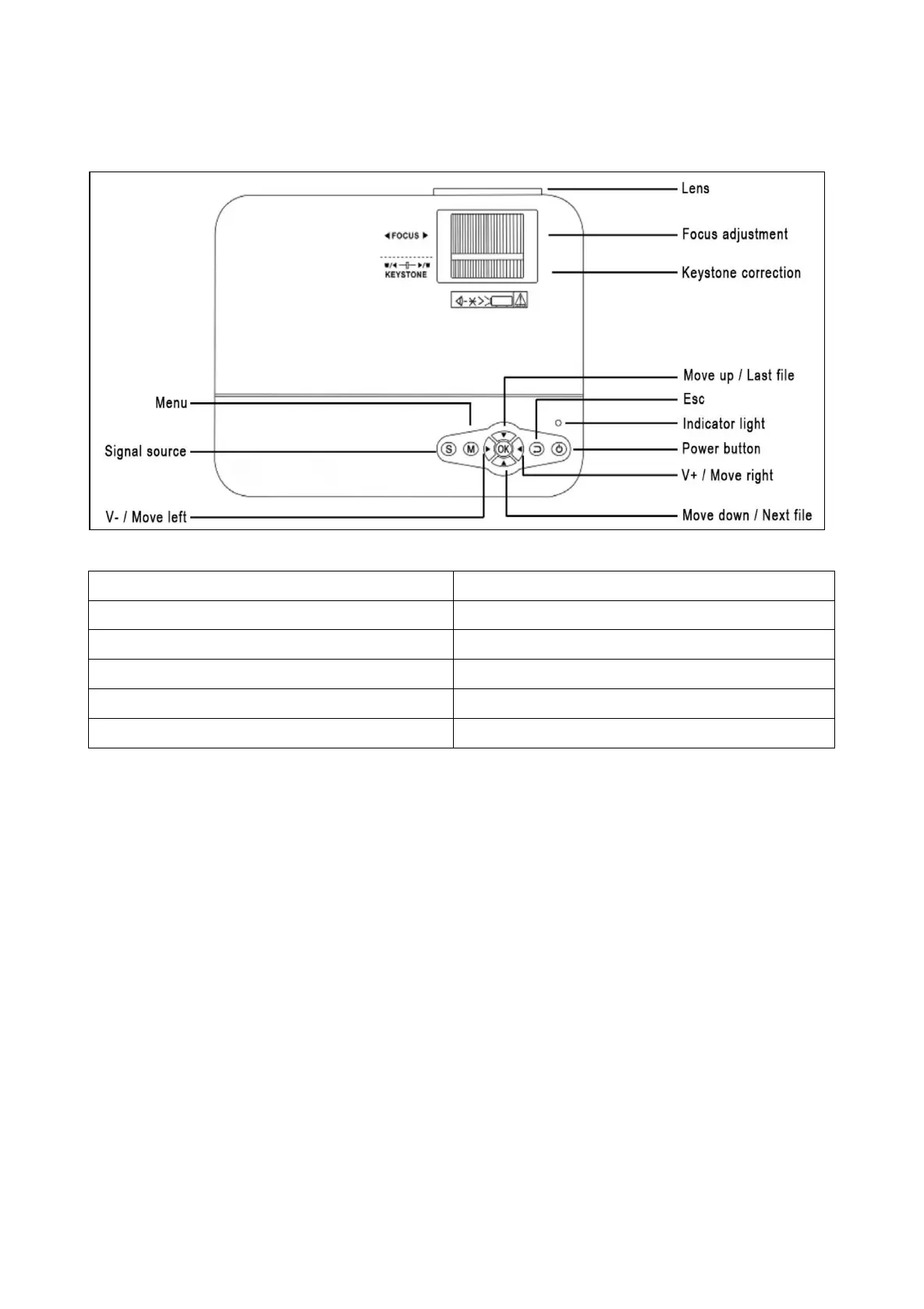
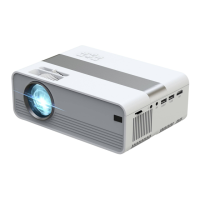
Product view & Functions
Power button: Press this button to shut on or off the device.
Volume plus and minus button: Press the two buttons to
increase or decrease volume. They can also be used in the menu
as selection and parameter adjustment.
Menu: Bring up the main menu or exit system.
Arrow keys: Move up, down, left or right in the menu options.
Signal source: Select the signal or an external video signal. It is
also usable as “play” button.
Lens: Rotate the lens to adjust the image.
Air outlet: Do not cover the air cooling openings during operation
to avoid burns.


 To Next Page