29
WHEN SWITCHING ON THE TE-10D OR THE TU-20D
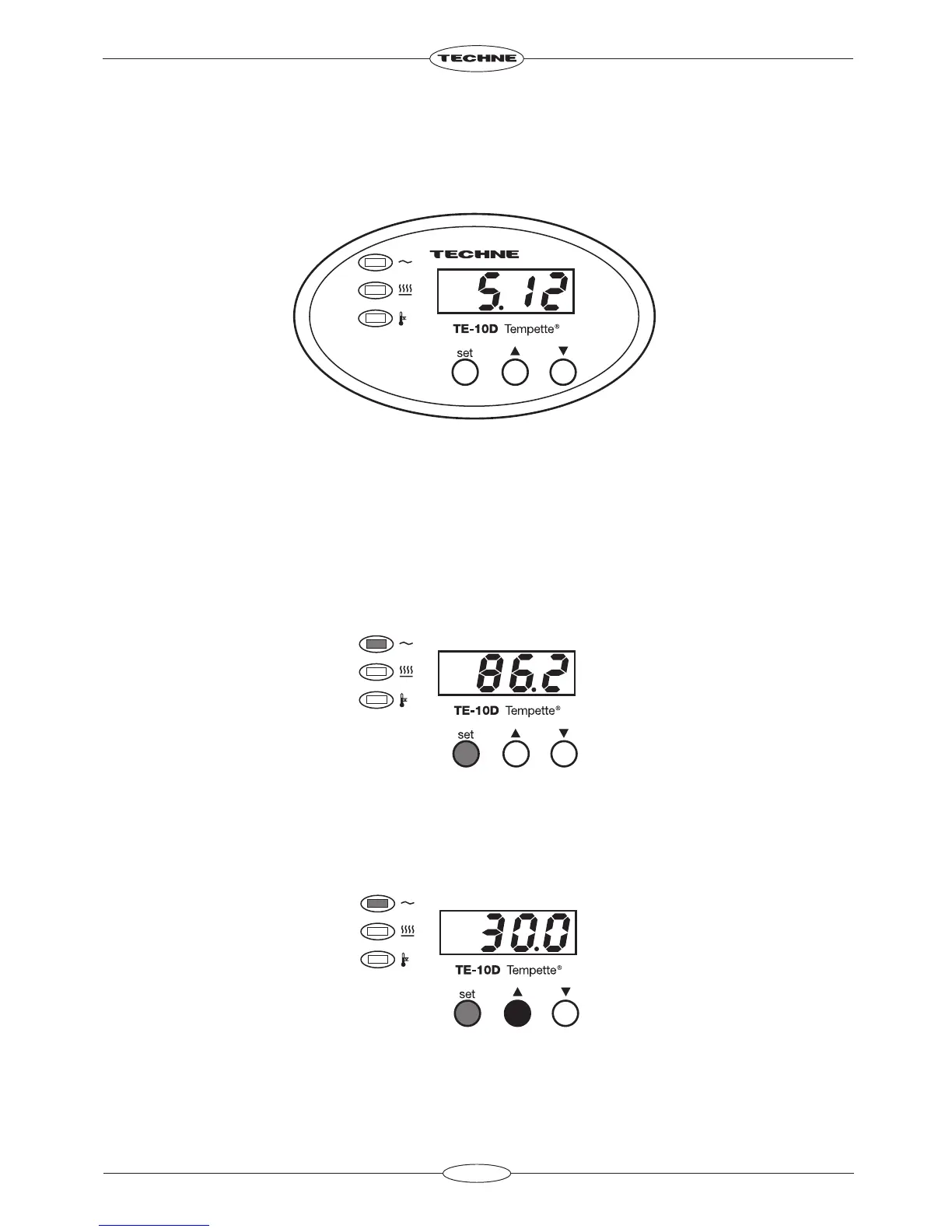
When first switched on the display will show the edition of the software currently installed.
For example software issue “5.12” would be shown as follows:
It will display this for 1 second, then the actual temperature of the bath will be indicated.
THE FRONT PANEL CONTROLS
The front panel controls consist of three buttons for controlling the display, a four digit LED display and
three indicators.
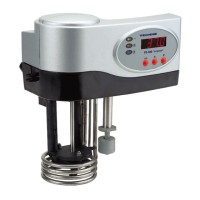
The SET temperature button
The SET temperature button displays the set temperature when pressed.
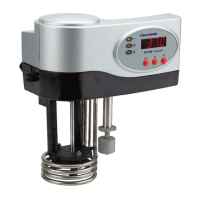
The UP ARROW button
When the SET temperature button is held down and the UP ARROW button is pressed, the set
temperature is increased.


 To Next Page