3.2 Installation for Linux
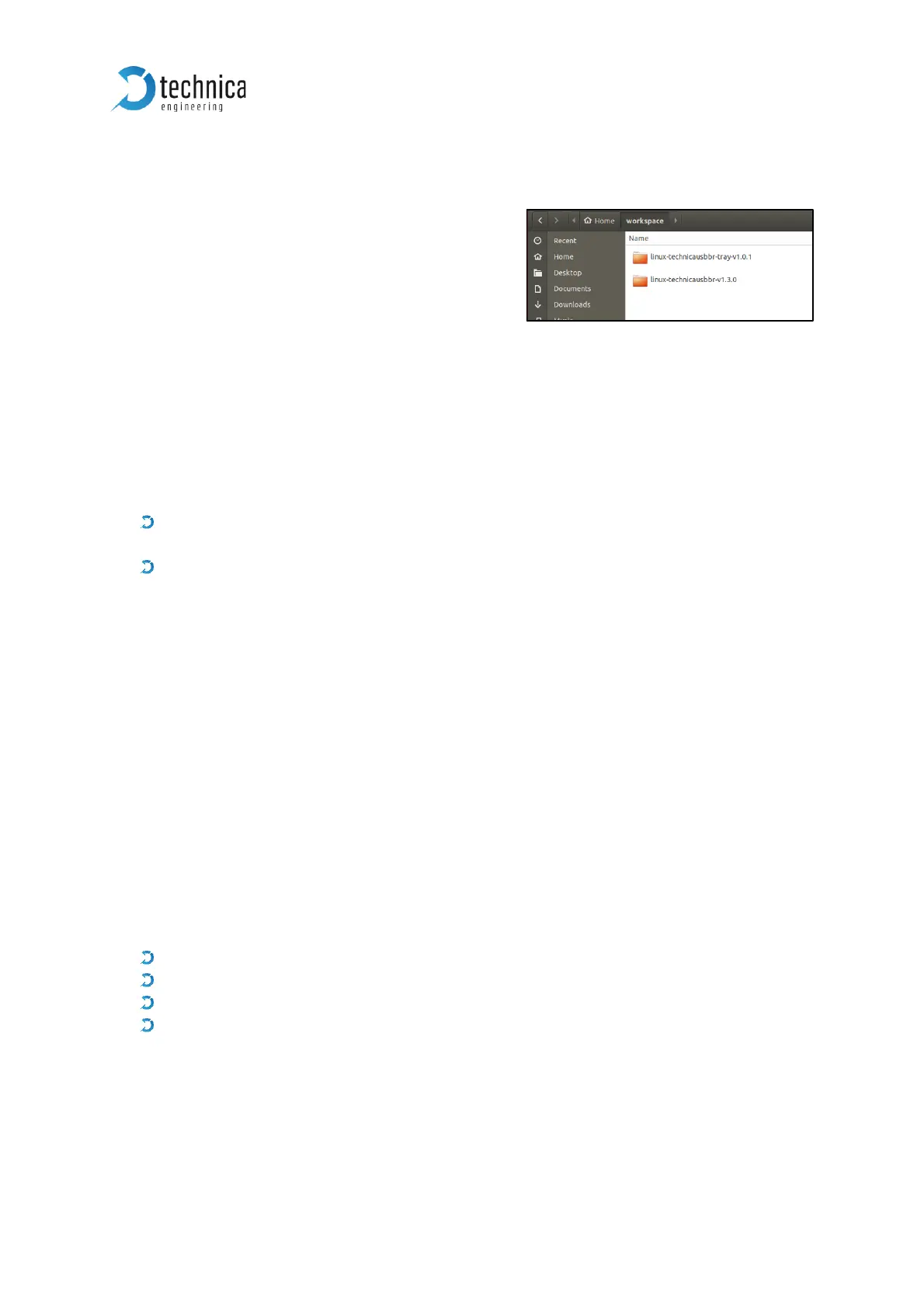
Unzip the downloaded driver pack for Linux. It
contains the device drivers and try application.
Note: drivers must be installed before the try
application.
3.2.1 Driver Installation
Navigate to the driver folder \technica-usbbr_linux\linux-technicausbbr-vx.x.x\linux-
technicausbbr-master and follow instructions in the readme file to install the drivers.
Alternatively, you can follow the instructions here:
Requirements:
DKMS (for automatic kernel module installation). To install DKMS package
execute sudo apt-get install dkms.
kernel version v4.12 or higher
Installation:
To install drivers using DKMS, run:
sudo make install-dkms
To uninstall drivers using DKMS, run
sudo make uninstall-dkms
3.2.2 Try Application Installation
Navigate to \technica-usbbr_linux\linux-technicausbbr-tray-vx.x.x\linux-
technicausbbr-tray-master folder to install tray application.
This package provides a tray application to manage Technica Engineering USB
BroadR-Reach converters.
Requirements/Dependencies:
cmake (v3.1 or higher)
gtk+-3.0
libudev
libappindicator
Installation:
If you are using Ubuntu, then execute following command to install dependencies:
sudo apt-get install cmake libgtk-3-dev libudev-dev libappindicator3-dev


 To Next Page
 Loading...