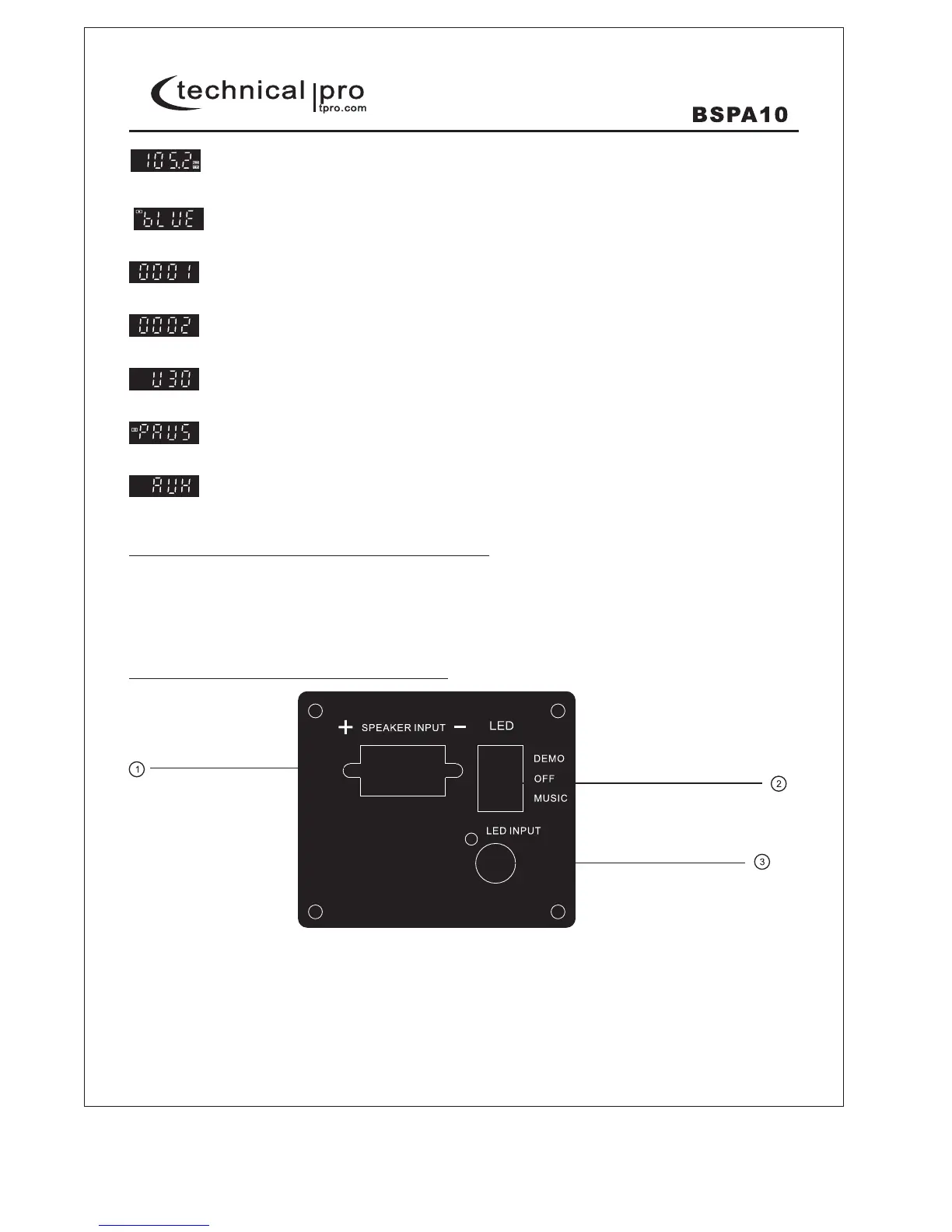
-This will display when pressing the "Previous" button or key. The track No. is 0001.
-This will display when pressing the "Next" button or key. The track No. is 0002.
-This will display when the volume level is set to 30 by pressing the "NEXT" button for a few seconds.
-This will display when the playing is paused.
-This will display when the input selected is RCA audio input.
Steps for connecting with bluetooth device
A. Press MODE button and enter into bluetooth mode.
B. Search on the bluetooth device and you can find the bluetooth name "710".
C. Select the "710" bluetooth name and wait for the device to pair.
D. This unit will emit a noise confirming that the devices have successfully paired and screen will display "BLUE".
E. Once paired you can play music from your bluetooth device.
BSPA10 PASSIVE SPEAKER Rear Panel
P-5
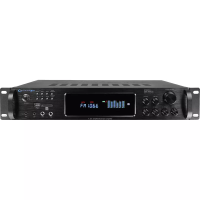
-This will display when the unit is playing FM tuner and station frequency is 105.2MHz.
-This will display when the unit is playing bluetooth.
1.Speaker Input: Connect this speaker input to the speaker output on the BSPA10 Powered Speaker.
2.LED Switch: Press this switch to control the lights of the woofers.
Switch this button to "DEMO", the lights is always bright.
Switch this button to "OFF", the lights is off.
Switch this button to "MUSIC", the lights is beating with the music. The stronger of the music, the
brighter of the lights.
3.LED Input: Connect this LED input to the LED output on the BSPA10 Powered Speaker.


 To Next Page