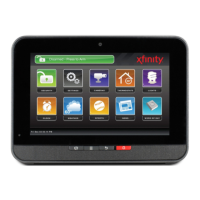
10 TouchScreen TCA 400 Getting Started Guide – Installation
Zones that are currently preventing you from arming the system are easily distinguished by the
dierent row color.
Tapping the button will temporarily turn o, or “bypass” the aected zones
so you can arm your security system.
Tapping the grey Security Shield will open a Bypass Options screen which will allow you to see
the current status of all of your security zones, and give you the option to bypass all Arm-Blocking
Zones, or bypass any zone individually. If the aected zones are closed or alerts are resolved the
status will automatically update to Disarmed - Ready.
Bypassed Zones are NOT armed and will not trigger an alarm if IMPORTANT NOTE:
tripped while the system is armed.


 To Next Page