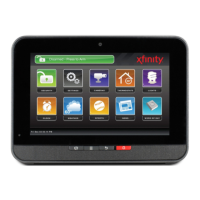
7TouchScreen TCA 400 Getting Started Guide – Installation
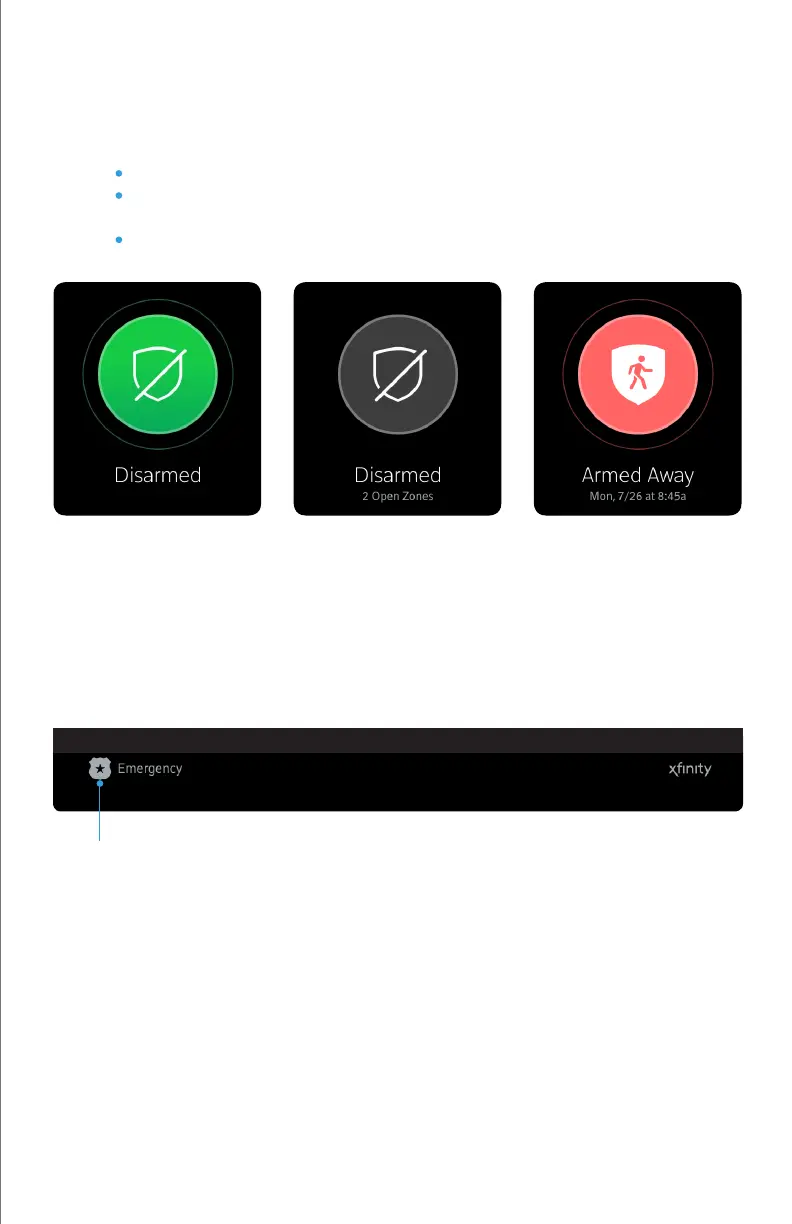
Security Status Content Area
Footer Area
The centrally displayed Security Status Content area contains the current status of your Touchscreen
Security System. The various statuses displayed will tell you if your system is:
Disarmed – (Green) Disarmed and ready to be armed
Disarmed – (Grey) Disarmed and not ready to be armed due to
arm-blocking zones (Open Zones or Alerts)
Armed – (Red) Armed in Away, Stay, or Night mode
The Footer section contains Emergency icon, located in the bottom left of the screen. Tapping
this icon will provide you the ability to sound an immediate audible alarm and send an alert to the
Central Monitoring Station that an Emergency Alarm has been initiated.
Emergency Icon


 To Next Page