Preparation
9
Turning the power on/off
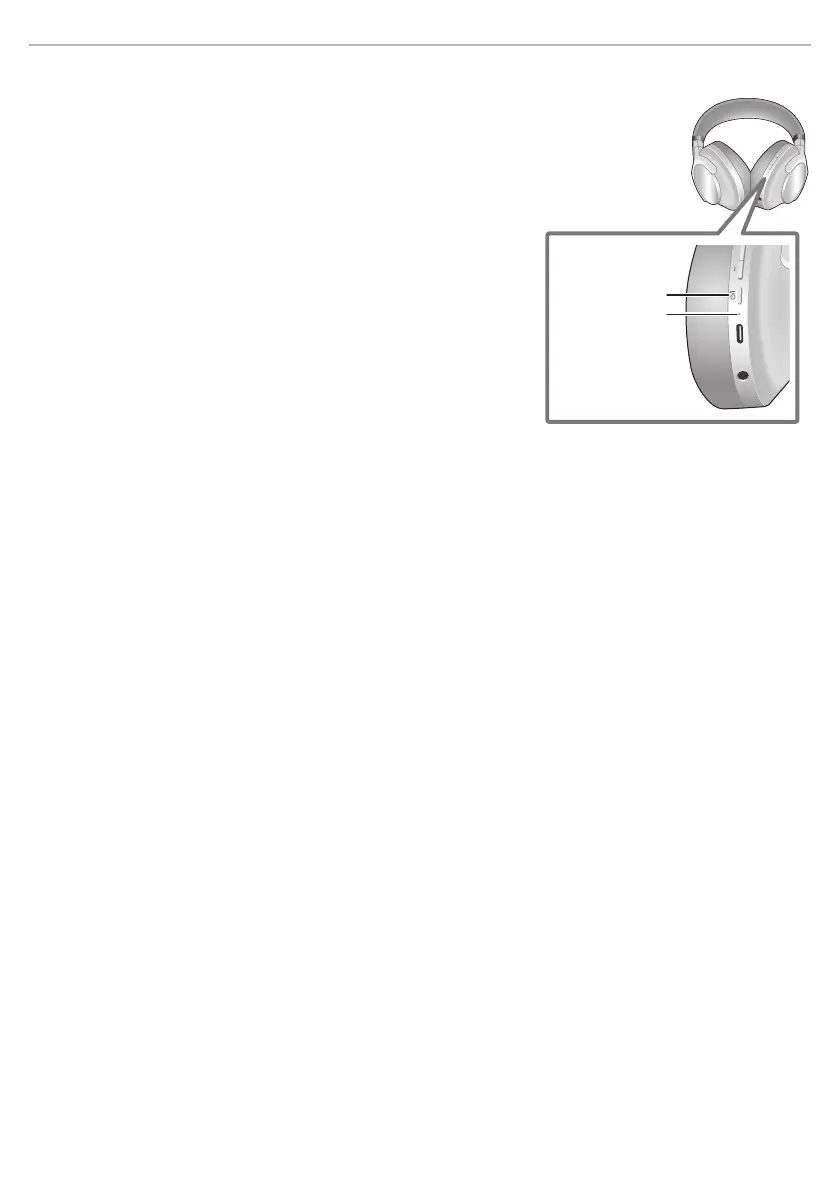
In the power-off state, press and hold [Í/l] of this unit for
approx. 2 seconds until the LED indicator lights for
1 second.
• A beep will sound, and the LED indicator will blink slowly.
∫ To turn the power off
Press and hold [Í/l] for approximately 2 seconds. A tone and English
guidance message will be heard, and the power will be turned off.
A
:[Í/l] button
B
: LED indicator



 To Next Page