Using Bluetooth®
о
_
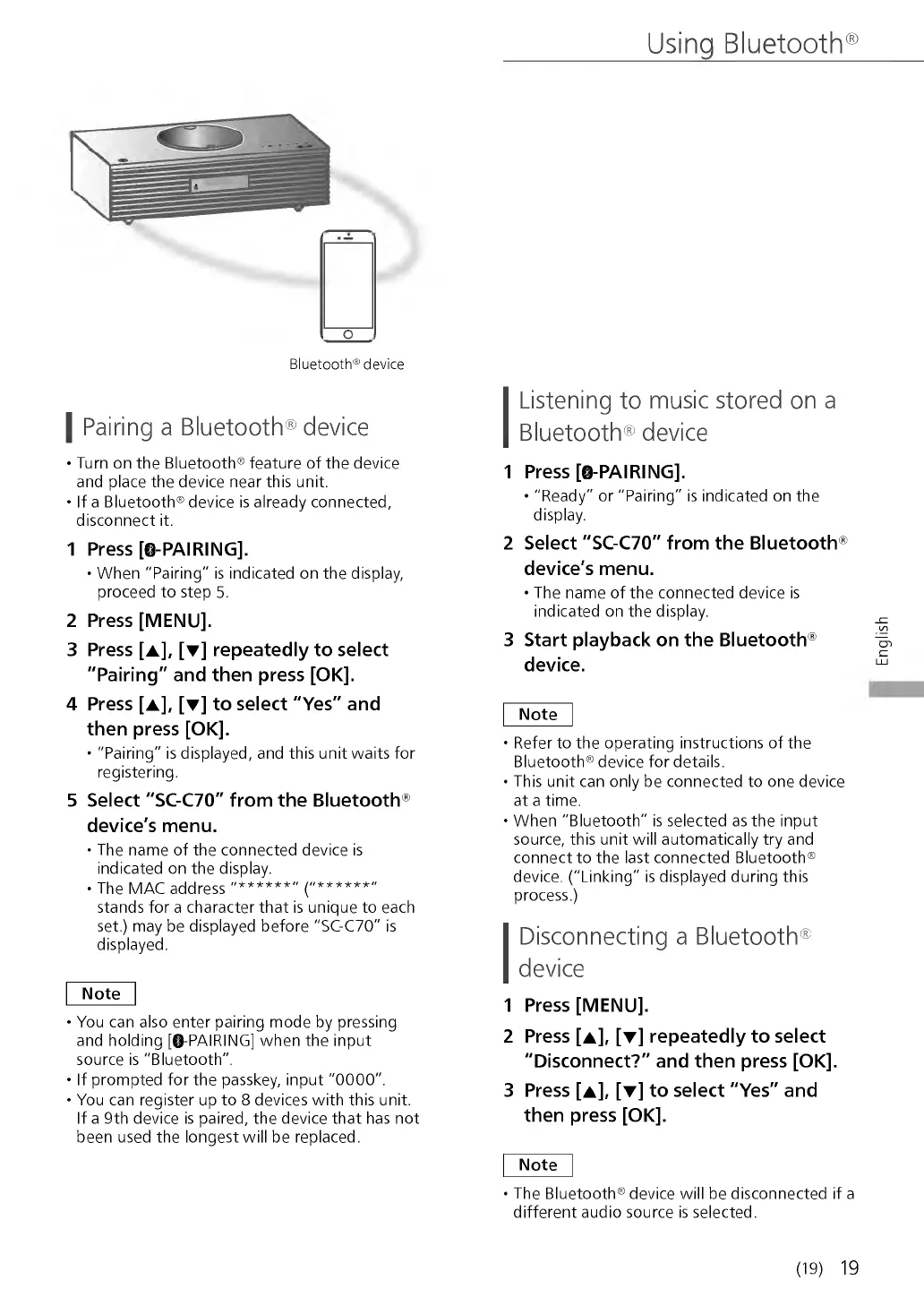
Bluetooth® device
I Pairing a Bluetooth® device
• Turn on the Bluetooth® feature of the device
and place the device near this unit.
• If a Bluetooth® device is already connected,
disconnect it.
1 P re s s [© -P A IR IN G ].
• W hen "Pairing" is indicated on the display,
proceed to step 5.
2 Pr e s s [M E N U ].
3 P re s s [ a ], [▼ ] r e p e a te d ly to s e le c t
" P a ir in g " a n d th e n p re s s [O K ].
4 P re s s [ a ], [▼ ] t o s e le c t " Y e s " a n d
th e n p re s s [O K ].
• "Pairing" is displayed, and this unit waits for
registering.
5 S e le c t "S C -C 7 0 " fr o m th e B lu e to o th ®
d e v ic e 's m e n u .
• The name of the connected device is
indicated on the display.
• The M AC address " * * * * * * " ("* * * * * * "
stands for a character that is unique to each
set.) may be displayed before "SC-C70" is
displayed.
N ote
• You can also enter pairing mode by pressing
and holding [©-PACING] when the input
source is "Bluetooth".
• If prompted for the passkey, input "0000".
• You can register up to 8 devices with this unit.
If a 9th device is paired, the device that has not
been used the longest will be replaced.
Listening to music stored on a
Bluetooth® device
1 P r e s s [© - P A IR IN G ].
• "Read y" or "Pairing" is indicated on the
display.
2 S e le c t "S C -C 7 0 " fr o m th e B lu e to o th ®
d e v ic e 's m e n u .
• The name of the connected device is
indicated on the display.
3 S ta rt p la y b a c k o n th e B lu e to o t h ®
d e v ic e .
N ote
• Refer to the operating instructions of the
Bluetooth® device for details.
• This unit can only be connected to one device
at a time.
• W h en "Bluetooth" is selected as the input
source, this unit will automatically try and
connect to the last connected Bluetooth®
device. ("Linking" is displayed during this
process.)
Disconnecting a Bluetooth®
device
1 Pr e s s [M E N U ].
2 P r e s s [a ], [▼ ] re p e a te d ly t o s e le c t
"D is c o n n e c t? " a n d th e n p re s s [O K ].
3 Pre s s [ a ], [▼ ] t o s e le c t " Y e s " a n d
th e n p re s s [O K ].
N ote
• The Bluetooth® device will be disconnected if a
different audio source is selected.
(19) 19
English


 To Next Page
 Loading...