7. Power Source ON/OFF and Signal Check
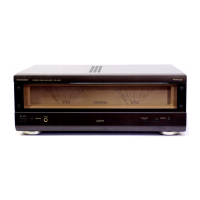
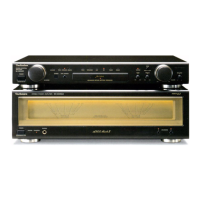
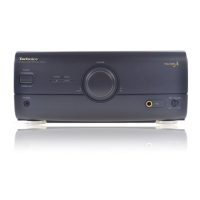
To operate this unit SE-HDA710 normally, it is necessary for connecting with the unit ST-
HDA710. / When operating the unit SE-HDA710, be sure to connect the unit ST-HDA710 by
connection cable.
1. Connect with the Tuner (ST-HDA710). (As shown in Fig. 1 )
2. Connect the AC mains lead to Amplifier (SE-HDA710). (As shown
in Fig. 1 )
3. Connect the speakers to speaker terminal. (As shown in Fig. 1 )
4. Turn on the power of the Amplifier (SE-HDA710).
5. Press INPUT SELECTOR to select the external source (EXT/MD) of
the Amplifier (SE-HDA710).
6. Input a sound signal to external input terminal of Tuner (ST-
HDA710), and confirm to be outputted from the speaker. (Every
ranges of “High“, “Mid“ and “Low“.)
Fig. 1



 To Next Page