EasyManua.ls Logo

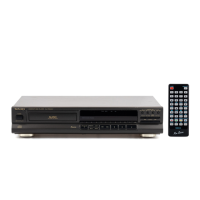
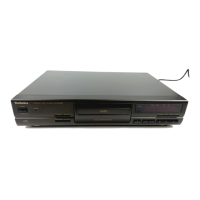
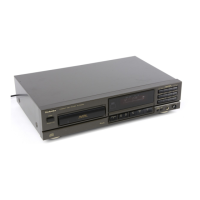
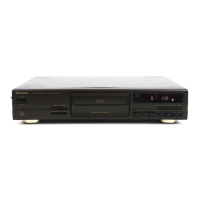
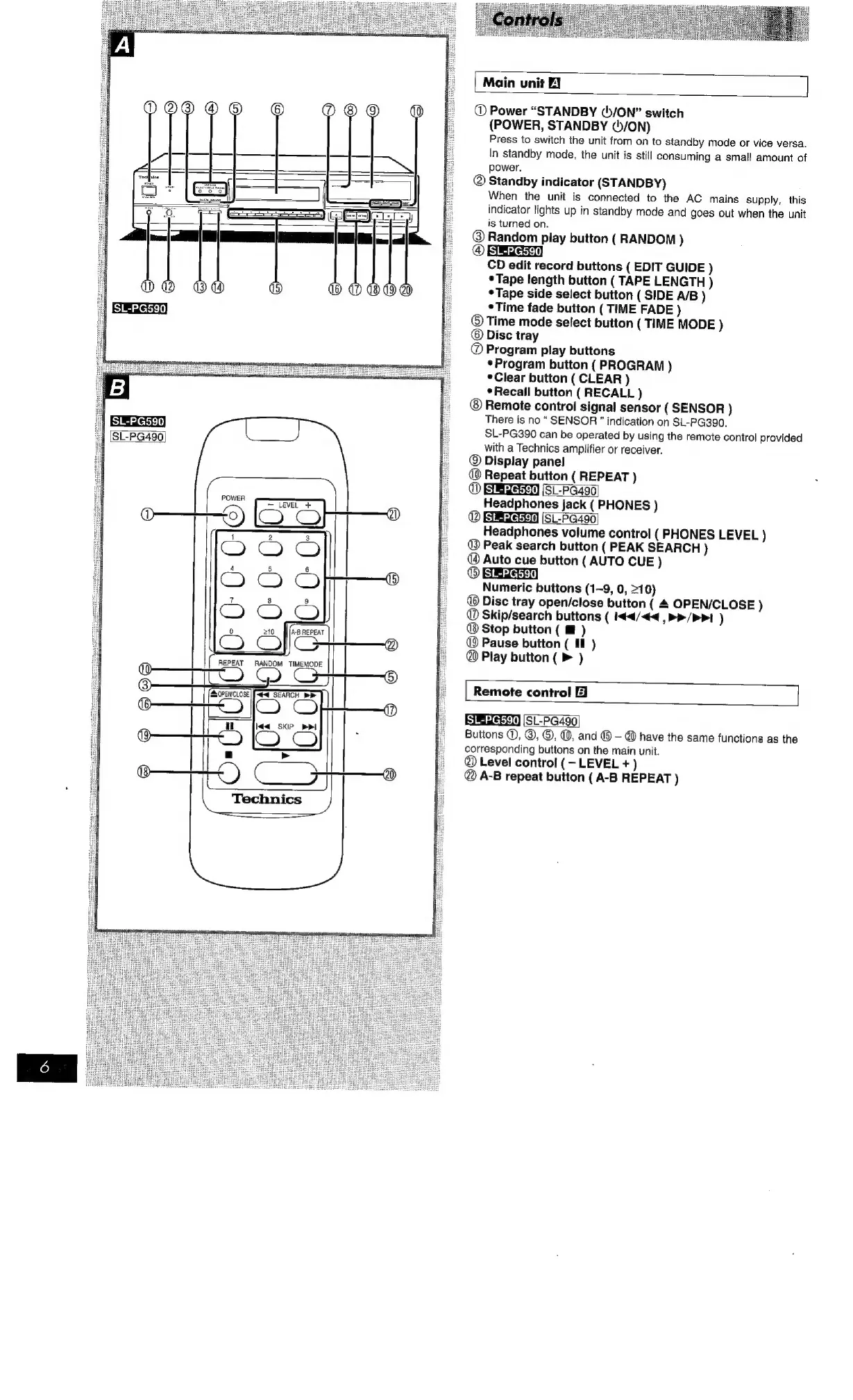
Technics SL-PG590 - Controls and Displays; Main Unit Controls; Remote Control Functions

Technics SL-PG590
16 pages
Print Icon
To Next Page IconTo Next Page
To Previous Page IconTo Previous Page
Loading...
SL-PG590
Technics
}
|
Main
unit
EJ
@
Power
“STANDBY
()/ON”
switch
(POWER,
STANDBY
¢5/ON)
Press
to
switch
the
unit
from
on
to
standby
mode
or
vice
versa.
In
standby
mode,
the
unit
is
still
consuming
a
small
amount
of
power.
®
Standby
indicator
(STANDBY)
When
the
unit
is
connected
to
the
AC
mains
supply,
this
indicator
lights
up
in
standby
mode
and
goes
out
when
the
unit
is
turned
on.
@
Random
play
button
(
RANDOM
)
@
BEE)
CD
edit
record
buttons
(
EDIT
GUIDE
)
Tape
length
button
(
TAPE
LENGTH
)
°Tape
side
select
button
(
SIDE
A/B
)
¢Time
fade
button
(
TIME
FADE
)
©
Time
mode
select
button
(
TIME
MODE
)
©
Disc
tray
@
Program
play
buttons
*Program
button
(
PROGRAM
)
*Clear
button
(
CLEAR
)
¢Recaill
button
(RECALL
)
Remote
control
signal
sensor
(SENSOR
)
There
is
no
SENSOR”
indication
on
SL-PG390.
SL-PG390
can
be
operated
by
using
the
remote
control
provided
with
a
Technics
amplifier
or
receiver.
@
Display
panel
@
Repeat
button
(
REPEAT
)
@
BEWEER
(SL-PG490
Headphones
jack
(
PHONES
)
®
BBREM
(SL-PG490
Headphones
volume
control
(PHONES
LEVEL
)
@
Peak
search
button
(PEAK
SEARCH
)
@
Auto
cue
button
(
AUTO
CUE
)
®
Numeric
buttons
(1-9,
0,
>10)
®
Disc
tray
open/close
button
(
4
OPEN/CLOSE
)
@
Skip/search
buttons
(
4</<<
,
>>/ppt
)
®
Stop
button
(
m
)
@
Pause
button
(
Ill
)
@
Play
button
(
>
)
Remote
control
EJ
[SL-PG490]
Buttons
©,
©,
©,
@,
and
®
-
@
have
the
same
functions
as
the
corresponding
buttons
on
the
main
unit.
@
Level
control
(—-
LEVEL
+
)
@
A-B
repeat
button
(
A-B
REPEAT
)

Related product manuals