EasyManua.ls Logo

Technics SX-G5 - Page 32

Technics SX-G5
44 pages
Print Icon
To Next Page IconTo Next Page
To Previous Page IconTo Previous Page
Loading...
How
to
Use
the
Accent/Pitch
Key
This
key
lets
you
accent
the
rhythm
pattern
or
change
its
pitch.
¢
The
following
instruments
may
be
accented:
Hi-hat,
cymbals,
snare
drum,
rim
shot,
bass
drum,
shaker
and
tambourine.
These
instruments
may
be
acceented
by
lowering
the
pitches.
Tom-tom,
agogo
bell,
conga,
cowbell
and
bongo
e
The
accent/pitch
function
is
not
available
for
hand
claps
-
Press
the
record
button.
.
Select
Composer
|,
Il,
or
Ill.
.
Press
the
instrument
button
to
be
accented.
_
With
the
accent/pitch
key
held
down,
press
the
white
key
to
set
the
timing
to
be
accented.
.Repeat
steps
3
and
4
for
all
the
instruments
to
be
accented.
.
Press
the
record button
The
Rhythmic
Orchestra
patterns,
rhythmic
and
melodic,
may
be
stored
in
a
similar
manner.
The
bass
voice
during
automatic
performance
will
be
sounded
in
the
rhythm
patterns
of
a
bass
drum.
rhythm
sequenser
Using
The
Sequencer
In
addition
to
making
it
possible
for
you
to
create
your
own
rhythms,
Technics
also
lets
you
store
these
rhythms
for
playing
back
in
any
sequence
you
choose.
This
applies
to
rhythms
you've
created
for
the
Composer
memory,
the
twenty-three
patterns
that
are
part
of
the
Drum
percussion
selector,
and
even
the
Arrange
Percussion
and
Fill
In
&
Intro
features.
Here
are
the
control
functions
you'll
need
to
sequence
rhythms:
7
Rhythm
Sequencer
button
is
pressed
before
you
enter
the
various
rhythms
in
the
desired
order.
Press
again
when
you
wish
to
play
back
the
sequence.
Lower
manual
keys
1-20
Each
key
number
represents
that
number
of
measures
for
sequencing
purposes.
You'll
easily
understand
the
sequence
function
if
you
enter
this
sixteen-measure
example
using
only
standard
rhythms.
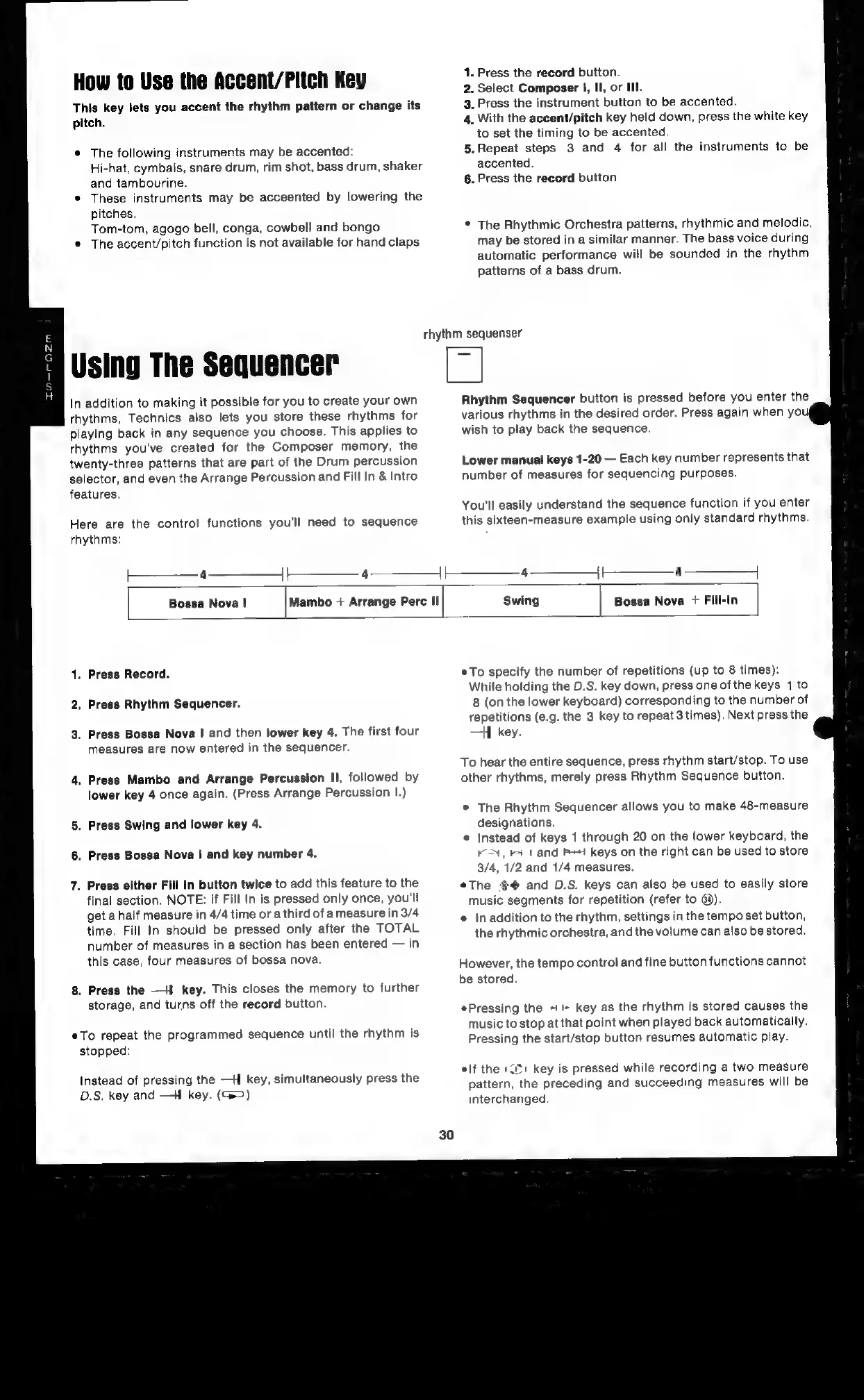
4
4
i
4
Bossa
Nova
|
Mambo
+
Arrange
Perc
II
Bossa
Nova
+
Fill-In
.
Press
Record.
Press
Rhythm
Sequencer.
.
Press
Bossa
Nova
I|
and
then
lower
key
4.
The
first
four
measures
are
now
entered
in
the
sequencer.
.
Press
Mambo
and
Arrange
Percussion
II,
followed
by
lower
key
4
once
again.
(Press
Arrange
Percussion
I.)
.
Press
Swing
and
lower
key
4.
.
Press
Bossa
Nova
|
and
key
number
4.
.
Press
either
Fill
In
button
twice
to
add
this
feature
to
the
final
section.
NOTE:
if
Fill
In
is
pressed
only
once,
you'll
get
a
half
measure
in
4/4
time
or
a
third
of
ameasure
in
3/4
time.
Fill
In
should
be
pressed
only
after
the
TOTAL
number
of
measures
in
a
section
has
been
entered
in
this
case,
four
measures
of
bossa
nova.
.
Press
the
—H
key.
This
closes
the
memory
to
further
storage,
and
turns
off
the
record
button.
eTo
repeat
the
programmed
sequence
until
the
rhythm
is
stopped:
Instead
of
pressing
the
—H
key,
simultaneously
press
the
D.S.
key
and
—-H
key.
(@>)
¢To
specify
the
number
of
repetitions
(up
to
8
times):
While
holding
the
D.S.
key
down,
press
one
of
the
keys
1
to
8
(on
the
lower
keyboard)
corresponding
to
the
number
of
repetitions
(e.g.
the
3
key
to
repeat
3
times).
Next
press
the
—]
key.
To
hear
the
entire
sequence,
press
rhythm
start/stop.
To
use
other
rhythms,
merely
press
Rhythm
Sequence
button.
©
The
Rhythm
Sequencer
allows
you
to
make
48-measure
designations.
¢
{Instead
of
keys
1
through
20
on
the
lower
keyboard,
the
KN,
+
1
and
PH
keys
on
the
right
can
be
used
to
store
3/4,
1/2
and
1/4
measures.
¢The
$@
and
D.S.
keys
can
also
be
used
to
easily
store
music
segments
for
repetition
(refer
to
@d).
¢
Inaddition
to
the
rhythm,
settings
in
the
tempo
set
button,
the
rhythmic
orchestra,
and
the
volume
can
also
be
stored.
However,
the
tempo
control
and
fine
button
functions
cannot
be
stored.
*Pressing
the
+!
key
as
the
rhythm
is
stored
causes
the
music
to
stop
at
that
point
when
played
back
automatically.
Pressing
the
start/stop
button
resumes
automatic
play.
elf
the
+1
key
is
pressed
while
recording
a
two
measure
pattern,
the
preceding
and
succeeding
measures
will
be
interchanged.

Related product manuals