Part X Sound Edit
161
QQTG0692
Sound Edit
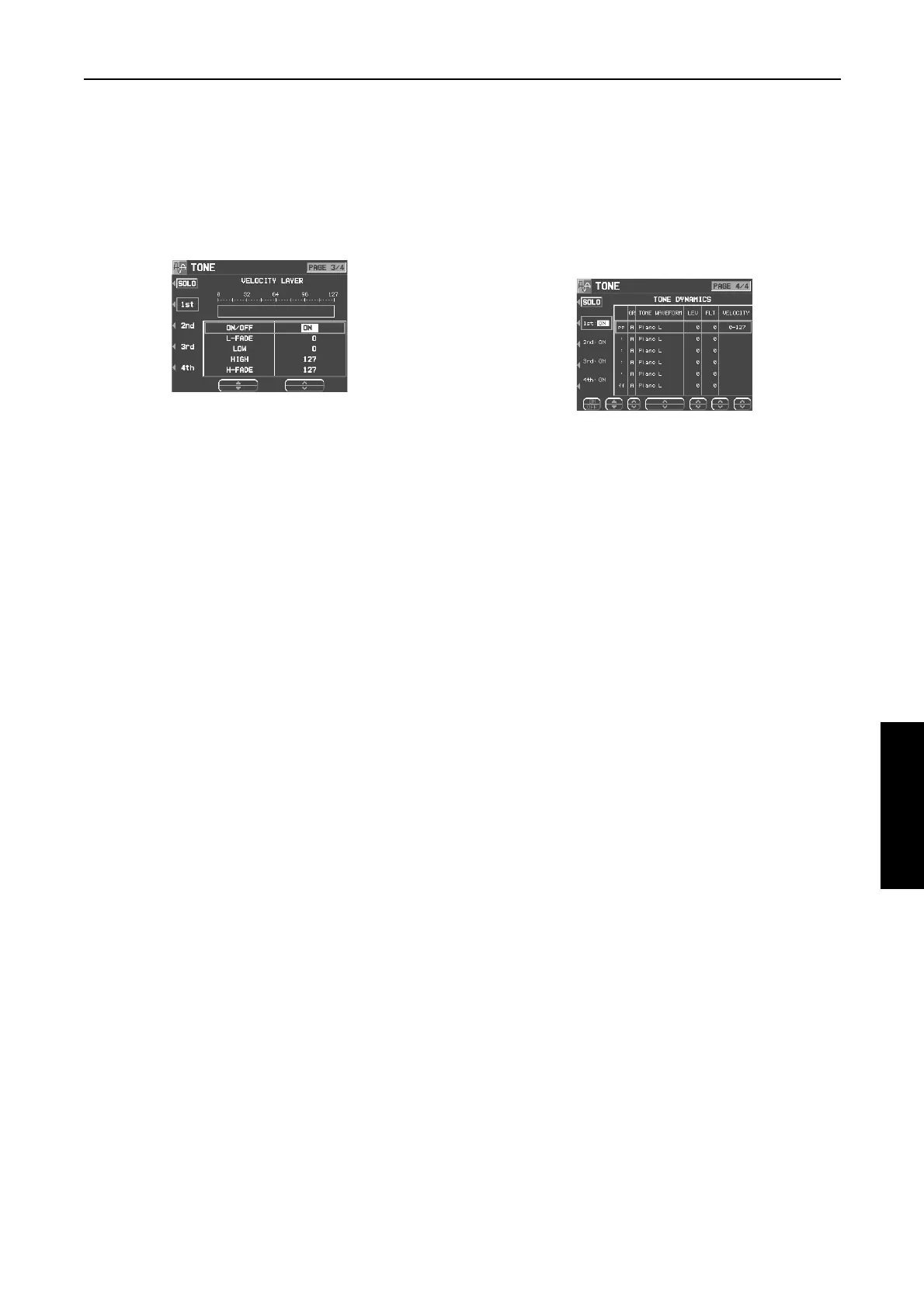
VELOCITY LAYER
Adjust these settings to regulate the tone output
relative to the velocity.
1.
Use the PAGE buttons to view the 3/4 display.
• The display looks similar to the following.
2.
Use the buttons to the left of the display to
select a tone (1st, 2nd, 3rd or 4th).
• Use the ▲ and ▼ buttons to select a setting
item and then the
∧
and
∨
buttons to specify a
selection.
3.
Use the L-FADE
∧
and
∨
buttons and the
LOW
∧
and
∨
buttons to define the
pp
sound
output area for the lower range.
4.
Use the HIGH
∧
and
∨
buttons and the H-
FADE
∧
and
∨
buttons to define the
ff
sound
output area for the higher range.
• By overlapping the L-FADE and H-FADE
curves of each different tone, you can change
the way the tone sounds relative to how hard
or softly the keyboard is played.
5.
Repeat steps 2 to 4 for the other tones, as
desired.
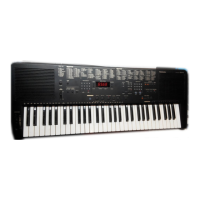
TONE DYNAMICS
You can adjust the settings so that a different
sound (tone) is output for each tone depending
on the velocity (how hard the keys are played).
1.
Use the PAGE buttons to view the 4/4 display.
• The display looks similar to the following.
2.
Use the buttons to the left of the display to
select a tone.
3.
Use the ▲ and ▼ buttons to select the col-
umn for the function you wish to adjust.
4.
Select the tone waveform.
• Use the GR
∧ and ∨
buttons to select the
sound group. Use the TONE WAVEFORM
∧
and
∨
buttons to select the waveform.
5.
Use the LEV
∧
and
∨
buttons to adjust the vol-
ume. Use the FLT
∧
and
∨
buttons to set the
sound.
6.
Use the VELOCITY
∧
and
∨
buttons to specify
the velocity range.
• When the upper limit of a waveform is set to
127, no more waveforms can be added.
7.
Repeat steps 3 to 6 to edit the other wave-
forms, as desired.
8.
Repeat steps 2 to 7 for the other tones, as
desired.
15_Part X.fm 161 ページ 2003年2月5日 水曜日 午後1時55分



 To Next Page