USING YOUR DAB RADIO
SWITCH ON
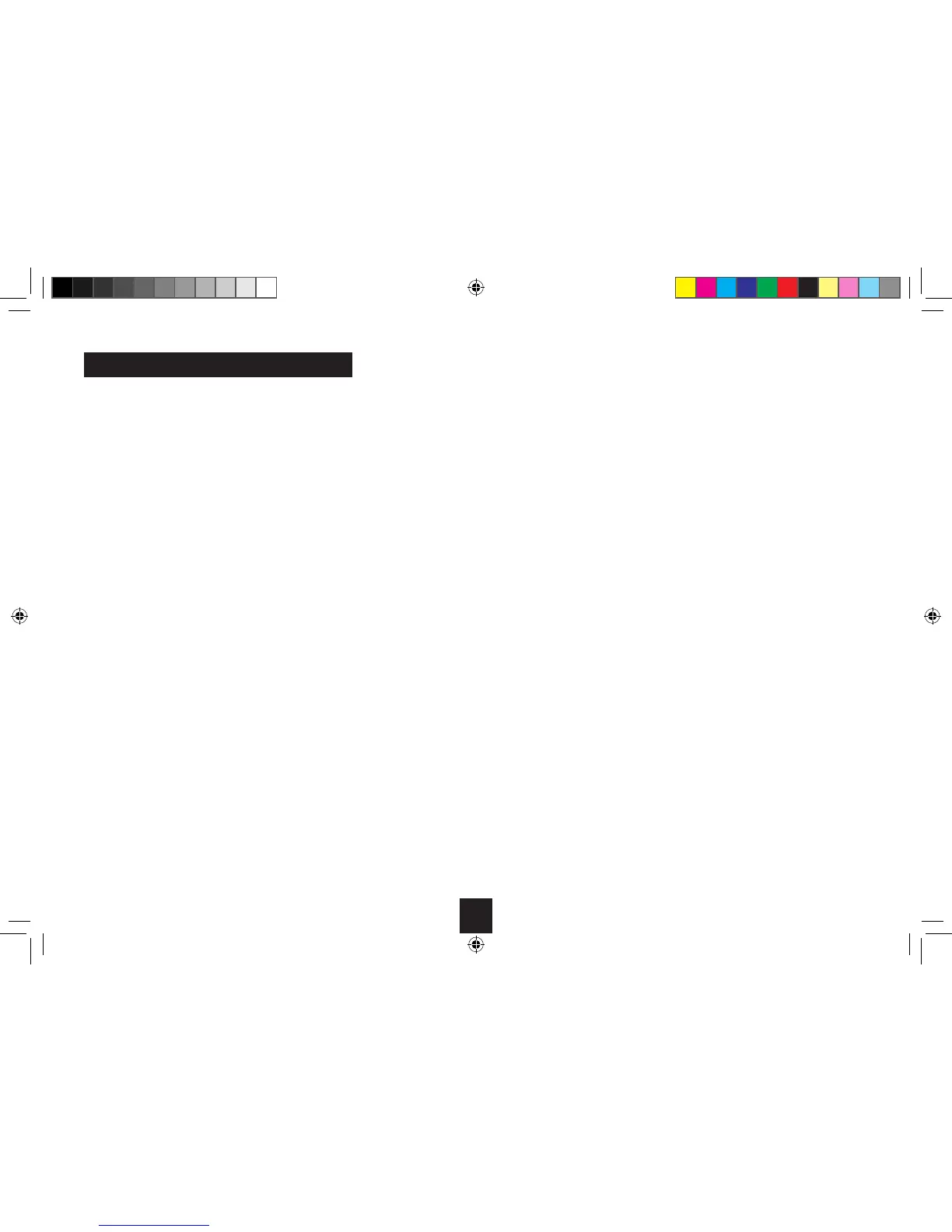
Press the on/o switch on the front of the radio, above
the display. The display will switch on and your radio
will return to the mode that it was last used in (DAB/
FM). If you were listening to a DAB station before then
this station will be automatically selected.
NOTE: Always make sure that the aerial is fully
extended and adjusted (a vertical position is
recommended), to ensure the maximum signal
strength and the best possible sound quality.
SWITCH OFF
Press the on/o switch on the front of the radio,
above the display. The mode (DAB/FM) and the clock
will be displayed.
ADJUSTING THE VOLUME
Press the ‘VOL +’ to increase the volume and the
‘VOL ’ to decrease the volume. Press and hold the
‘VOL +’ or ‘VOL ’ to progressively increase or decrease
the volume.
CHANGING DAB STATIONS
1. If you are not already in DAB mode, press the
‘MODE’ button to go to DAB mode.
2. Press and release the ‘MENU’ button, ‘Menu tune’
will be displayed.
3. Use the ‘VOL +’ and ‘VOL ’ to scroll through the
stations.
4. When the station that you would like to listen to is
displayed press the ‘SELECT’ button. There will be a
short delay whilst your DAB radio tunes to your
selected station.



 To Next Page