8
SCANNING
When rst used, your radio scanned the DAB band for
available stations. The station services found were then
stored in your radio’s memory.
You can re-scan the band at any time if you move to a dierent
area or just to refresh the stored list of available stations.
TO START A SCAN
Switch on the radio and select the DAB band.•
Press and • hold the MENU button.
‘AUTOSCAN’ will ash on the display.
Press the • SELECT/NAV button.
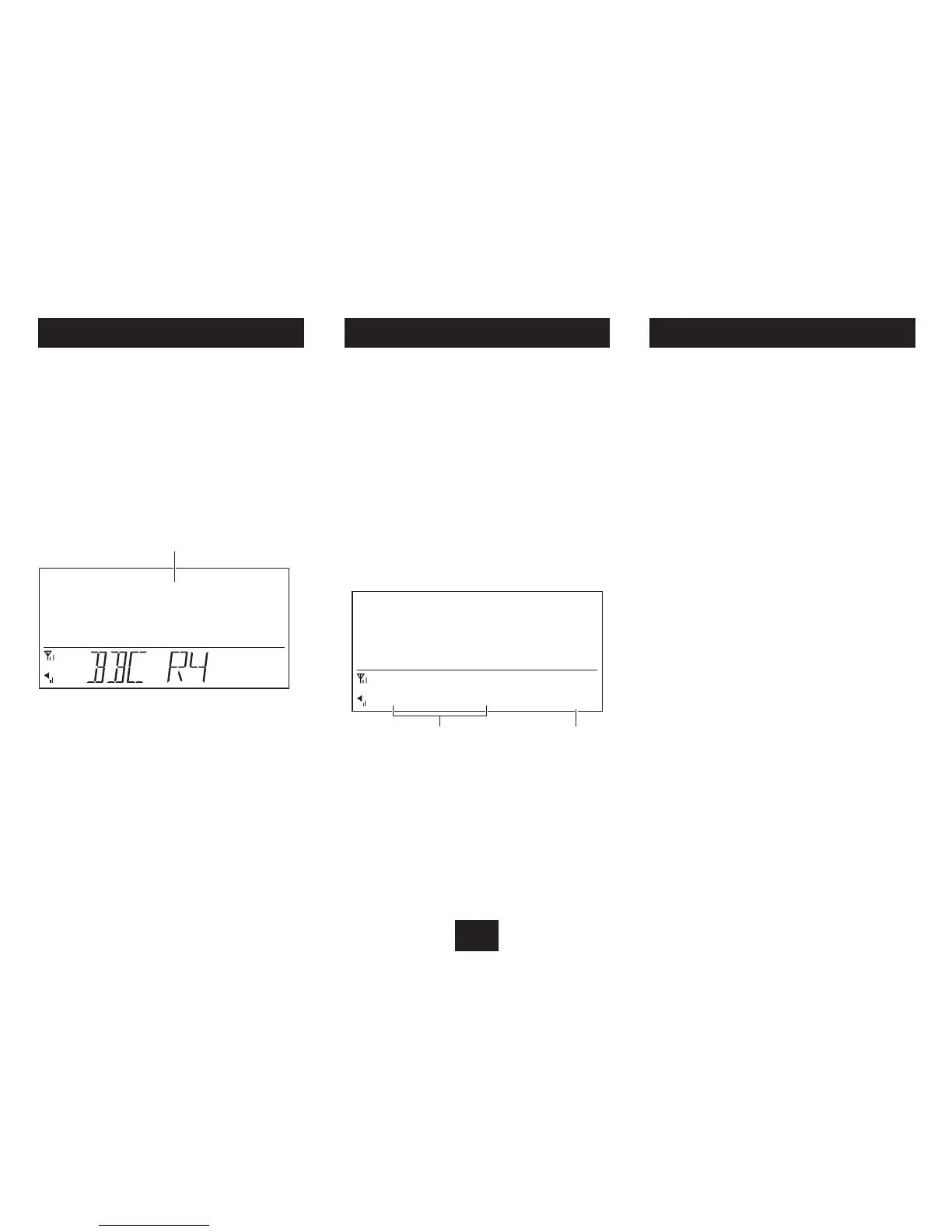
The scanning display will be shown while the scan takes place.
The display shows scan progress, also the number of stations
found.
SLEEP MODE
The Sleep function allows you to program your radio to
switch o automatically after a set period between 5 and 90
minutes.
To activate the Sleep function:
Press the • SNOOZE button.
The display will show ‘SLEEPOFF’.
Press the • TUN+ button repeatedly until your required
sleep time appears on the display.
Press • SELECT/NAV to set this sleep time.
The Snooze/Sleep indicator will be displayed.
MANUAL TUNING
If preferred, you can also tune directly to a DAB multiplex to
check signal strength.
NOTE: Manual tuning is recommended for experienced users
only.
To Manually tune:
Press and hold the • MENU button.
‘AUTOSCAN’ will ash on the display.
Press the • TUN+ or TUN- button repeatedly until
‘MANUAL’ appears on the display.
Press the • TUN+ or TUN- button repeatedly to step
through the multiplex channel numbers.
Press the • SELECT/NAV button to tune to the channel
displayed.
If this multiplex is broadcast in your area, the signal strength
will be displayed and the rst station in the multiplex will
play.
Repeat the last two steps to tune to a dierent •
multiplex.
To exit Manual Tuning, press the • MENU button.
Your radio will continue to play, then will set to Standby
when the sleep time expires.
To check the Sleep time remaining:
Press the • SNOOZE button during Sleep mode.
The remaining sleep time will be displayed.
To cancel Sleep mode:
Press the • SNOOZE button during Sleep mode.
Press the • TUN+ or TUN- button repeatedly until
‘SLEEPOFF’ appears on the display.
Press • SELECT/NAV to conrm.
Sleep mode will be cancelled.
Snooze/Sleep indicator



 To Next Page