5
FM RECEPTION STATION PRESETS
DAB and FM presets:
Your radio can store up to 10 of your favourite stations as
presets on both the DAB and FM bands for quick recall.
To store a preset:
Tune to the station you want to store as a preset.•
Press and • hold the PRESET button.
A preset number will be displayed ashing on the bottom line
of the display.
Your radio can also receive FM band radio stations.
To change to the FM band:
Press the • DAB/FM button.
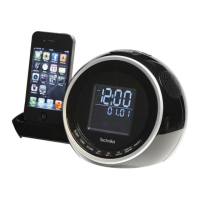
The radio will switch to the FM band and display the tuned
frequency.
To choose a dierent preset location to store your station, •
press the TUN+ or TUN- button to nd your preferred
preset number.
Press the• SELECT/NAV button.
The station will be stored in this preset number.
NOTE: If you choose a preset number that is already in use the
new station details will over-write the stored station.
To recall a preset:
Press the • PRESET button.
Press the •
TUN+ or TUN-
button to nd the preset number
you want.
Press the • SELECT/NAV button.
The radio will re-tune to the selected preset.
SELECTING A DAB STATION
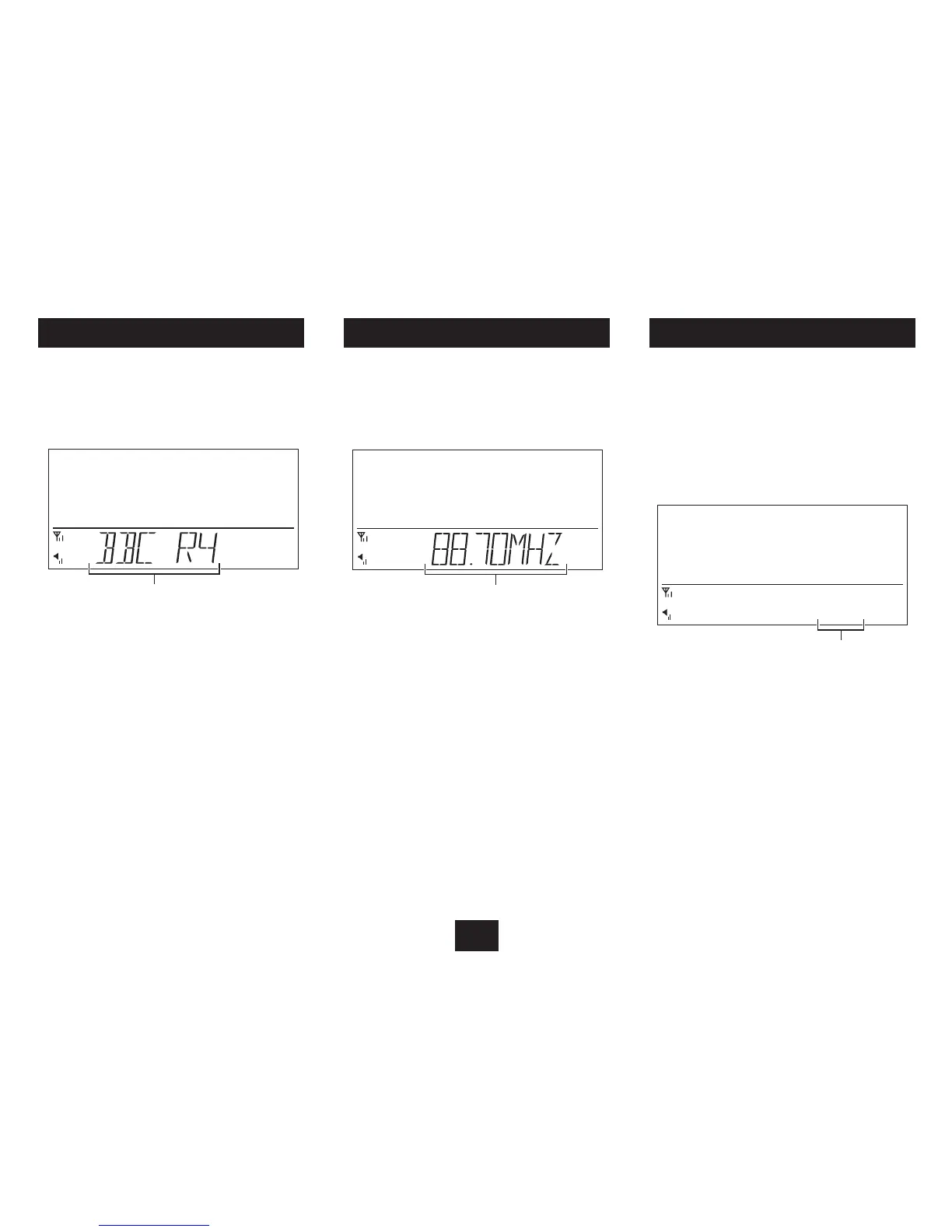
The stations are stored in an alphanumeric list.
To select another station:
Press the • TUN+ or TUN- button to browse up or down
through the station list.
The station name will be displayed.
Station name
When you nd the station name you want to listen to, •
press the SELECT/NAV button.
The radio will tune to the station you selected.
To auto-tune to FM stations:
Press and • hold the TUN+ button to search up the band.
or
Press and • hold the TUN- button to search down the band.
The radio will start to search. Tuning will stop automatically
when the next station is reached.
To manually tune to FM stations:
Press the • TUN+ or TUN- button to tune up or down the
band in 50kHz steps.
Station frequency



 To Next Page