13
ENFRESITGRNLNODASVFIPLCZHURU
Initial installation
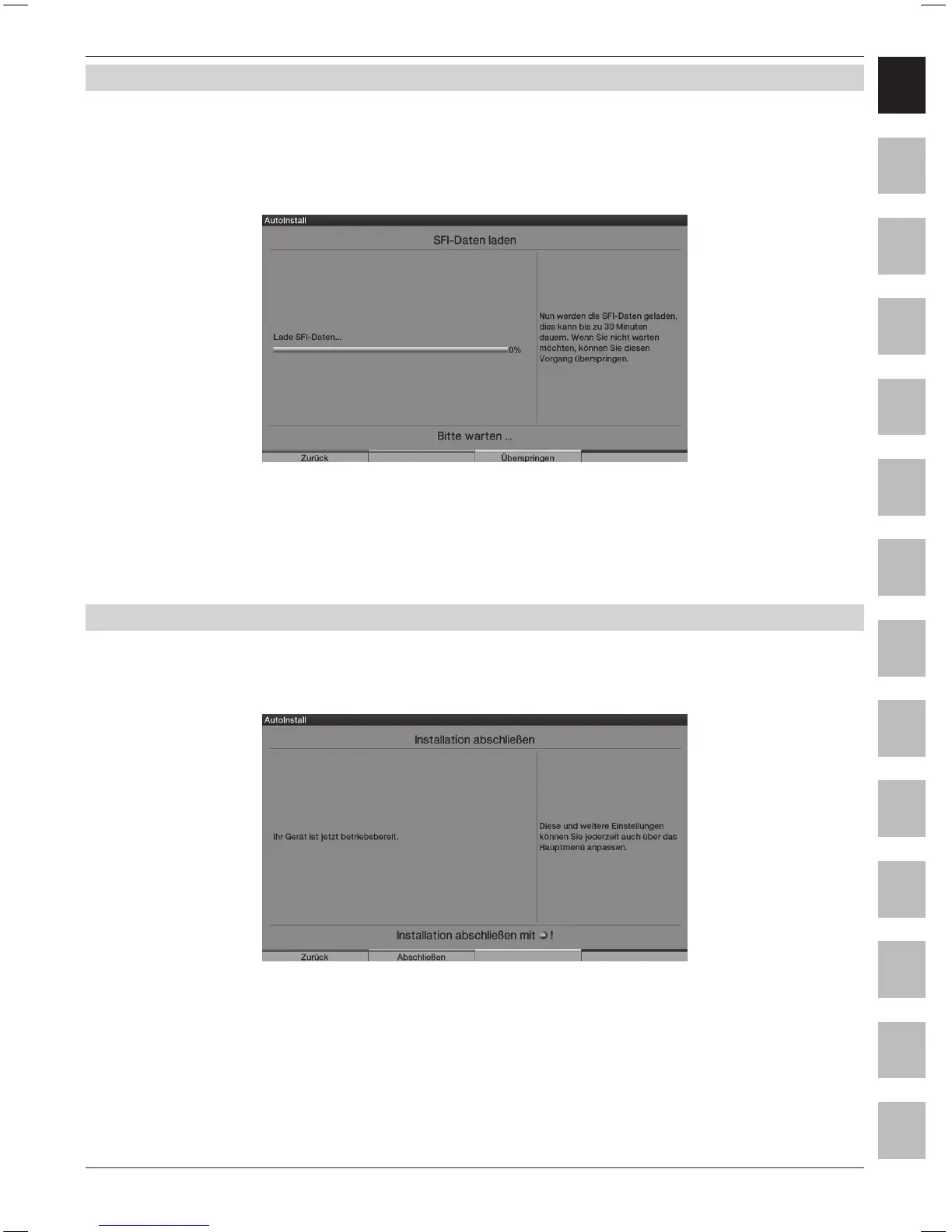
5.10 Downloading “SFI+” data
Your television set is equipped with an electronic programme guide “SFI+” (“SiehFern INFO Plus”).
In order to display this electronic programme guide it must be downloaded.
Your HDTV starts to download the “SFI+” data automatically after a possibly necessary
software update. This process will take up to 30 minutes.
> You can skip this procedure, if you do not want to wait until the “SFI+” data has been downloaded.
Press the yellow Skip control key to do this.
The “SFI+” data are only available from ASTRA 19.2° East. The station data are downloaded,
if neither ASTRA 19.2° East nor the data channel via DVB-C/DVB-T are available.
5.11 Terminating the installation assistant
> Conrm the nal message of the installation assistant by pressing the green Finish function key,
in order to return to normal operation.



 To Next Page