8
Initial installation
5 Initial installation
The installation assistant AutoInstall is started automatically when starting the device
for the rst time; this assistant helps you adjust the most important television settings.
The procedure illustrated here is only exemplary. The exact procedure depends on your settings.
Therefore, follow the instructions on the screen.
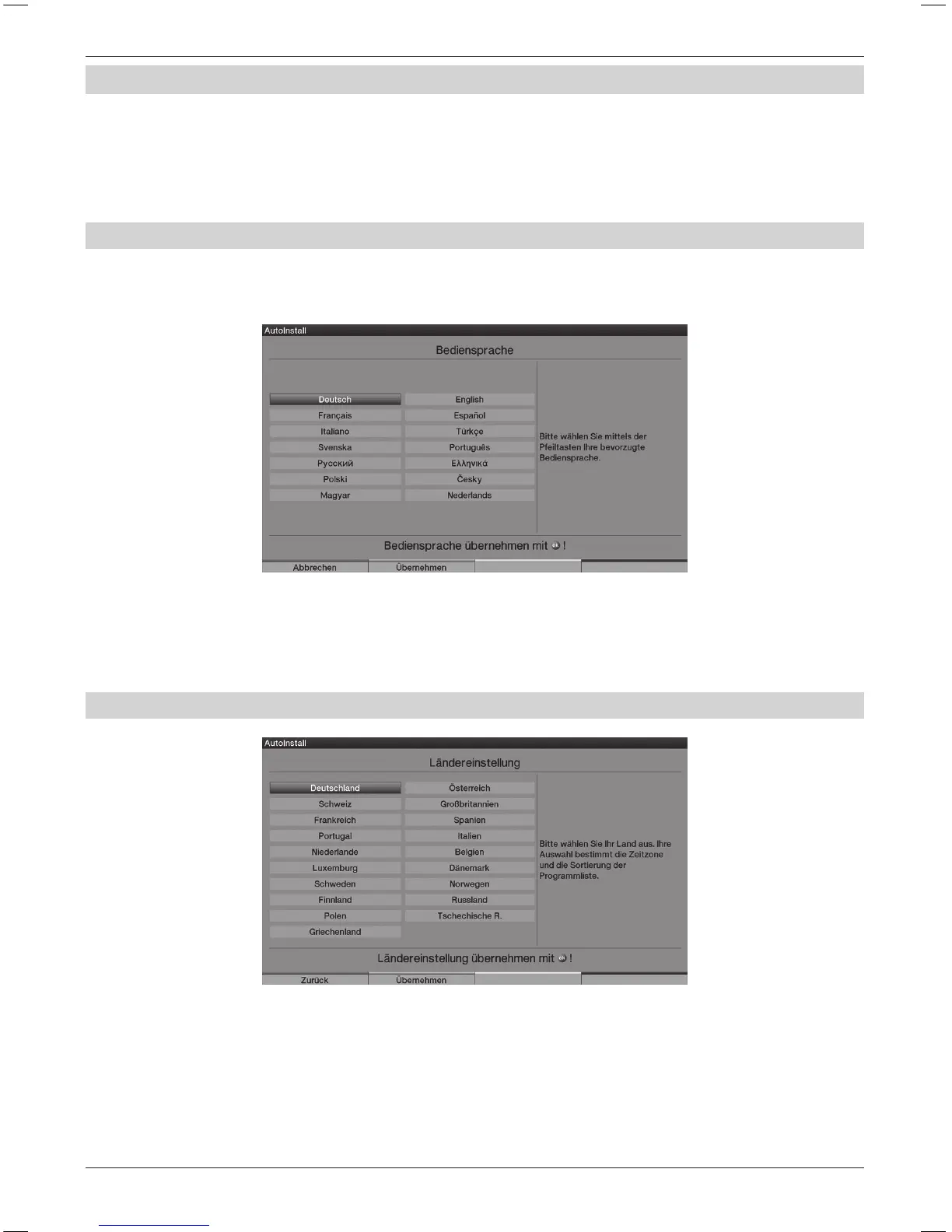
5.1 Operating language
The installation assistant starts with the selection of the operating language.
> Use the Arrow keys to highlight the operating language that you want to select.
The preferential audio language is also set according to this selection.
> Conrm by pressing the green Accept control key.
5.2 Setting the country
> Use the Arrow keys to select the county in which the unit will be used.
According to your selection, the time as well as summer/winter time is set automatically.
In addition, this setting automatically sorts the programmes in the installation assistant
as well as after a station search run.
> Press the green Accept control key, in order to take over the selection
and continue to the next installation step.



 To Next Page