19
ENFRESITGRNLNODASVFIPLCZHURU
Sub-titles / Video text
6.8 Sub-titles
The symbol is displayed in the info box when a programme with sub-titles is turned on.
> If necessary, press the Option key several times to select sub-titles.
> Use the Arrow keys up/down to mark the required sub-title and then press OK to conrm.
6.9 Video text
The symbol in the info box shows you, if you have
switched to a station oering video text information.
6.9.1 Turning the video text on/off
> Select the programme, whose video text you would like to look at.
> Pressing the Video text key turns the video text on.
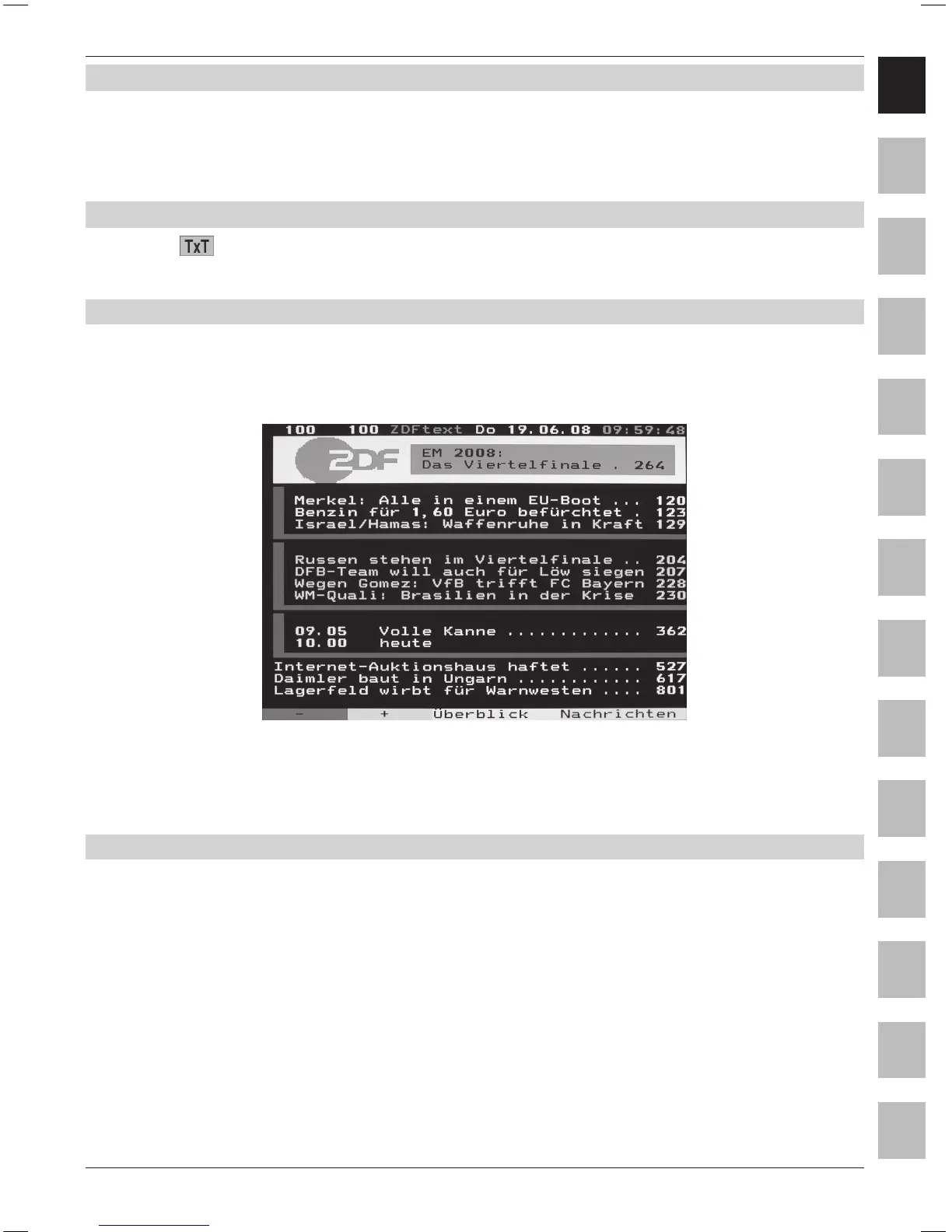
This is displayed on the start page 100 (overview).
> Renewed pressing of the Video text key switches to mixed operation; the video text is thereby
displayed without the video text background and instead with the TV picture in the background.
> Press the Video text key a further time, in order to return to the TV mode.
6.9.2 Page selection
> Enter the 3-digit page number on the numeric keyboard 0 to 9.
Your input is displayed in the upper left corner of the screen.
or
> Use the red or green key to scroll forward or backward by one page.
> Press the yellow control key to call up the video text group displayed in the yellow window.
> Press the blue control key to call up the video text block displayed in the blue window.



 To Next Page