EN9
minutes.
Switching °C or °F
Press “ ” button once to switching the temperature unit in °C
or °F.
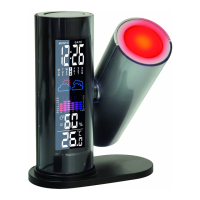
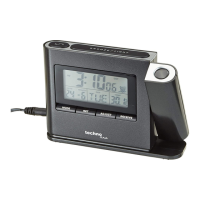
Backlight and Projection function
Battery Mode
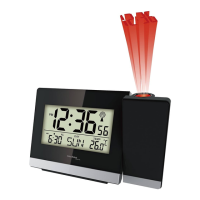
Press “SNOOZE/LIGHT” button once to active backlight and projection
for 8 seconds (the projection function is turned ON)
Power adapter Mode
When using the adapter supply, the backlight and projection will always
light up, press the “SNOOZE/LIGHT” button to adjust the backlight
brightness or set it to OFF. The order is: light medium dark
OFF light medium dark……
Press the button the projection display will rotate 180 degrees.
Note:
When the projection is triggered, the projection distance is about 2
meters.




 To Next Page