MYRUN TECHNOGYM
A
30
Easily solved problems
Problem Cause Solution
The product is blocked, with the screen o and
with the red light of the start button on steadily
The software update has not completed.
Position the tablet on the screen.
Start the MYRUN app.
Connect to the product.
Wait for the update to complete.
The power supply trips out
The mains electrical system may not be
suitable.
Check that the characteristics of the mains
electrical system meet the requirements given on
page 15.
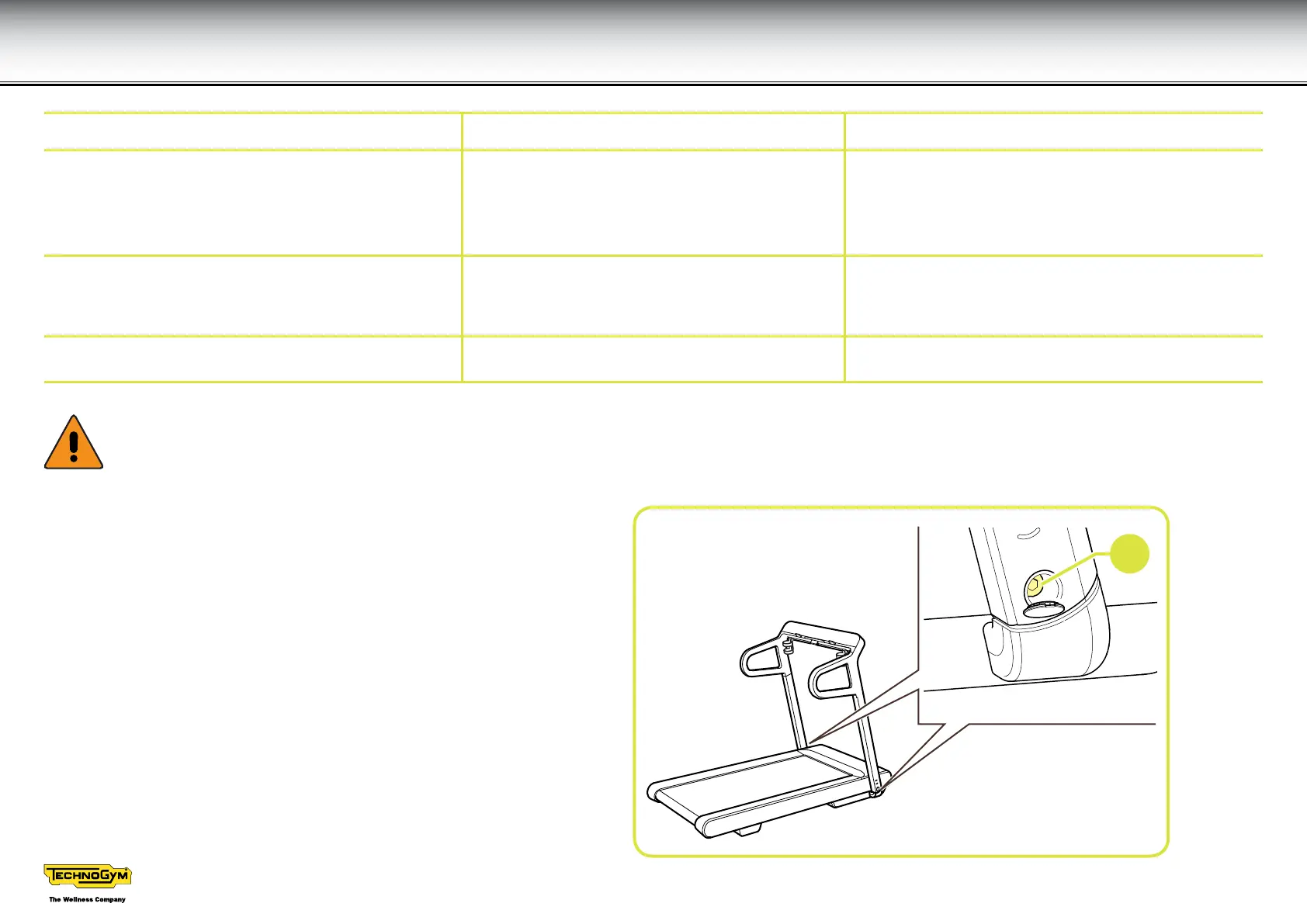
The upper part of the unit does not seem stable Screws (A) are not tightened suciently. Tighten screws (A) until the unit is stable.
W
There are high voltages inside the motor compartment, therefore the guard must be removed only by authorised personnel; only
authorised personnel may perform internal repairs.





 To Next Page