EN11
SETTING UP THE WI-FI WEATHER STATION BY MANUAL
To set up time, time format, calendar, measurement unit, snooze duration and day of
week language
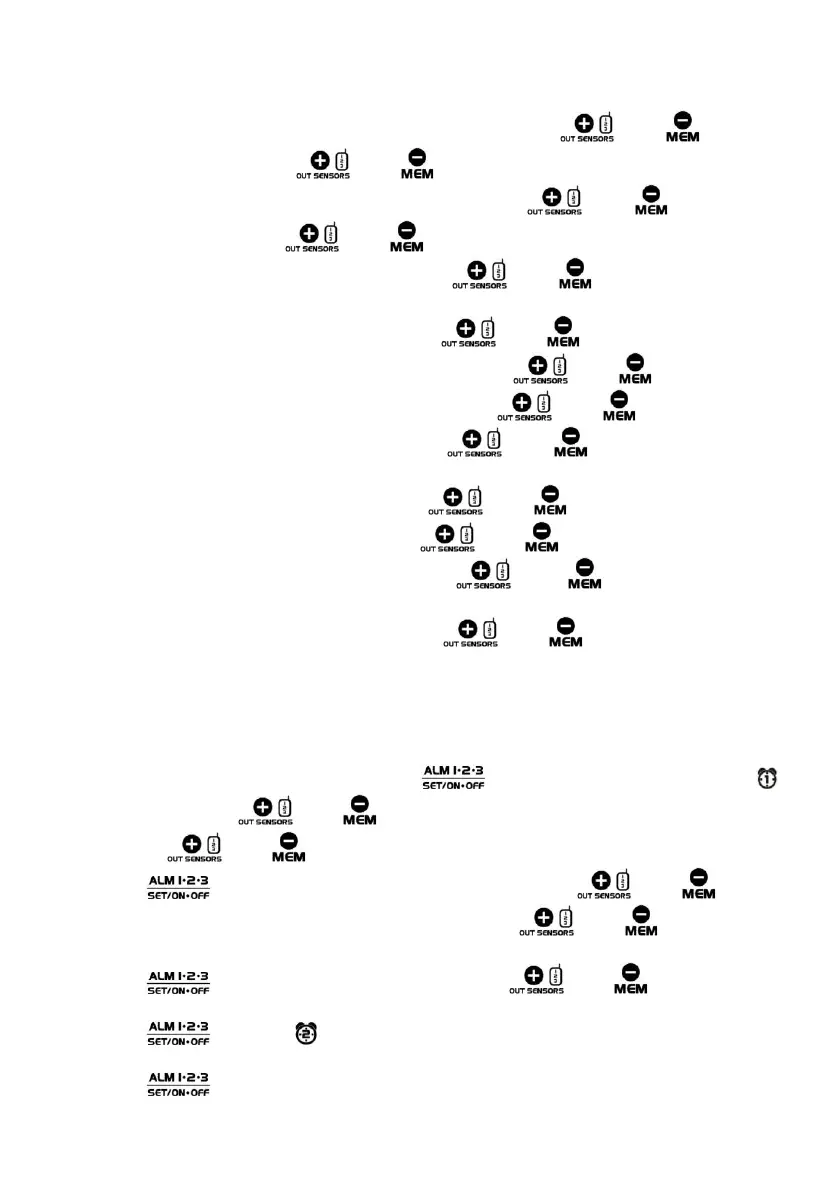
1. Press and hold the SET button and the hour digit flash. Press the or the button to set
the hours. Press and hold the or the button to accelerate your setting.
2. Press the SET button and the minute digits flash. Press the or the button to set the
minutes. Press and hold the or the button to accelerate your setting.
3. Press the SET button and 24 Hr flashes. Press the or the button to select 24 Hr or 12
Hr. When 12 Hr time format is selected, PM indicator will be displayed.
4. Press the SET button and 2023 flashes. Press the or the button to set the YEAR.
5. Press the SET button and the month digit flashes. Press the or the button to set month.
6. Press the SET button and the date digit flashes. Press the or the button to set date.
7. Press the SET button and D/M flashes. Press the or the button to select M/D or D/M
display.
8. Press the SET button and °C flashes. Press the or the button to select °C or °F.
9. Press the SET button and hpa flash. Press the or the button to to select hpa or inHg.
10. Press the SET button and 05 flashes. Press the or the button to set the snooze
duration from 5 minutes to 60 minutes.
11. Press the SET button and ENG flashes. Press the or the button to select the language
of ENG, GER, FRE, SPA, ITA, DUT, FIN, SWE.
12. Press the SET button to return to normal mode, or it will return to normal mode in around 10
seconds if no further press of any other buttons.
To set alarm 1, 2 and 3
1. At normal time display mode, press and hold the button and the alarm hour digit 6 and
are flashing. Press the or the button to set the hours of your desired alarm time. Press
and hold the or the button to accelerate your setting.
2. Press the button and the alarm minute digits flash. Press the or the button to
set the minutes of your desired alarm time. Press and hold the or the button to
accelerate your setting.
3. Press the button and MON to SUN flash. Press the or the button to select
MON to SUN, MON to FRI or SAT to SUN alarm mode.
4. Press the button and is displayed and the alarm hour digit flash. Repeat the step 1 to 3
to complete Alarm 2 and 3 setting.
5. Press the button to return to normal mode, or it will return to normal mode in around 10
seconds if no further press of any other buttons.










 To Next Page