EN12
To turn on or off daily alarm
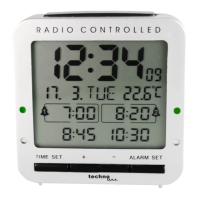
1. At normal time display mode, press the button once to turn on Alarm 1 only and the
icon appears on the LCD.
2. Press the button again to turn on Alarm 2 only, the icon appears on the LCD.
3. Press the button again to turn on both Alarm 1 & 2, both and icon appear on the
LCD.
4. Press the button again to turn on Alarm 3 only, the icon appears on the LCD.
5. Press the button again to turn on both Alarm 1 & 3, both and icon appear on the
LCD.
6. Press the button again to turn on both Alarm 2 & 3, both and icon appear on the
LCD.
7. Press the button again to turn off both Alarm 1 & 2 & 3, all / / icon disappear
on the LCD.
To use snooze alarm
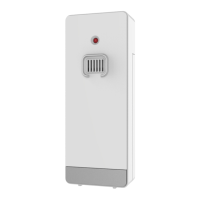
When time reaches your set alarm time, your weather station will give a beep sound to wake you up. The
corresponding or or will flash.
1. Press the buttononce to stop the alarm temporarily, the corresponding or or
keeps flashing. The alarm will beep again according to your set snooze duration.
2. When the alarm is sounding, press the button once, the alarm will stop for the day, or
or become static, alarm will come on again at the same time next day.
Alarm Duration: 5 minutes
Automatic light sensor
Your weather station is equipped with an automatic light sensor at the top left side. The brightness of the
display and the white light will be adjusted to lower level when your room environment is dim.
Sunrise and sunset time
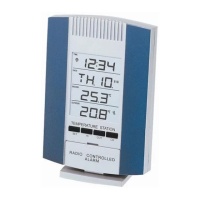
At normal time display mode, press the SET button, and sunrise time appear.
Press the SET button again, and sunset time appear.
Press the SET button again, normal time (10s), sunrise time (1.5S) and sunset time (1.5S) will alternate
displayed with one short beep sound.
Press the SET button again to return to normal mode and release 2 x short beep sound.










 To Next Page