MANUAL SETTINGS:
The following manual settings can be changed when pressing the SET key for:
• LCD contrast setting
• Time zone setting
• Time reception ON/OFF setting
• 12/24-Hour setting
• Manual time setting
• Calendar setting
• Snooze setting
• °C/°F setting
• Weather forecasting icon sensitivity setting
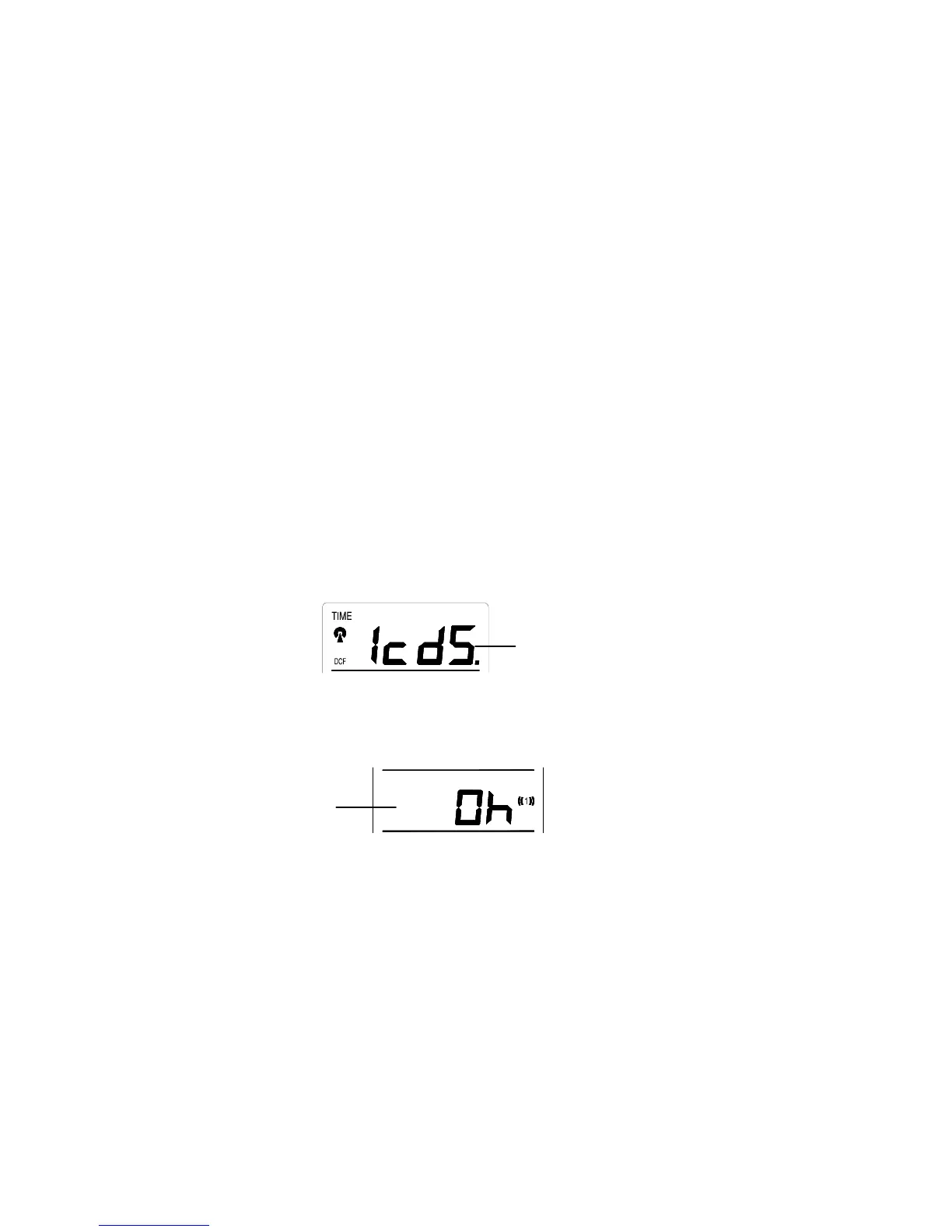
LCD CONTRAST SETTING
The LCD contrast can be set to 8 different levels to suit the users needs (default LCD contrast setting is LCD 5). To
set the desired contrast level:
1. Press the IN key to select the level of contrast desired.
2. Press the SET key to confirm and enter the “Time Zone setting” or exit the setting mode by pressing the
CH or SNZ key
TIME ZONE SETTING:
Time Zone (flashing)
LCD (flashing)
39












 To Next Page